89
Maptek Scanner Operator Manual - XR3
Acquire functions - continued
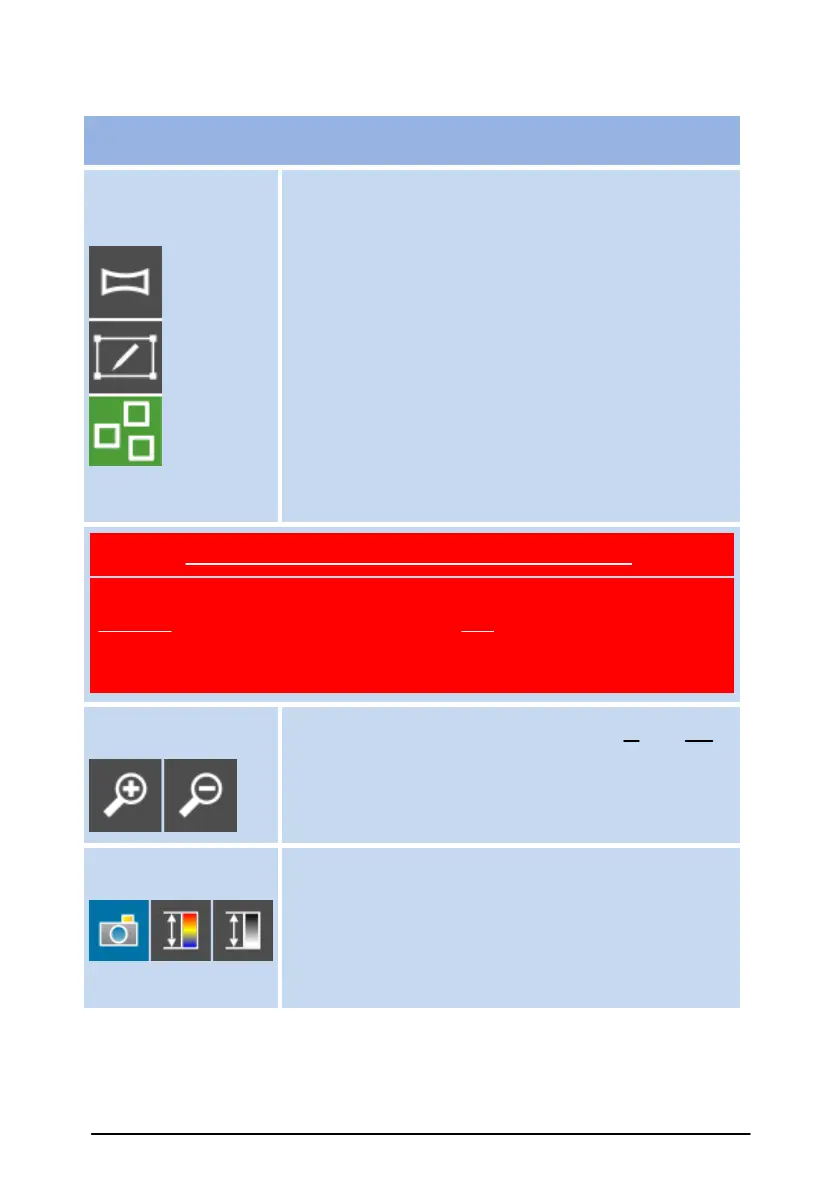
Area selection buttons provide the capability to
select the full Scan window of 360°, or deselect
everything in the Scan window for a manual
selection. Select above the image line for full
vertical selection. Manual selection for non full
vertical selection.
The scan back sights button (contains three
squares inside) appears on the Acquire page with
the Multiple Back Sight setup. Use this button to
scan a small extent over each of the back sights in
resolution 8. These scans can be used to improve
the registration in PointStudio (or similar)
software.
CAUTION: SURVEY PRISMS can damage scanner
DO NOT scan Survey Prisms that are closer than 100 metres. This
includes Survey Prisms in the target area and Survey Prisms in the
areas vertically above and below your target area, as the scanner beam
continues through these regions.
Zoom buttons allow the user to zoom in and out of
the image in the Scan window.
Image buttons allow you to select what type of
image to view in the Scan window.
The options include: Photo (where camera is fitted),
a colourised or greyscale image representing the
intensity of the scanner's laser beam.



 To Next Page