G
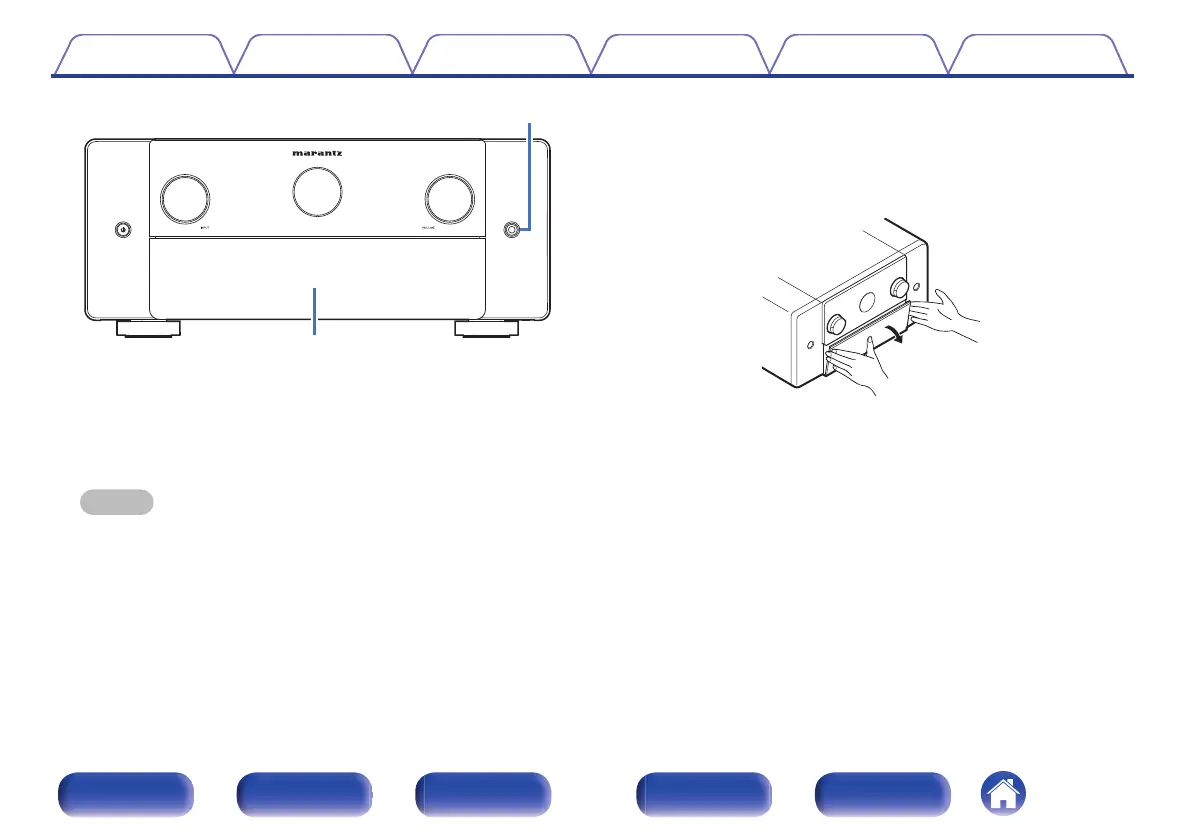
Headphones jack
This is used to connect headphones.
When the headphones are plugged into this jack, audio will no longer
be output from the connected speakers or from the PRE OUT
connectors.
NOTE
0
To prevent hearing loss, do not raise the volume level excessively when using
headphones.
H
Door
When using the buttons and/or terminals behind the door, pull both
sides of the door towards you to open it. Be careful not to catch your
fingers when closing the door.
Contents Connections Playback Settings Tips Appendix
21
Front panel Display Rear panel Remote Index



 To Next Page