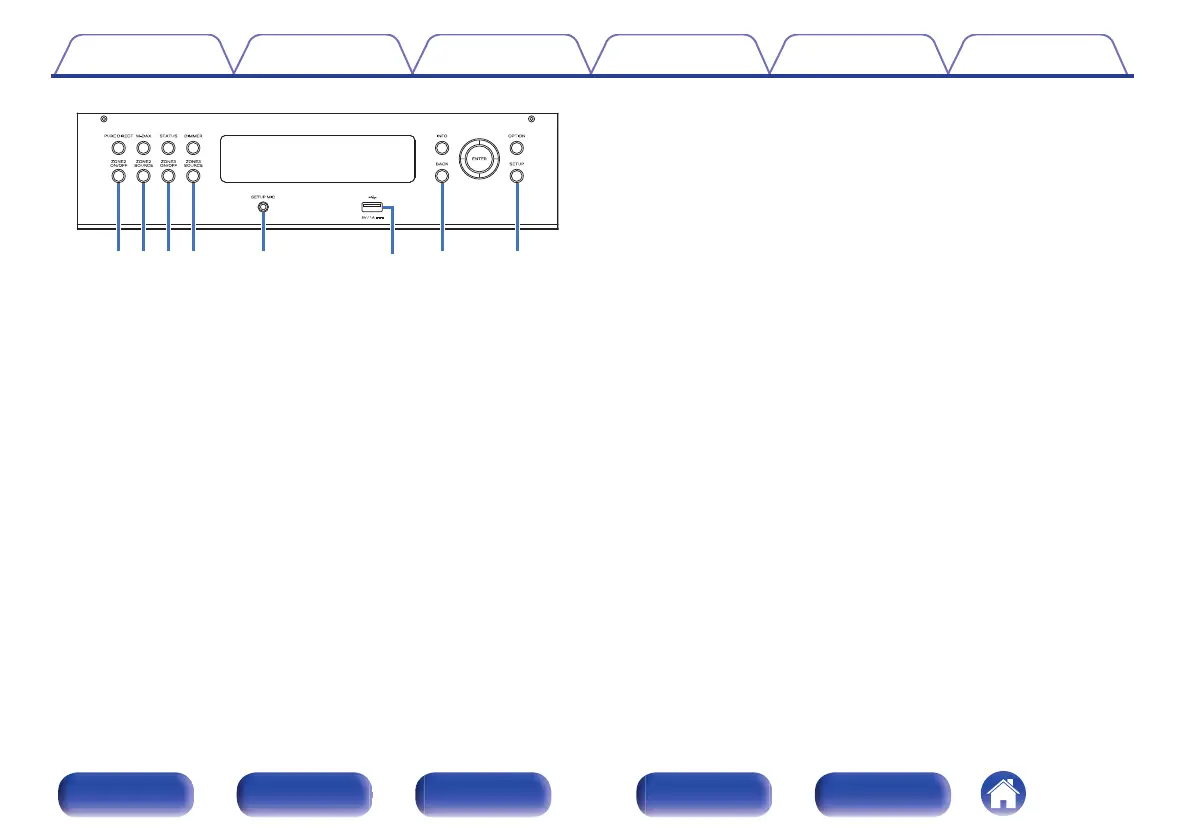
J
ZONE2 ON/OFF button
This turns the power of ZONE2 on/off. (v p. 166)
K
ZONE2 SOURCE button
This selects the input source for ZONE2. (v p. 166)
L
ZONE3 ON/OFF button
This turns the power of ZONE3 on/off. (v p. 166)
M
ZONE3 SOURCE button
This selects the input source for ZONE3. (v p. 166)
N
SETUP MIC jack
This is used to connect the supplied Sound calibration microphone.
(v p. 207)
O
USB port (T)
This is used to connect USB storages (such as USB memory devices).
(v p. 75)
P
BACK button
This returns to the previous screen.
Q
SETUP button
This displays the menu on the TV screen. (v p. 173)
Contents Connections Playback Settings Tips Appendix
23
Front panel Display Rear panel Remote Index



 To Next Page