36
7. SERVICE MODE
Press the POWER ON/OFF button while pressing STOP and
FL OFF buttons in front panel of DVD Player.
The front display indicates "S-MODE_NO.".
Press the 1, 4, 3 and PLAY buttons of the remote controller
in order, while indicating "S-MODE_NO.".
The front display indicates "SERVICE_2".
7. SERVICE MODE
DVD Player のフロントパネルにある STOP と FL OFF ボタン
を押しながら
POWER ON/OFF ボタンを押します。
フロントディスプレイに
S-MODE_NO. と表示されます。
この表示が出ている間に
(10 秒間 ) リモコンから 1、4、3、
PLAY を押します。
フロントディスプレイに
SERVICE_2 と表示されます。
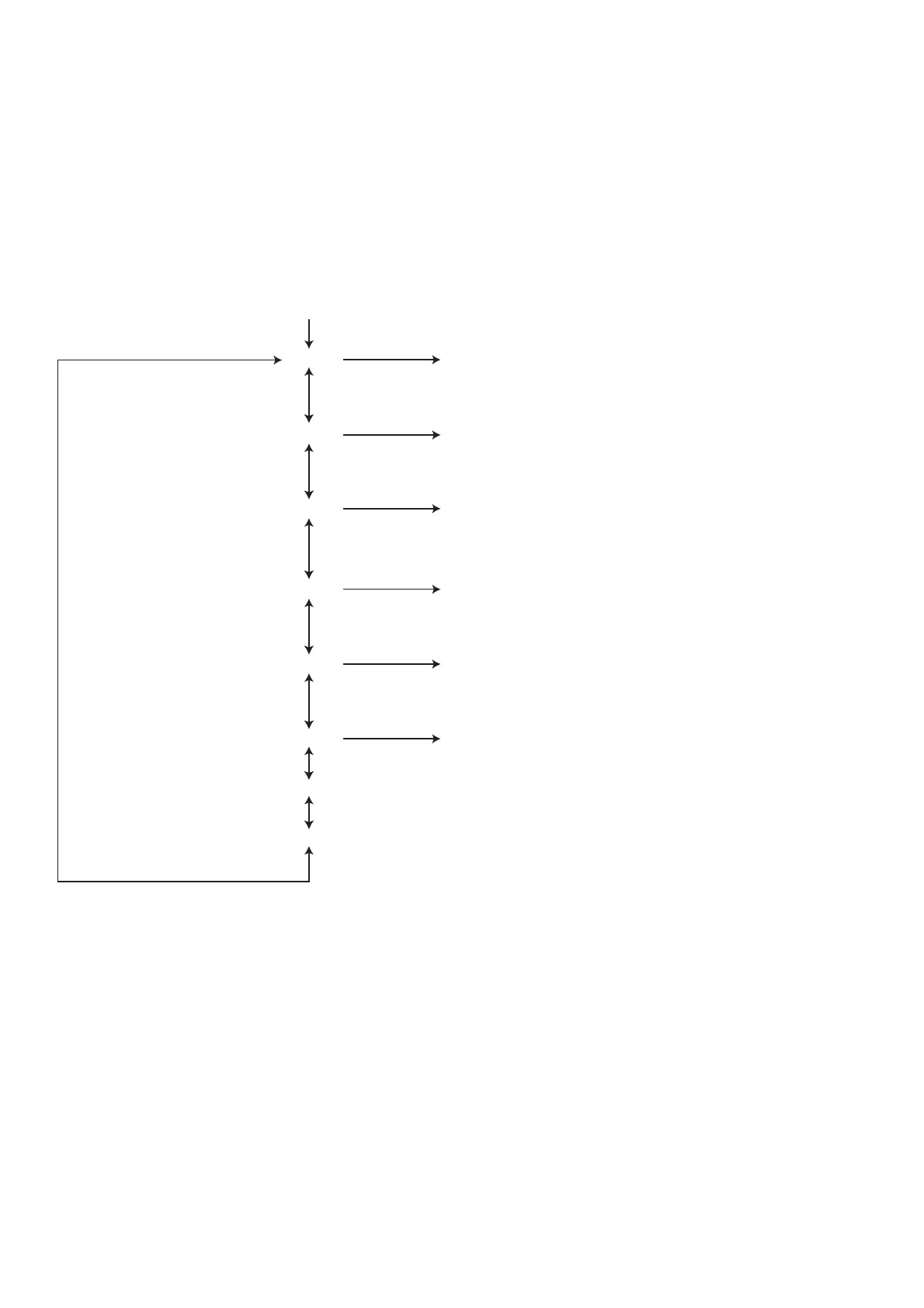
SERVICE_2
Press NEXT on front panel.
MODE 1 Bx.xx (B/E microprocessor Version No.: 5 digits)
Press PLAY on front panel.
Press NEXT/PREV. on front panel.
MODE 2 Px.xx (Panel microprocessor Version No.: 5 digits)
Press PLAY on front panel.
Press NEXT/PREV. on front panel.
MODE 3 Axxxx (CODE for audio DSP Version No.: 5 digits)
Press PLAY on front panel.
Press NEXT/PREV. on front panel.
MODE 4 REGION x (Region No.)
Press PLAY on front panel.
Press NEXT/PREV. on front panel.
MODE 5 BIDxxxxxxxxx (DVD AUDIO ID No.: B/E microprocessor)
Press PLAY on front panel.
Press NEXT/PREV. on front panel.
MODE 6 PIDxxxxxxxxx (DVD AUDIO ID No.: Panel microprocessor)
Press NEXT/PREV. on front panel.
MODE 7 (DON’T USED)
Press NEXT/PREV. on front panel.
MODE 8 (DON’T USED)
Press NEXT/PREV. on front panel.



 To Next Page