40
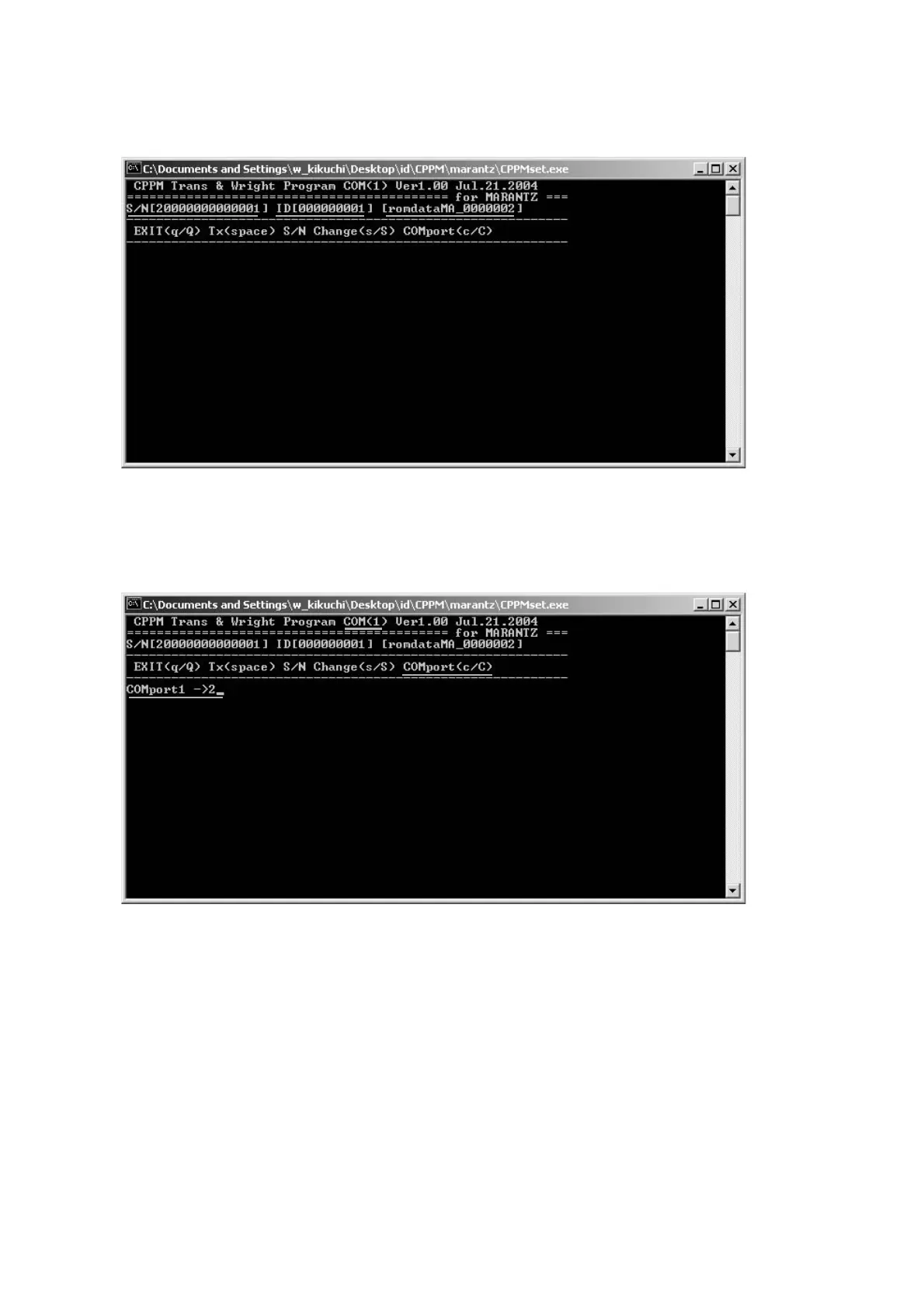
10. The picture shown below is displayed. Check the serial
number (S/N), ID number (ID), and ID data are right.
10. ID 書き込みソフトが立ち上がります。シリアルナンバー
(S/N)、ID ナンバー(ID)と ID データが正しいか確認し
てください。
11. Check the Serial Port number. When serial port
numbers dif fer, Press the C key of a keyboard, input the
right serial port number, and press the Enter key and
changed.
11. Serial Port の確認をします。接続した Serial Port
Num ber
と違う場合はキーボードの C を押し、接続した
Se ri al Port Number を入力してキーボードの Enter を押
して変更します。



 To Next Page