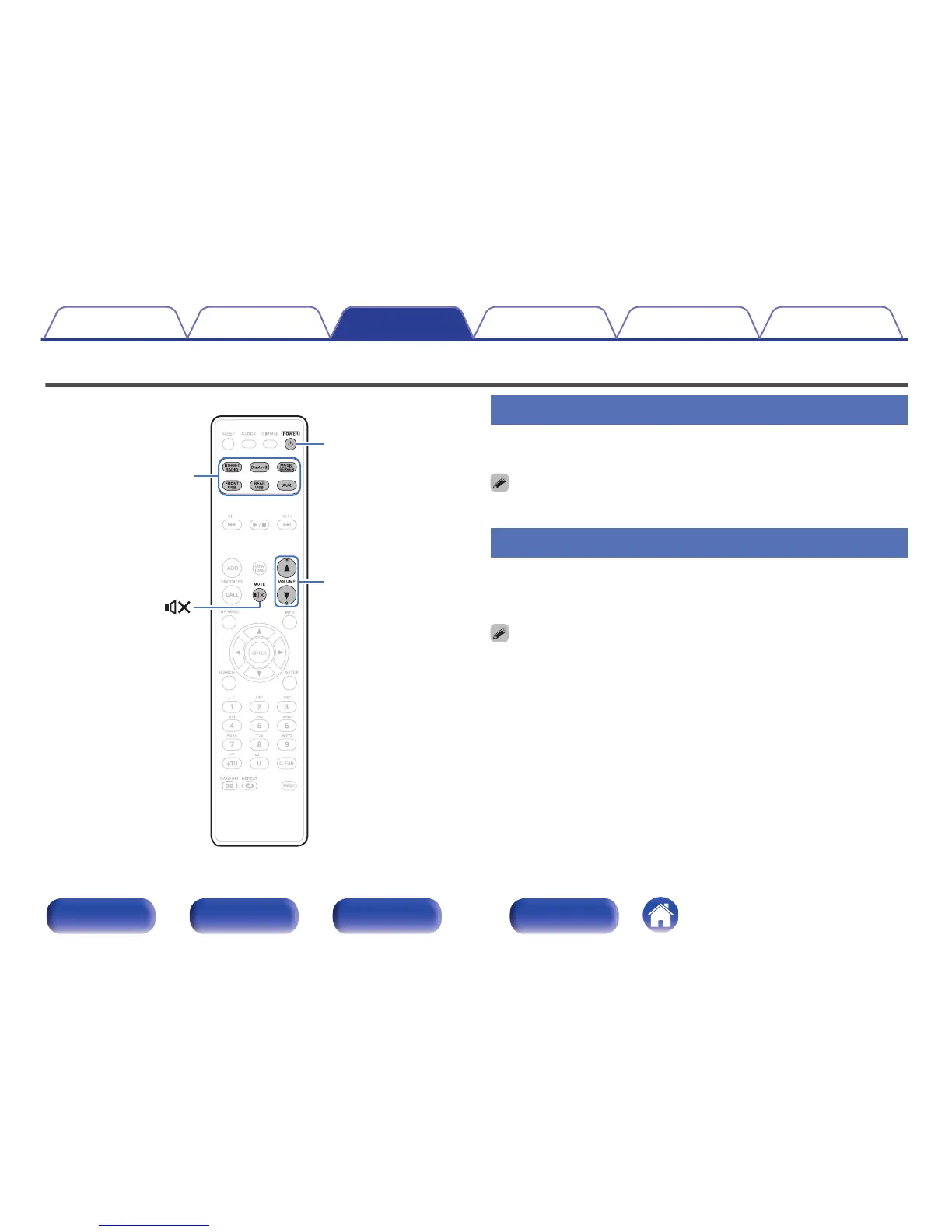
Turning the power on
1
Press POWER X to turn on power to the unit.
0
You can also switch the power to standby by pressing X on the main unit.
Selecting the input source
1
Press the input source select button to be played back.
The desired input source can be selected directly.
0
Press AUX again to switch between AUX:Optical In/AUX:Analog In.
0
You can also select the input source by pressing INPUT on the main unit.
Contents Connections Playback Settings Tips Appendix
29
Front/Top
panel
Rear panel
Remote control
unit
Index



 To Next Page