Listening to DIGITAL IN
1
Prepare for playback.
Check the connection, then turn on this units.
2
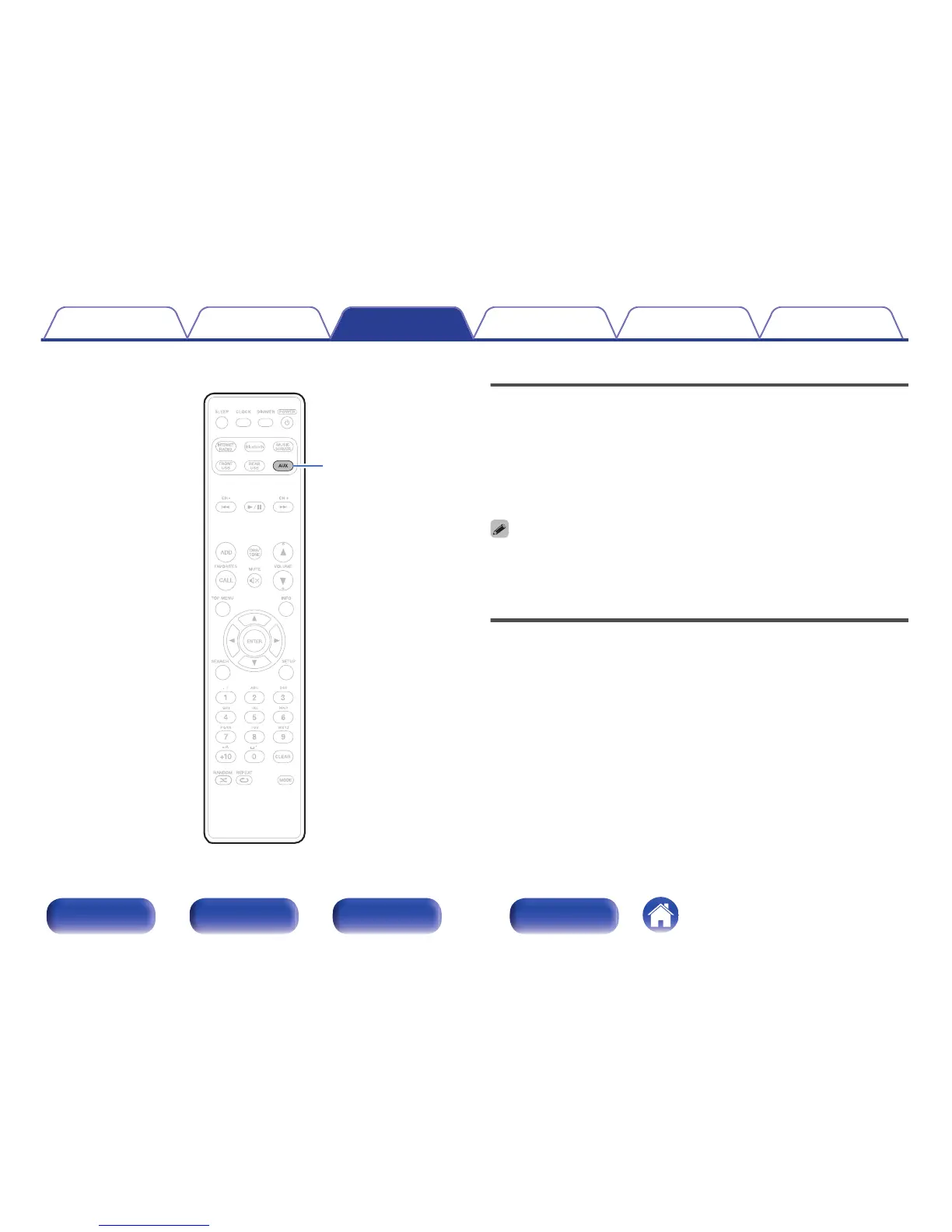
Press AUX to select “AUX:Optical In”.
3
Play the component connected to this unit.
0
Only 2-channel linear PCM digital audio signals can be inputted through the
DIGITAL IN connector of this unit.
Listening to ANALOG IN
1
Prepare for playback.
Check the connection, then turn on this units.
2
Press AUX to select “AUX:Analog In”.
3
Play the component connected to this unit.
Contents Connections Playback Settings Tips Appendix
53
Front/Top
panel
Rear panel
Remote control
unit
Index



 To Next Page