EasyManua.ls Logo

Marantz M-CR511 - Page 90

Marantz M-CR511
133 pages
Print Icon
To Next Page IconTo Next Page
To Previous Page IconTo Previous Page
Loading...
5
Operate.
GExample 1H Network Setting 1
.
Friendly Name
Network Connection
Select Connection Select Connection
Test Connection
NETWORK
Friend
ly
Nam
e
Network
C
onnect
ion
S
elect
C
onnecti
on
S
elect
C
on
n
Tes
t C
onnect
i
NETW
O
R
K
NETWORK
r
n
Network connection settings
D
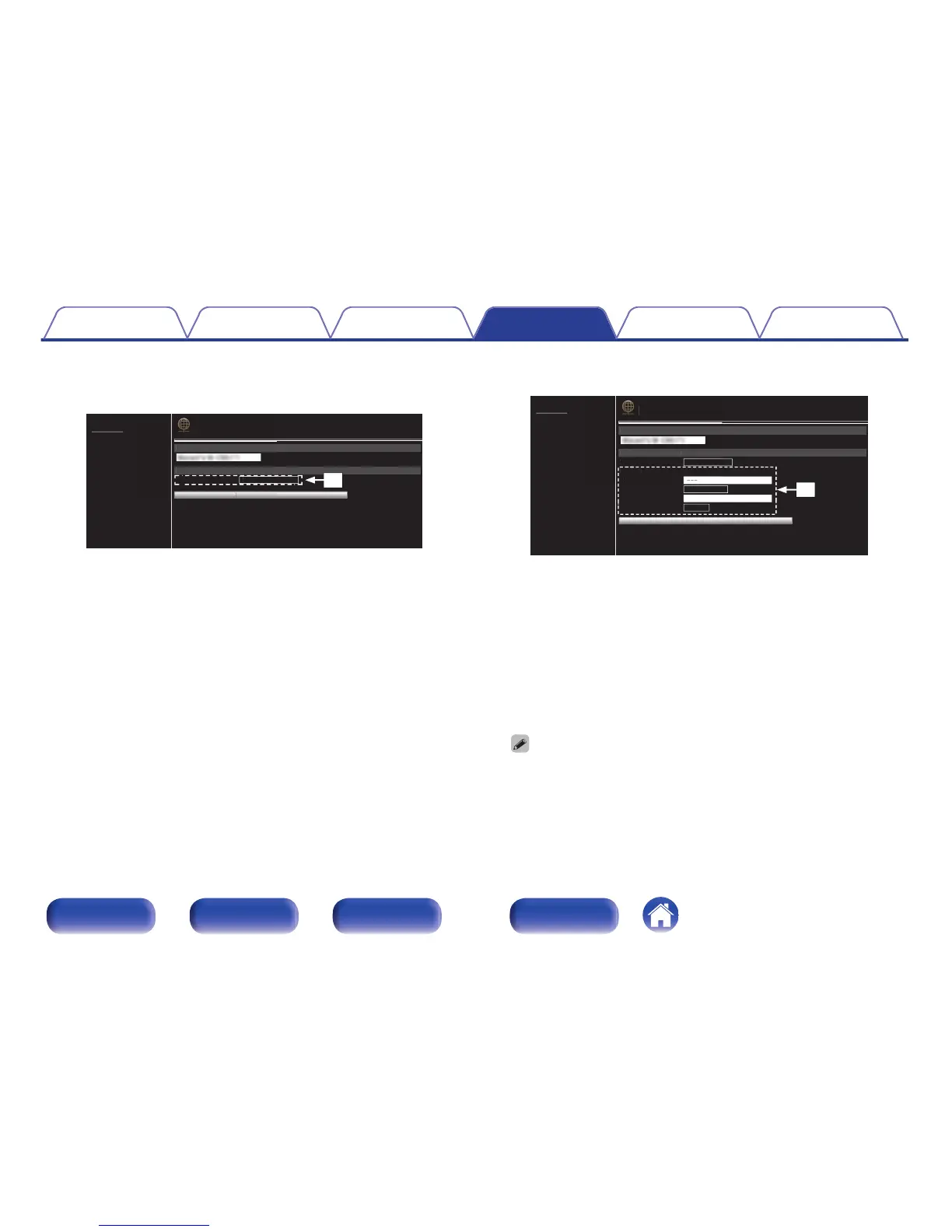
Click to change the network connection method. If you select
“Wi-Fi”, a new item will appear on-screen.
(vGExample 2H)
GExample 2H Network Setting 2
.
Friendly Name
Network Connection
Select Connection Wi-Fi
NETWORK
Manual
None
Key1
---
SSID
Security
Security Key
Defaullt Key
Test Connection
Friend
ly
Nam
e
Network
C
onnectio
n
S
elect
C
onnecti
on
Wi-
Fi
NETW
O
RK
Man
ual
---
SS
I
D
NETWORK
t
n
Network connection settings
E GExample 2H - Displayed when “Wi-Fi” is selected in D. Select or
input items as necessary, and then click “Test Connection” to apply
the changes.
0
Items displayed may vary depending on selected items and
connection status.
0
After selecting each item, wait a moment for the display to be
updated.
0
To apply network connection settings, click “Test Connection” after making
changes.
Contents Connections Playback Settings Tips Appendix
90
Front/Top
panel
Rear panel
Remote control
unit
Index


Table of Contents

Other manuals for Marantz M-CR511

Related product manuals