o
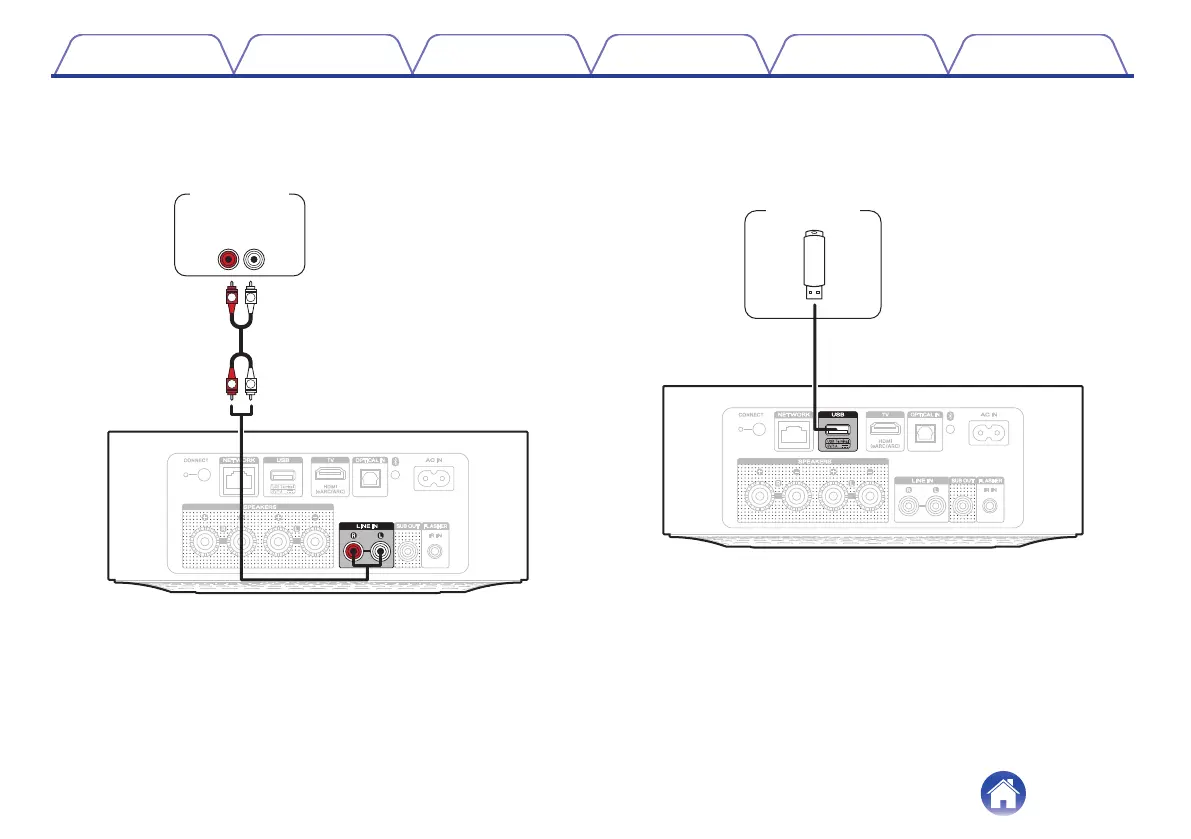
Connecting an analog device
Connect the LINE IN connectors to an audio playback device with
analog audio output.
R
L
R
L
RL
AUDIO
OUT
Analog device
o
Connecting a USB flash drive
Connect a FAT32 or NTFS formatted USB flash drive containing
digital music files to the USB port.
Contents Setup Playback Troubleshooting Status LED Appendix
9



 To Next Page