5
When the top menu is displayed, click on the menu
item you want to operate.
.
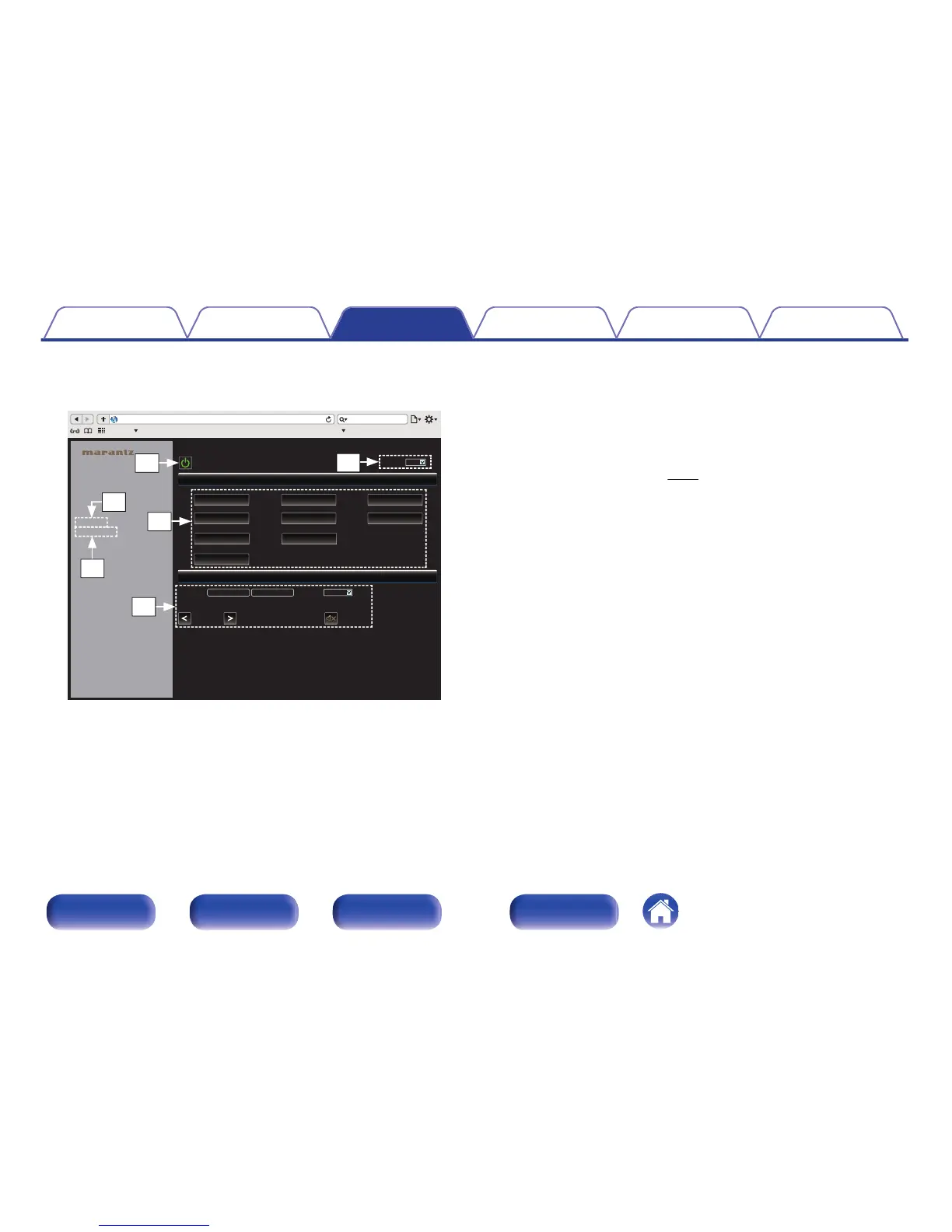
C
Click when you perform a power operation of the unit.
D
Click when you update to the latest information. Normally, there
is a change to the latest information each time you operate.
When operating from the main unit, click this or else the screen
will not be updated.
E
Click to operate the Marantz amp connected by Remote
connector cable. (v
p. 28)
F
Click “v” to set the sleep timer function.
G
Click a button to change the input source.
H
Click when you operate the setup menu.
Contents Connections Playback Settings Tips Appendix
71
Front panel Rear panel
Remote control
unit
Index



 To Next Page