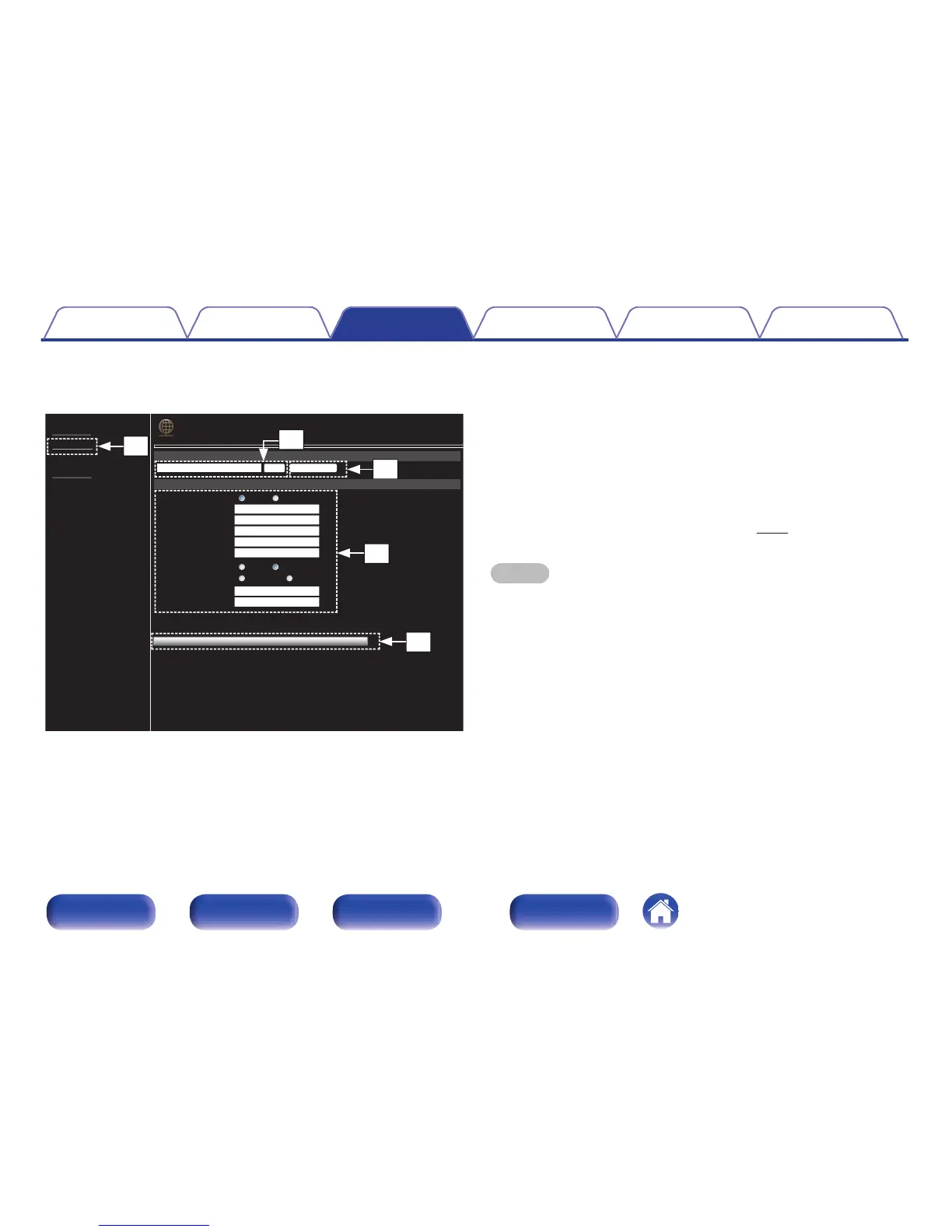
Friendly Name setting
J
To change the Friendly Name, enter the new name in the text box
and click “Set”.
K
To reset the Friendly Name, click “Set Default”.
Network connection settings
L
Click to connect using the newly applied settings.
M
When changing DHCP/proxy settings, input or select for each
item.
N
Click when you update firmware. (v p. 91)
NOTE
0
Items displayed may vary depending on selected items and connection status.
0
After selecting each item, wait a moment for the display to be updated.
0
To apply network connection settings, click “Test Connection” after making
changes.
Contents Connections Playback Settings Tips Appendix
72
Front panel Rear panel
Remote control
unit
Index



 To Next Page