2
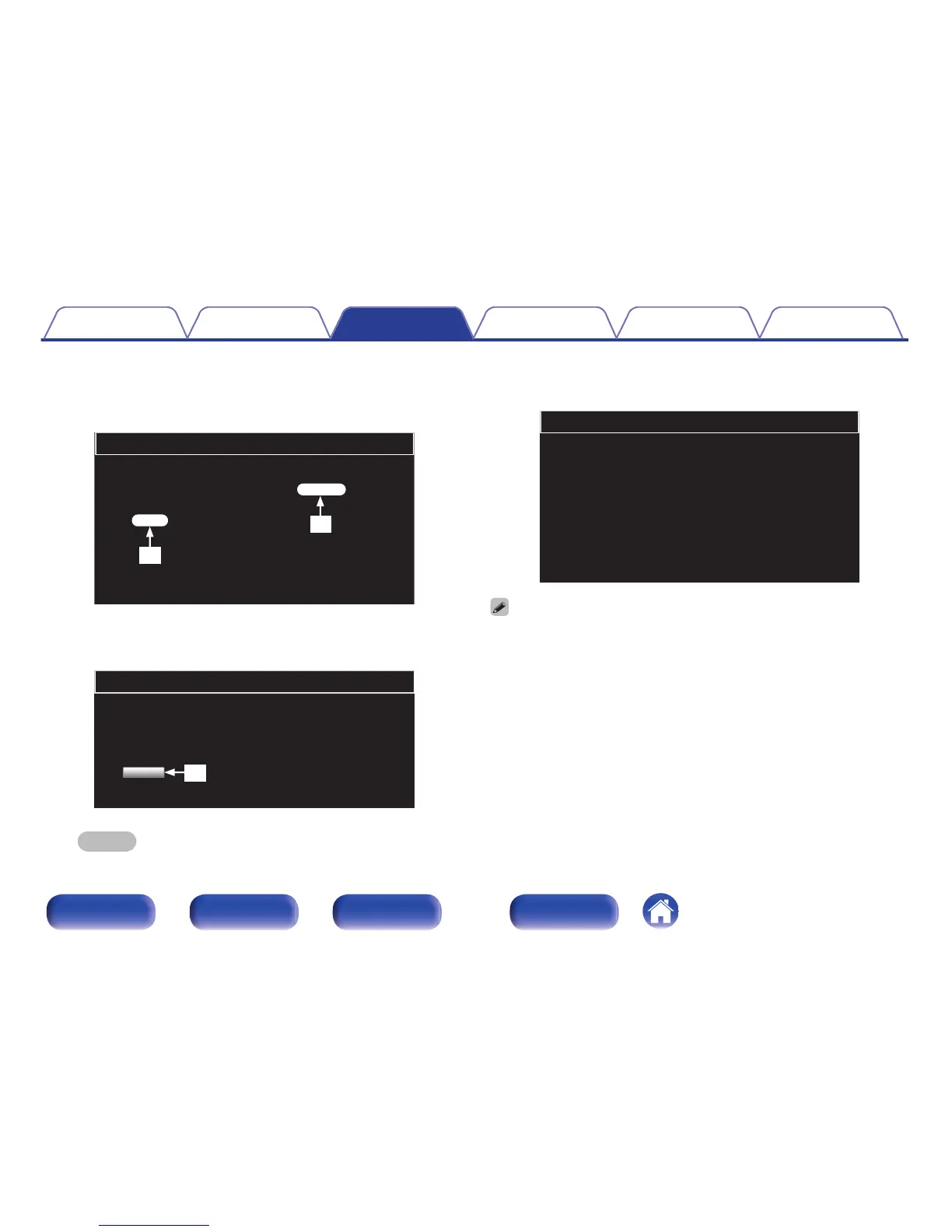
When the following screen is displayed by the PC, click
the “Choose File” (1) button, select the update file,
and click the “Upload” (2) button.
.
Firmware
Upload new firmware
Upload
Choose File
w
q
3
Click the “OK” (3) button.
Updating will begin.
.
Firmware
Warning:
Once started,the upload process cannot be interrupted or adorted,
in order to ensure the integrity of the Digital Media Player.
Are you sure you want to proceed?
OK
e
NOTE
When the following screen is displayed, updating is complete.
4
When the following screen is displayed, updating is
complete.
.
Firmware
New Firmware:
xxx.fw
Firmware upload status: 100% completed.
The upload process finished successfully.
Please close this.
Button names may vary depending on the OS language used on your computer.
Contents Connections Playback Settings Tips Appendix
74
Front panel Rear panel
Remote control
unit
Index



 To Next Page