o
Adjusting the volume (ZONE2)
Use VOLUME df to adjust the volume.
0
At time of purchase, “Volume Limit” is set to “70 (–10 dB)”.
(v p. 143)
0
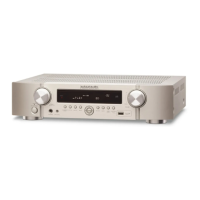
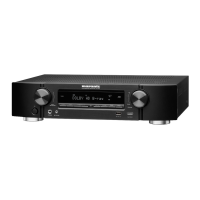
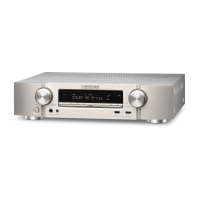
Turn VOLUME after pressing ZONE2 SOURCE on the main unit to adjust the
volume.
o
Turning off the sound temporarily (Muting)
(ZONE2)
Press MUTE :.
0
To cancel mute, either adjust the sound volume or press MUTE :
again.
Contents Connections Playback Settings Tips Appendix
108
Front panel Display Rear panel Remote Index




 To Next Page