Adding to HEOS Favorites
1
While content is playing, press OPTION.
The option menu screen is displayed.
2
Use
ui to select “Add to HEOS Favorites”, then press
ENTER.
Playing back HEOS Favorites
1
Press
R (HEOS Music).
2
Use
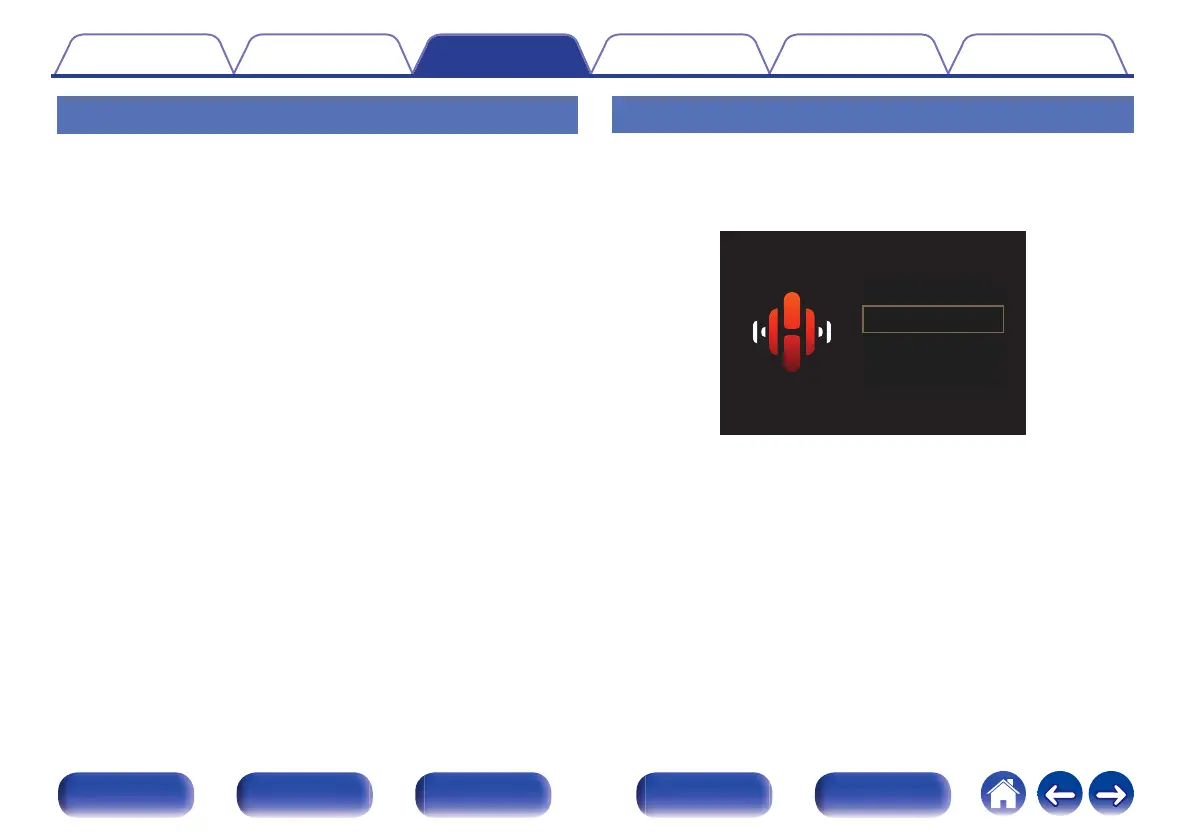
ui to select “HEOS Favorites”, then press ENTER.
.
MUSIC
USB Music
Music Servers
HEOS Favorites
TuneIn Internet Radio
3
Browse the content and select something to play.
Contents Connections Playback Settings Tips Appendix
85
Front panel Display Rear panel Remote Index















 To Next Page