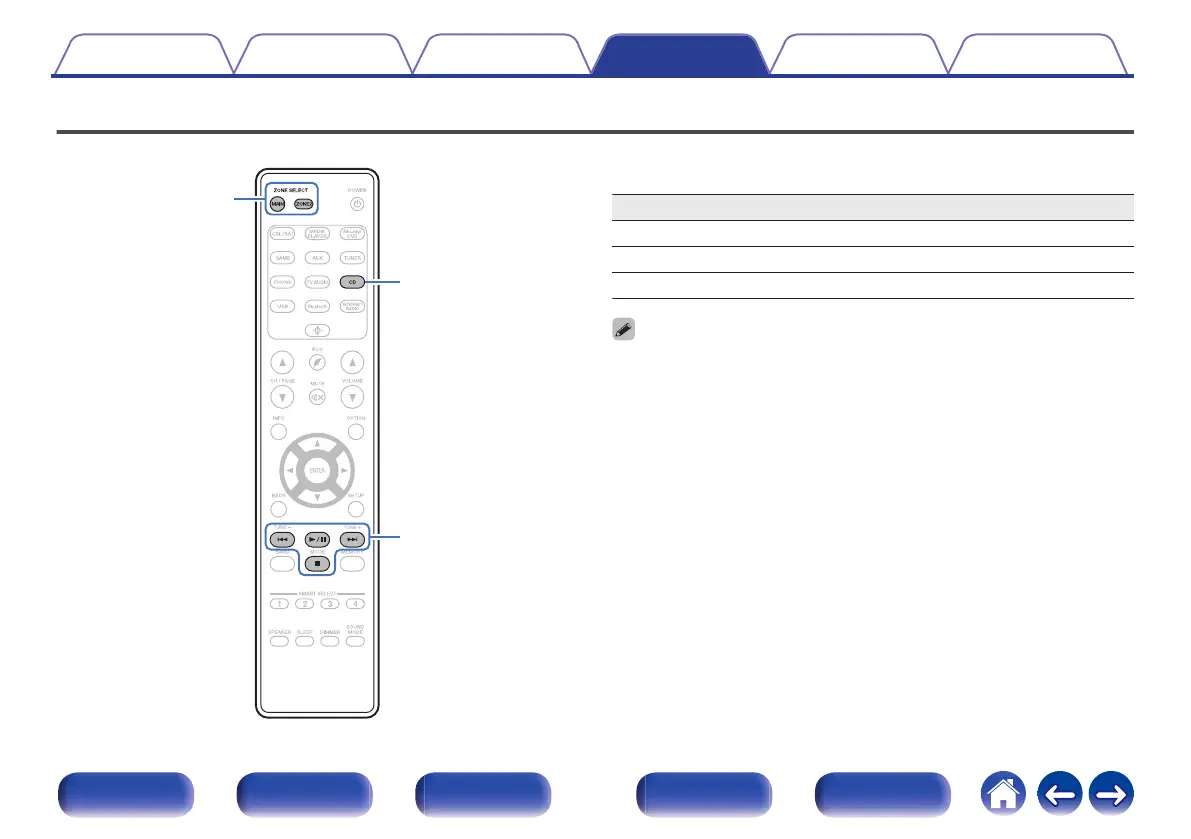
Operating CD player with the remote control unit
.
ZONE SELECT
CD
System buttons
Press CD in the input source select buttons to operate your Marantz CD
player with the system control buttons.
Operation buttons Function
8 9
Skip track
1/3
Playback / Pause
2
Stop
0
The zone selection button does not light up in CD control mode, even when the
system control button is pressed.
0
You can exit CD control mode by pressing the zone selection button, the power
button, an input source button other than CD or the SMART SELECT button.
Contents Connections Playback Settings Tips Appendix
152
Front panel Display Rear panel Remote Index















 To Next Page