Zone Rename
Change the display title of each zone to one you prefer.
MAIN ZONE / ZONE2
Set Defaults:
The default setting is restored for the edited
zone name.
0
Up to 10 characters can be input.
Smart Sel.Names
Change the smart select name that appears on the TV screen to one you
prefer.
Smart Select 1 / Smart Select 2 / Smart Select 3 / Smart Select 4
Set Defaults:
The default setting is restored for the edited
smart select name.
0
Up to 16 characters can be input.
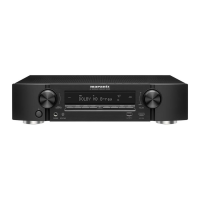
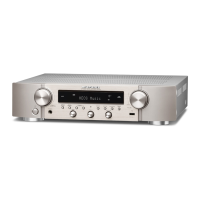
Front Display
Makes settings related to the display on this unit.
o
Dimmer
Adjust the display brightness of this unit.
Bright
(Default) :
Normal display brightness.
Dim: Reduced display brightness.
Dark: Very low display brightness.
Off: Turns the display off.
0
You can also adjust the display by pressing DIMMER.
Contents Connections Playback Settings Tips Appendix
144
Front panel Display Rear panel Remote Index



 To Next Page