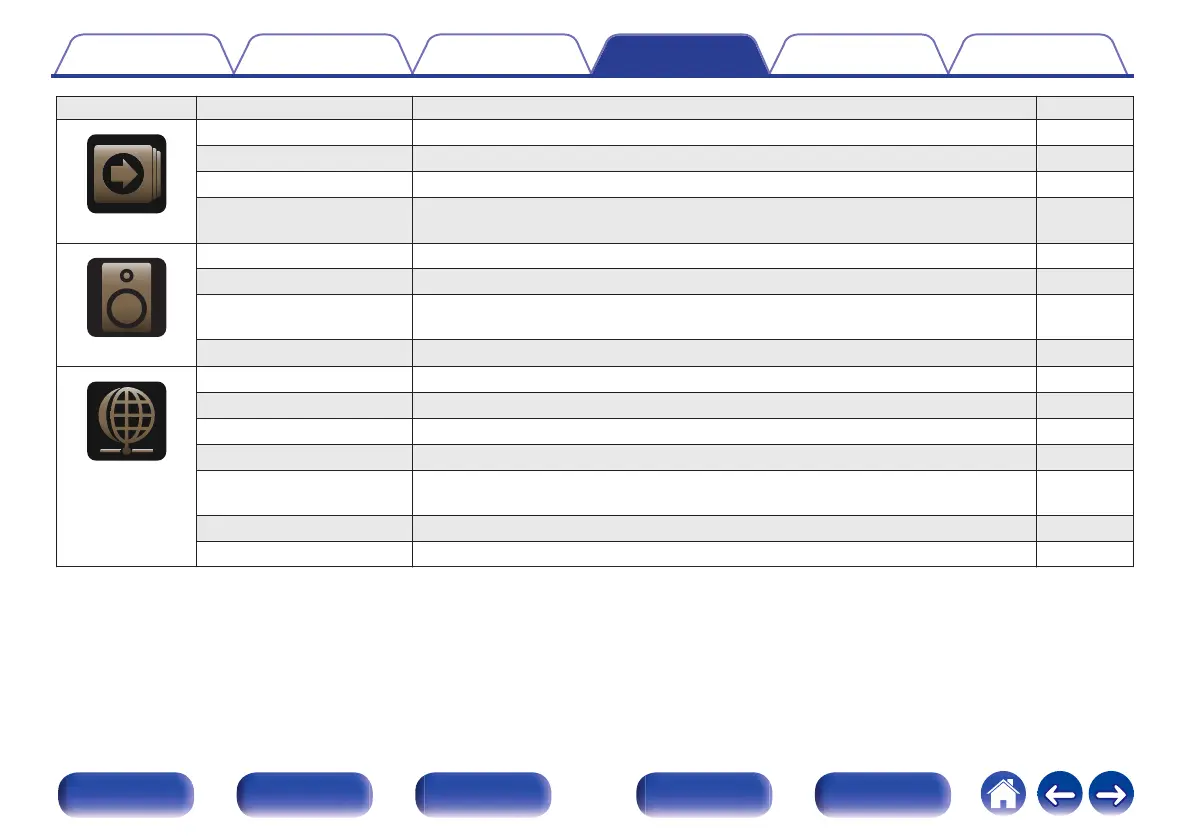
Setting items Detailed items Description Page
.
Inputs
Input Assign Changes input connector assignment and the audio input mode. 125
Source Rename Changes the display name for input source. 128
Hide Sources Removes from the display input sources that are not used. 128
Source Level Adjusts the playback level of the audio input. 128
.
Speakers
Subwoofer Select whether or not subwoofer is present, playback capacity for low bass frequencies. 129
Distances Set distance from listening position to speakers. 129
Levels Set the volume of the test tone to be the same at the listening position when it is output
from each speaker.
130
Speaker Select Set the speaker A/B. 131
.
Network
Information Displays network information. 132
Connection Selects whether to connect the home network to a wireless LAN or a wired LAN. 132
Settings Used for manually setting the IP address. 134
Network Control Enables network communication in standby power mode. 136
Friendly Name The “Friendly Name” is the name of this unit displayed on the network. You can change
the Friendly Name according to your preferences.
136
Diagnostics Used to check the network connection. 137
AirPlay Settings for Apple AirPlay. 137
Contents Connections Playback Settings Tips Appendix
110
Front panel Display Rear panel Remote Index















 To Next Page