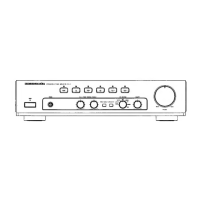
3. SERVICE MODE
Microprocessor (IC61) version check
Operate by using the supplied Remote controller
(RC003PM).
Press the 1. POWER button to turn on the unit.
Press 2. TAPE (RECORDER 2) button and press 5, 0, 0, 3
button on the remote controller.
(Please each button within 5 seconds)
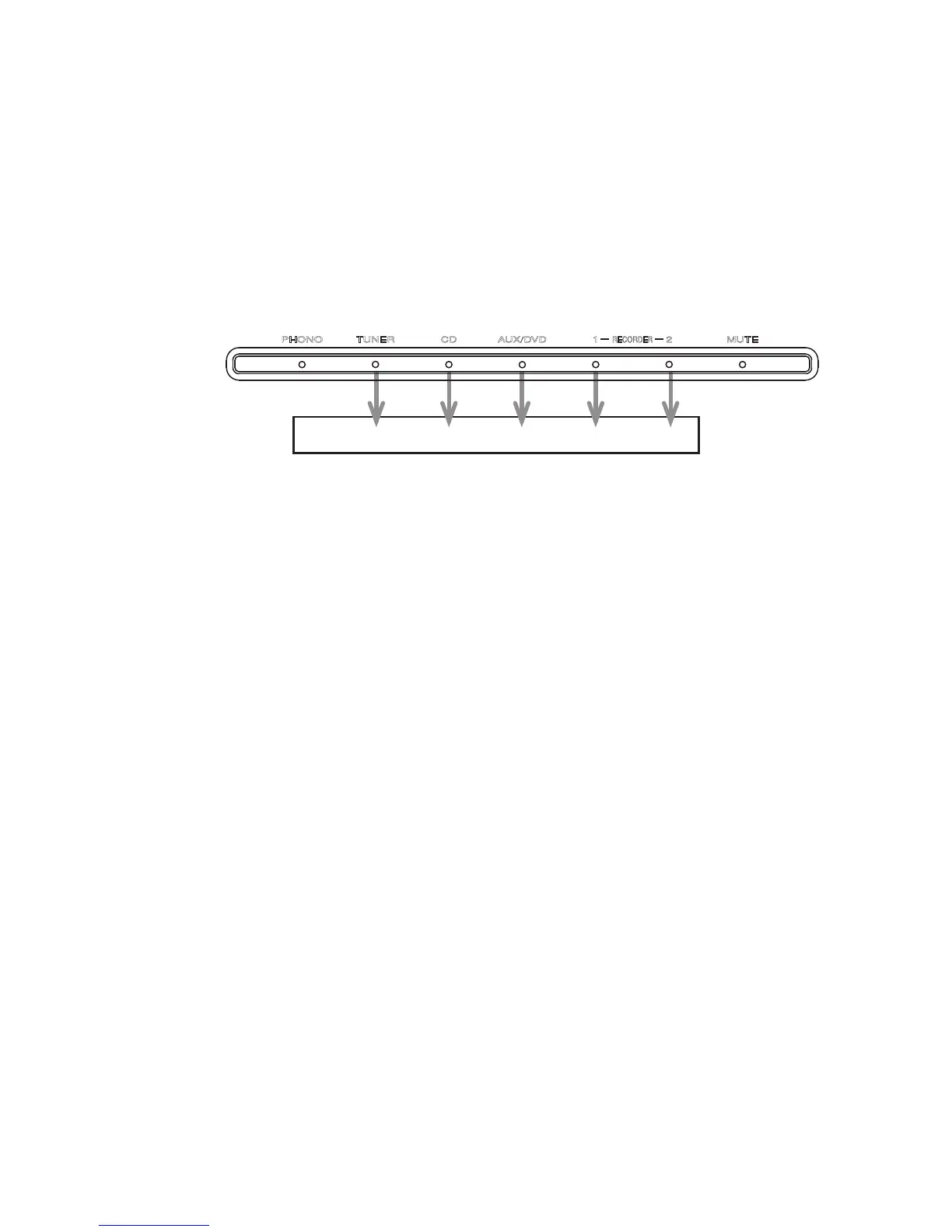
The firmware version is displayed on the front LED.3.
(Display time is only for 3 seconds.)
The firmware version is displayed in the lighting position of
LED.
Ex. :
Light up RECORDER-2 [1 ], Version : 1
Light up RECORDER-2 [1 ] and AUX/DVD [4 ], Version : 5
Light up RECORDER-2 [1 ] and CD [8 ], Version : 9
Each LED light up then all LED light up.4.
Turn off the power to quit Service Mode. 5.
(The unit to the default status)
3. SERVICE MODE
Microprocessor (IC61) VERSION 確認
操作は付属リモコン
(RC003PM)を使用します。
POWER1. ボタンを押し、本体の電源をいれます。
リモコンの
2. TAPE (RECORDER 2), 5, 0, 0, 3 ボタンを順に
押します。
(各ボタンは5秒以内に押してください)
FIRMWARE
のバージョンがLEDにて表示されます。3.
(
表示は3秒間のみです)
LED
が点灯している箇所がバージョン表示です。
表示例:
点灯RECORDER 2 [
1
], Version:1
点灯RECORDER 2 [
1
] and AUX/DVD [
4
], Version:
5
点灯RECORDER 2 [1 ] and CD [
8
], Version:
9
フロントパネルのLEDが順次点灯し、その後全点灯しま4.
す。
電源を切ると
SERVICEモードが解除されます。 5.
(
本機は、各種設定された内容が初期化され、工場出荷時の
状態に戻ります
)
Version : 16 8 4 2 1


 To Next Page