1
NAMES AND
FUNCTIONS
BASIC
CONNECTIONS
BASIC
OPERATION
ADVANCED
CONNECTION
REMOTE CONTROLLER
OPERATION
TROUBLESHOOTING
OTHERS
ENGLISH
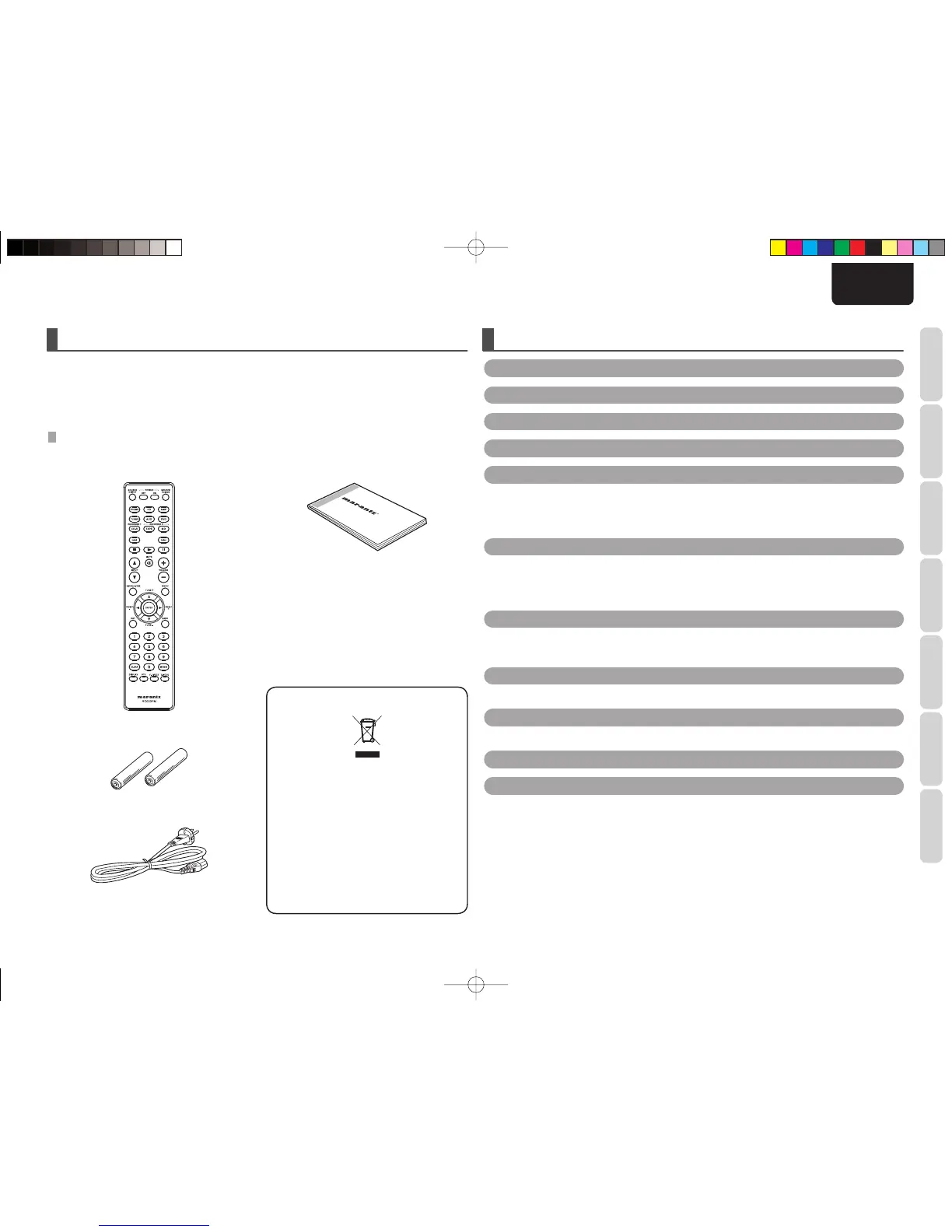
• Remote controller
• Size “AAA” batteries x 2
• AC power cable
INTRODUCTION
Thank you for selecting the Marantz PM6003 Integrated amplifi er for your Audio system.
Please read these operating instructions carefully. We recommend that you read the entire user guide before
you attempt to connect or operate the amplifi er.
After you have reviewed the contents of this manual, we suggest that you make all system connections
before you attempt to operate the unit.
ACCESSORIES CHECK
Before use, check the below accessories were included in the package.
CONTENTS
A NOTE ABOUT RECYCLING
This product’s packaging materials are
recyclable and can be reused. This product
and the accessories packed together are the
applicable product to the WEEE directive
except batteries.
Please dispose of any materials in accordance
with your local recycling regulations.
When discarding the unit, comply with your
local rules or regulations.
Batteries should never be thrown away or
incinerated but disposed of in accordance with
your local regulations concerning chemical
wastes.
INTRODUCTION .........................................................................................................................................1
CONTENTS ..................................................................................................................................................1
FEATURES ...................................................................................................................................................2
BEFORE USE ...............................................................................................................................................2
NAMES AND FUNCTIONS .......................................................................................................................4
FRONT PANEL .................................................................................................................................................................................. 4
REMOTE CONTROLLER .................................................................................................................................................................. 5
REAR PANEL .................................................................................................................................................................................... 6
BASIC CONNECTIONS .............................................................................................................................7
CONNECTION OF AUDIO COMPONENTS .................................................................................................................................. 7
CONNECTION OF SPEAKER SYSTEMS ......................................................................................................................................8
CONNECTION OF AC POWER CABLE ......................................................................................................................................... 8
BASIC OPERATION ...................................................................................................................................9
OPERATION PROCEDURES ........................................................................................................................................................... 9
RECORDER OPERATION ................................................................................................................................................................9
ADVANCED CONNECTION ....................................................................................................................10
CONNECTING THE REMOTE CONTROL JACKS ..................................................................................................................... 10
REMOTE CONTROLLER OPERATION ...................................................................................................11
REMOTE CONTROL CODE SETTING .........................................................................................................................................12
TROUBLESHOOTING...............................................................................................................................12
OTHERS .....................................................................................................................................................13
SPECIFICATIONS .......................................................................................................................................................................... 13
DIMENSIONS ................................................................................................................................................................................ 13
CLEANING OF EQUIPMENT EXTERNAL SURFACES .............................................................................................................. 14
USING HEADPHONES.................................................................................................................................................................. 14
REPAIRS .......................................................................................................................................................................................... 14
• User Guide
PM6003N01EngNew.indd1PM6003N01EngNew.indd1 09.4.203:57:52PM09.4.203:57:52PM



 To Next Page