9
更新を終了し通常モードへの移行
1.
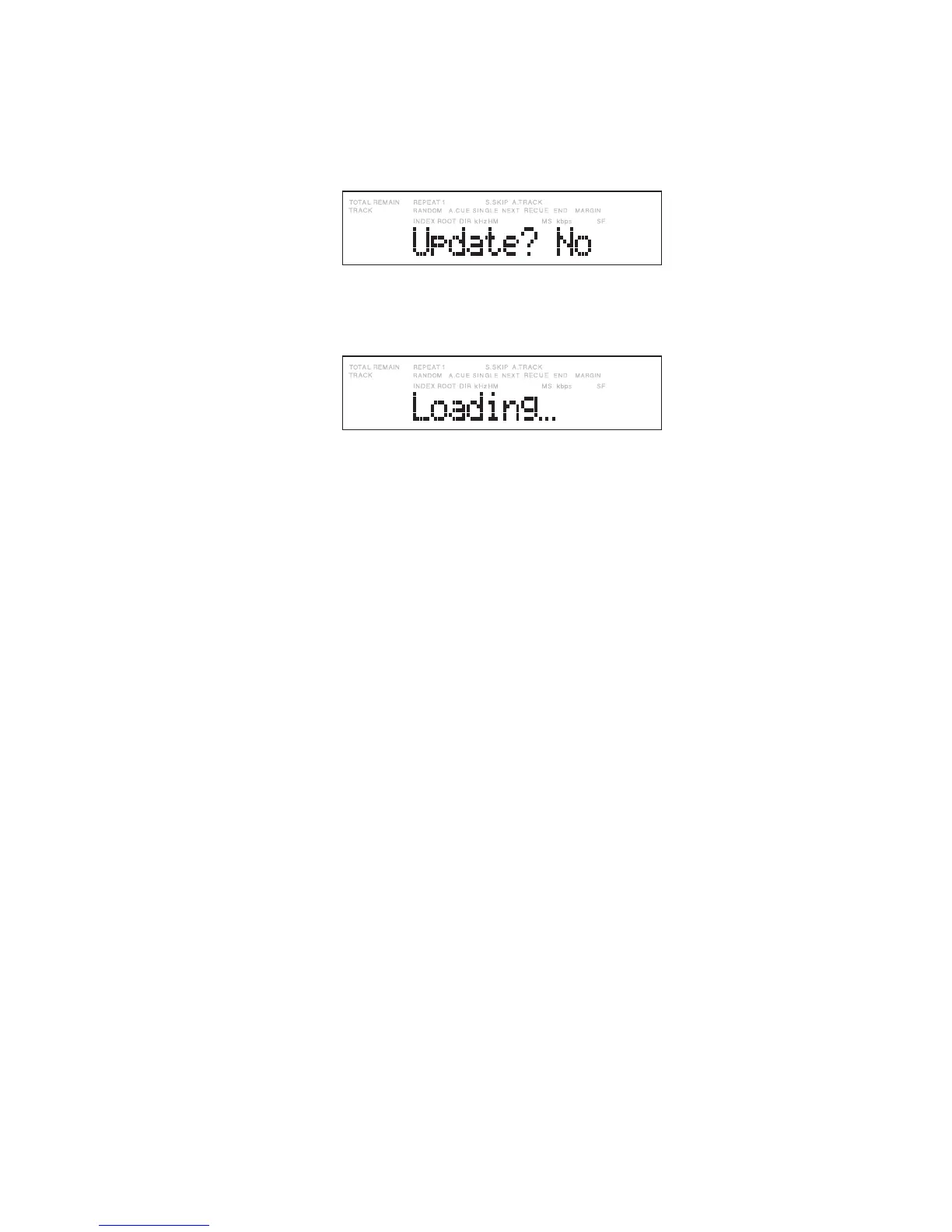
ディスプレイに
“
Update? Yes
”
が表示されている状態
で、ジョグダイヤルを時計方向に1クリック回します。
ディスプレイが
“
Update? No
”
に変わります。
2.
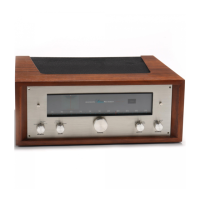
この状態でジョグダイヤルを押してください。ディスプ
レイに
“
Loading
”
が表示され、CFアクセスランプが点滅
しCFカードに記録されているファイルをロードします。
ファイルのロードが完了すると、CFカードに記録した
ファイルの内容が表示されます。
Terminating updating and returning
to the normal mode
1. Turn right the Jog wheel one click with “Update? Yes”
displayed. “Update? No” appears on the display.
2. Press the Jog wheel. “Loading“ appears on the display,
the Card access light flashes, and the file recorded on
the CF card is loaded.
When loading of the file completes, the contents
recorded on the CF card appear.


 To Next Page