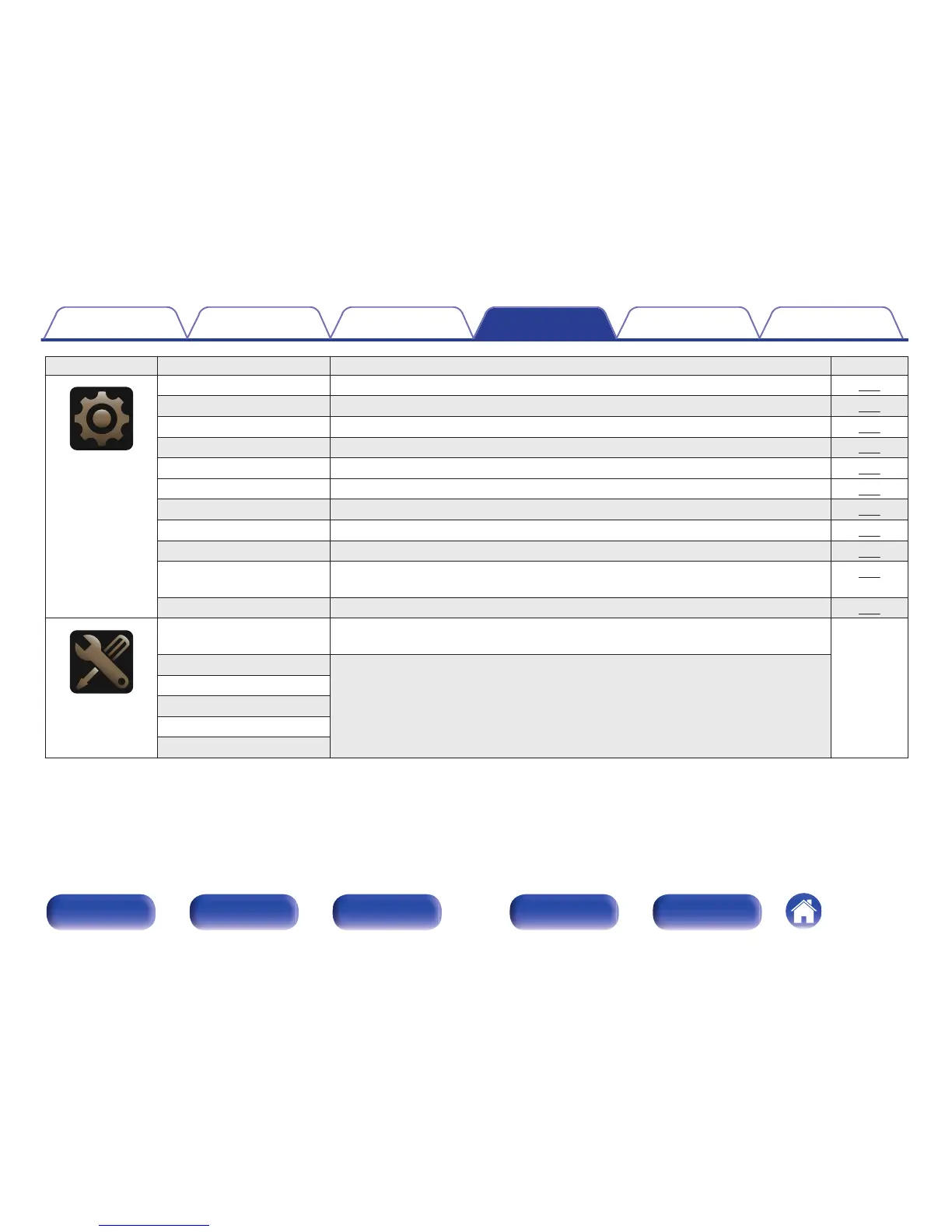
Setting items Detailed items Description Page
.
General
Language Changes the language of the display on the TV screen. 196
ECO Configures the ECO Mode and Auto Standby energy-saving functions. 196
ZONE2 Setup Sets ZONE2 audio playback settings. 198
Zone Rename Changes the display title of each zone to one you prefer. 199
Smart Select Names Changes the Smart Select Name display title to one you prefer. 199
Trigger Out Select the conditions for activating trigger out function. 200
Front Display Makes settings related to the display on this unit. 200
Information Shows information about this unit settings, input signals, etc. 201
Usage Data Selects whether or not to send anonymous usage data to Marantz. 202
Firmware Checks for the latest firmware information about updates and upgrades, updates the
firmware, and sets up the notification message display.
203
Setup Lock Protects settings from inadvertent changes. 205
.
Setup Assistant
Begin Setup... Performs basic installation/connections/settings from the beginning according to the
guidance indicated on the TV screen.
Page 8 of
the separate
manual
“Quick Start
Guide”
Language Select Sets individual setting items according to the guidance displayed on the TV screen.
Speaker Setup
Speaker Calibration
Network Setup
Input Setup
Contents Connections Playback Settings Tips Appendix
139
Front panel Display Rear panel Remote Index



 To Next Page