ENGLISH
41
BASIC
CONNECTIONS
BASIC OPERATION
ADVANCED
CONNECTIONS
SETUP
ADVANCED
OPERATION
TROUBLESHOOTING
OTHERS
NAMES AND
FUNCTION
SETUP
6-2 CHECK AUTO
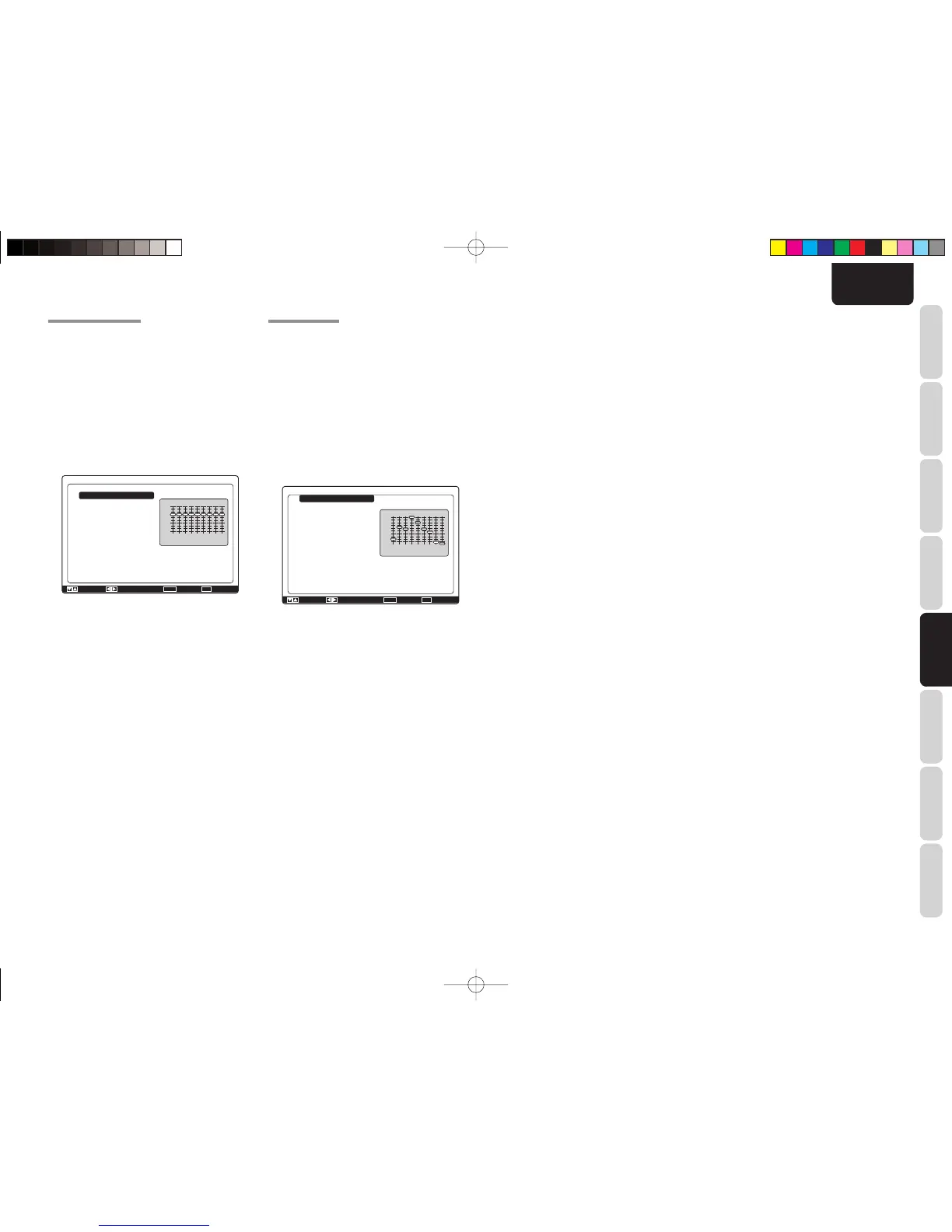
These menus are for confi rming the results of Auto
Setup function equalizer measurement (Audyssey
Front, Audyssey Flat, Audyssey).
1.
Select “Acoustic EQ” from Main Menu with the
3
or
4 cursor buttons and press the ENTER
button.
2.
Select “Check Auto EQ” with the
3
or
4
cursor
buttons.
3.
Press the ENTER button to enter the
selection.
[dB]
[Hz]
Check Auto
EQ. Mode
Channel
63Hz
125Hz
250Hz
500Hz
1kHz
2kHz
4kHz
8kHz
16kHz
Return
: Up / Down : Change Enter : Exit : Exit
: Audyssey
: Center
: -15.0dB
: -2.0dB
: -5.0dB
: +9.0dB
: +3.0dB
: -5.0dB
: -7.0dB
: -18.0dB
: -20.0dB
63
+9dB
0dB
-9dB
-18dB
125 250 500 1k 2k 4k 8k 16k
EQ. Mode:
Select EQ (mode) with the 1 or 2 cursor buttons
followed by the desired equalizer (“Audyssey”,
“Audyssey Front”, “Audyssey Flat”).
Channel:
Select the channel to check with the 1 or 2 cursor
buttons.
Notes:
• The frequency will not be exactly the same as in the
Preset Graphic EQ modes.
• Front Left and Front Right are not indicated on the
Audyssey Front mode.
4.
Once fi nished checking, select “Return” with
the 3 or 4 cursor buttons and press the
ENTER button to return to the “Acoustic EQ”
menu.
6-1 PRESET G. EQ ADJ
These modes allow you to set a 9-band graphic
equalizer for each of the 7 channels.
1.
Select “Acoustic EQ” from Main Menu with the
3
or
4 cursor buttons and press the ENTER
button.
2.
Select “Preset Graphic EQ Adjust” with the 3
or
4 cursor buttons.
3.
Press the ENTER button to enter the
selection.
[dB]
[Hz]
Preset Adjust
Reset
Channel
63Hz
125Hz
250Hz
500Hz
1kHz
2kHz
4kHz
8kHz
16kHz
Return
: Up / Down : Change Enter : Exit : Exit
: Channel
: Front Left
: 0.0dB
: 0.0dB
: 0.0dB
: 0.0dB
: 0.0dB
: 0.0dB
: 0.0dB
: 0.0dB
: 0.0dB
63
+9dB
0dB
-9dB
-18dB
125 250 500 1k 2k 4k 8k 16k
Reset:
Using the 1 or 2 cursor buttons, select the
channel(s) to be reset to either the currently
displayed channel (“Channel”) or all channels
(“All-Channel”), and press the ENTER button to
enter the setting.
“All-Channel” : Resets all channels.
“Channel” : Resets only the currently
displayed channel.
Channel:
Select the channel (“Front Left”, “Center”, “Front
Right”, “Surround Right”, “Surround Back
Right”, “Surround Back Left” or “Surround Left”)
to adjust with the 1 or 2 cursor buttons, and switch
to the adjustment mode with the 4 cursor button.
Frequency:
Select the target frequency on the graph with the
3 or 4 cursor buttons. Adjust the level with the 1
or 2 cursor buttons. (Note that this can be adjusted
to any level between –20 and +9 dB in 0.5 dB
increments.)
Move to the next frequency with the 3 or 4 cursor
buttons, and adjust the level.
After you complete this portion of the setup move
cursor to “Return” with the 3 or 4 cursor buttons and
press the ENTER button.
SR6003U01ENG24.indd41SR6003U01ENG24.indd41 08.8.11:07:04PM08.8.11:07:04PM



 To Next Page