1.
Tune to the locked channel you want to listen
to.
2.
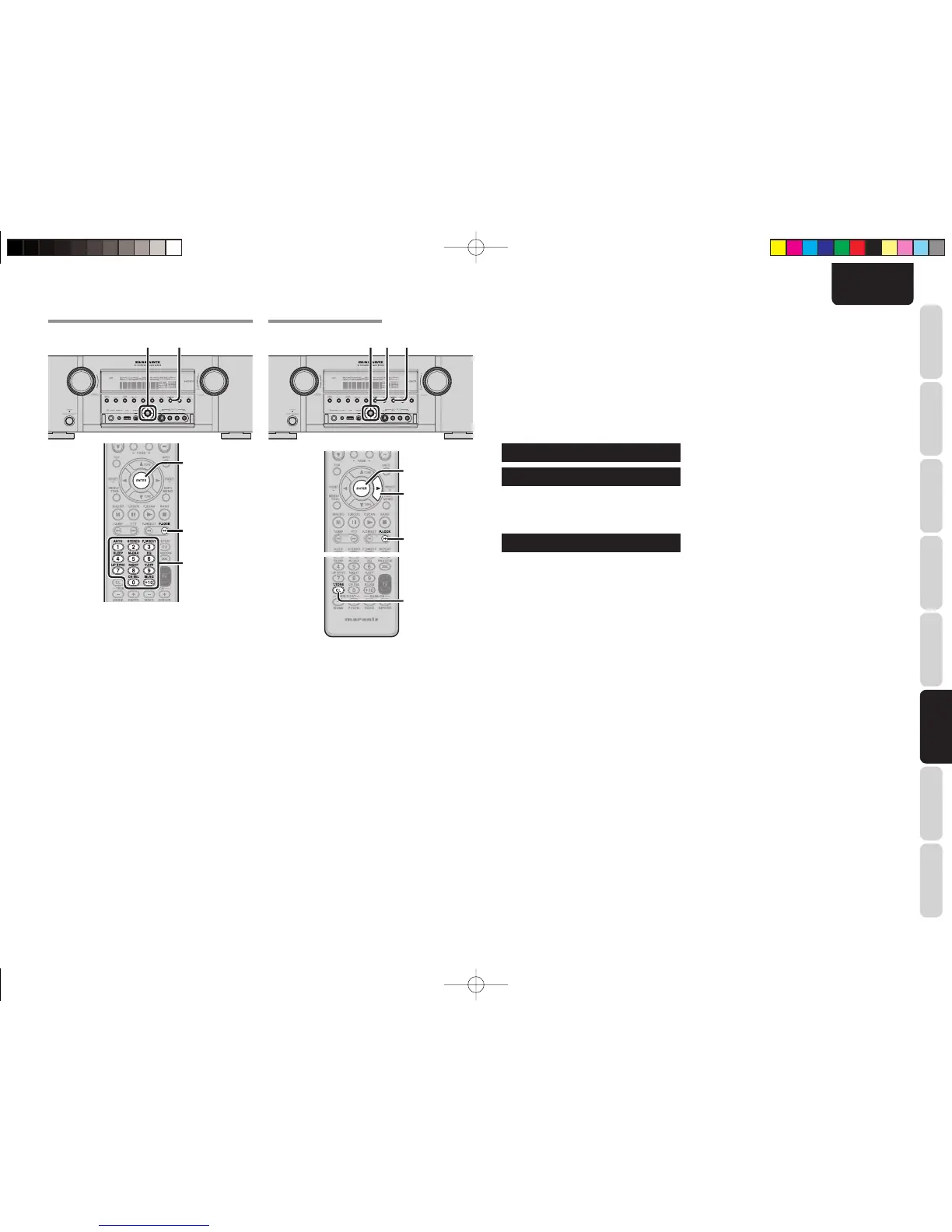
Press the T-MODE button on the main unit or
the P.LOCK button on the remote controller.
3.
When [PASSWORD ****] appears, use the
cursor buttons on the main unit or remote
controller, or the numeric buttons on the remote
controller, to enter a password (4 digits), then
press the ENTER button on the main unit or
remote controller.
4.
When the correct password is entered,
[PASSWORD OK!] is displayed and you can
temporarily listen to the channel.
Note:
• You can cancel temporary listening by pressing the
EXIT button on the main unit or CL button on the
remote controller.
• Since the purpose is to listen temporarily to a
locked channel, lock status is restored if the channel
is changed, the function is changed, the power
is turned on/off, or any other such operation is
performed. If you want to release lock status, see
“Setting/Releasing Parental Lock.”
CHANGING THE PASSWORD
2.6.3. 4.
2
1.
Set to receive SIRIUS Satellite Radio.
2.
Press the T-MODE button on the main unit or
the P.LOCK button on the remote controller.
3.
When [PASSWORD ****] appears, use the
cursor buttons on the main unit or remote
controller, or the numeric button on the remote
controller, to enter a password (4 digits), then,
with the cursor located at the far right, press
the 2 cursor button on the main unit or remote
controller.
PASWORD 9999
7
7
7
7
7
7
7
7
7
7
7
7
7
NEW WORD____
4.
When [NEW WORD _ _ _ _] is displayed, enter
a new password, then press the ENTER button
on the main unit or remote controller.
WORD CHANGED
5.
When [WORD CHANGED] is displayed, the
password has been changed.
6.
Press the EXIT button on the main unit or CL
button on the remote controller.
Note:
If the unit is reset the password will be reset to 9999.
(See page 77)
SR6003U01ENG34.indd63SR6003U01ENG34.indd63 08.8.11:08:09PM08.8.11:08:09PM



 To Next Page