50
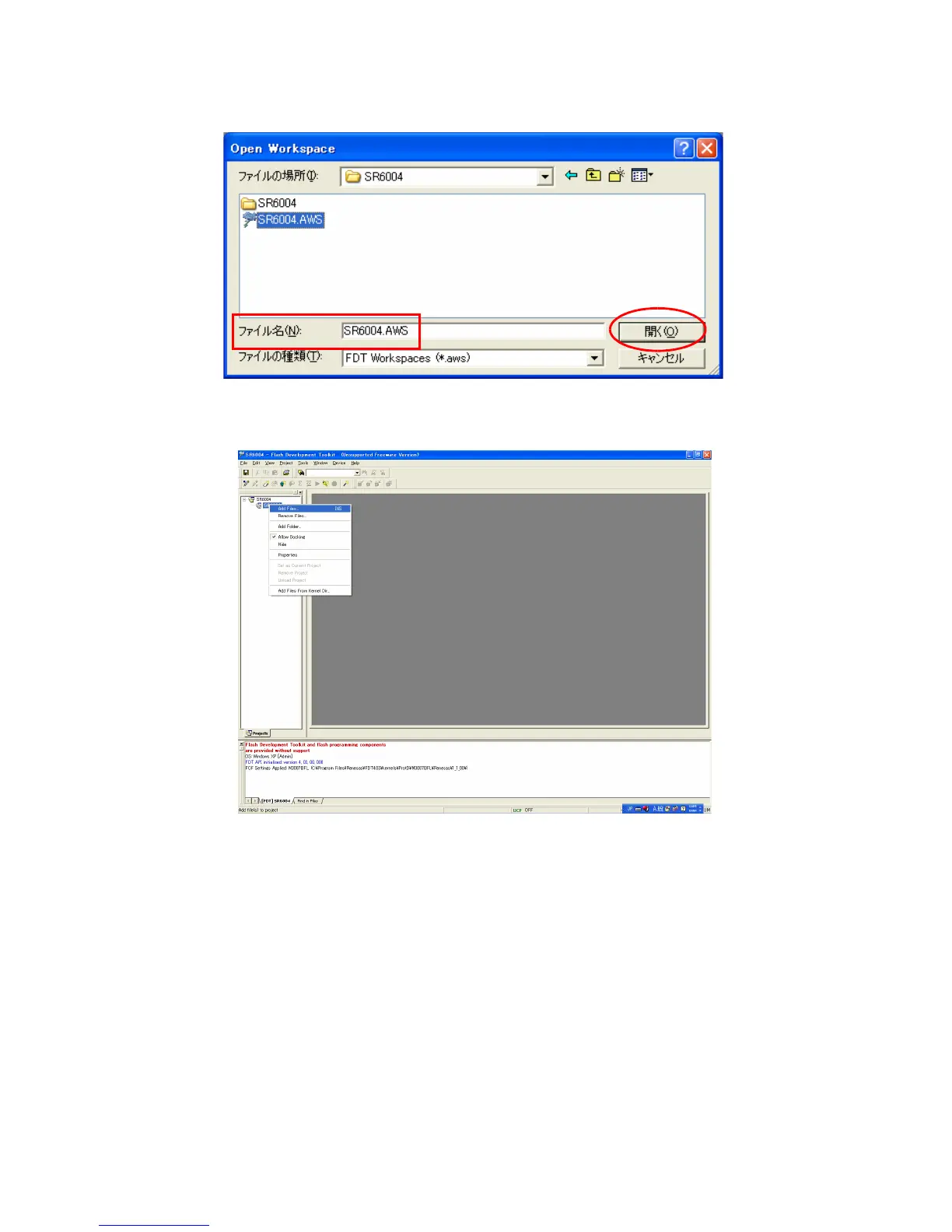
5. Workspace フォルダーの下にある SR6004 フォルダー
の中の SR6004.AWS を選択します。
6. SR6004 から右クリックして、AddFiles…を選択しま
す。
5. Choose SR6004.AWS in SR6004 folder under Work-
space folder. And Click the Open.
6. Right button of mouse click on the SR6004, and select
the Add Files... in a menu.



 To Next Page