52
10. 本機に電源コードを接続します。
POWERON/OFF ボタンを押して本機の電源を入れま
す。(N、K バージョンのみ )
ご注意 : このとき本機はブートモードになりますが、
STANDBY インジケーターは点灯しません。
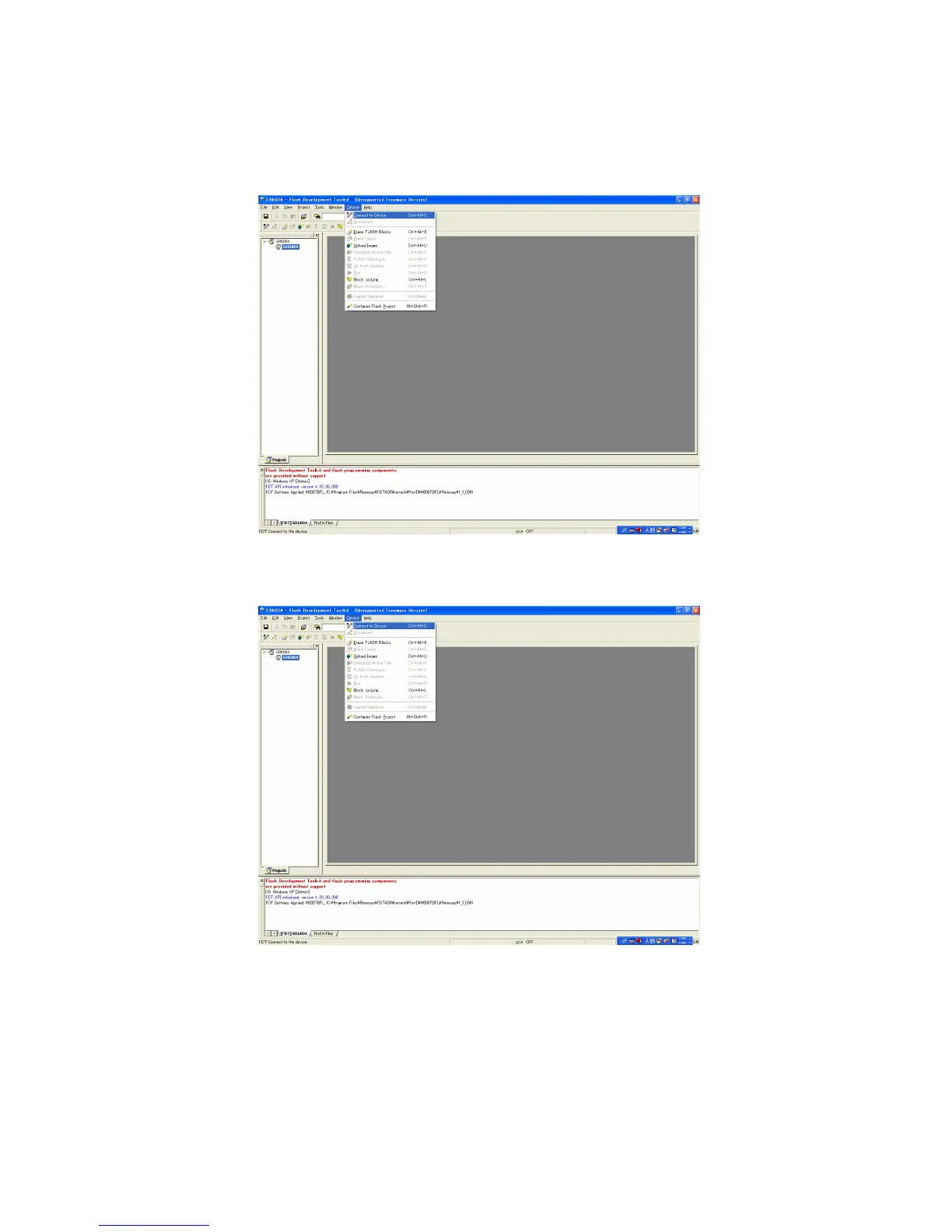
11. メニューバーから Device をクリックして Connectto
Device を選択します。
12.メニューバーから Device をクリックし、EraseFLASH
Blocks を選択します。
10. Connect the mains cord into the unit.
And press the POWER ON/OFF button for turn on the
unit. (N, K version)
NOTE : When the unit is into boot mode, STANDBY LED is
not lights.
11. Click the Device in the menu bar and select the Connect
to Device.
12. Click the Device in the menu bar and select the Erase
FLASH Blocks.



 To Next Page