100
SYSTEM SETUP
Set when changing Audyssey
®
Auto Setup settings, or when changing the audio, video, display
or other settings.
•If you change the speaker settings after performing Audyssey
®
Auto Setup, it will not be
possible to set Audyssey MultEQ
®
XT, Audyssey Dynamic EQ
®
and Audyssey Dynamic Volume
®
(vpage96).
•Can be used without changing the settings. Please set if necessary.
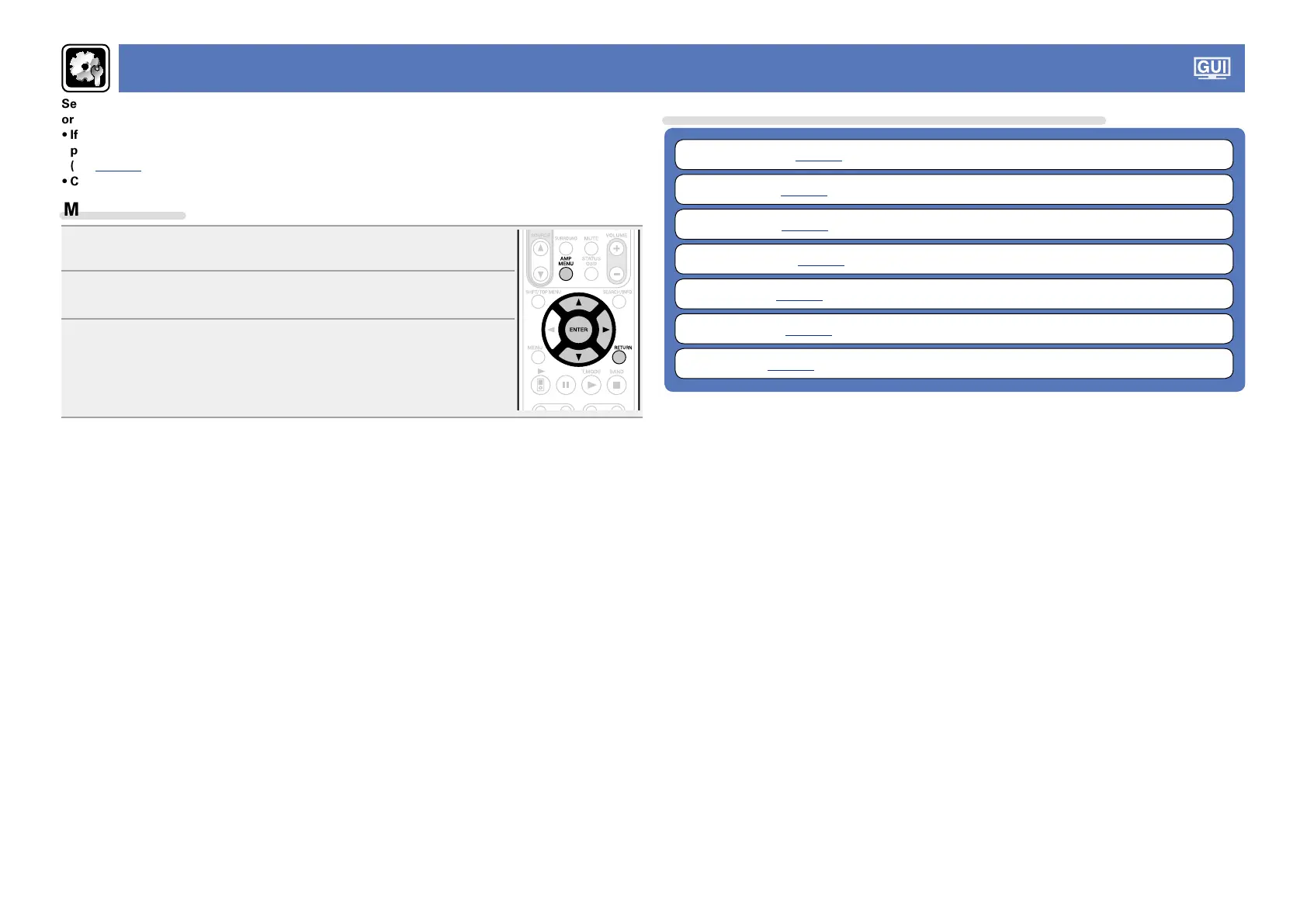
Menu operation
1
Press AMP MENU.
The menu is displayed on the TV screen.
2
Use ui to select the menu to be set or operated.
3
Press ENTER or p to enter the setting.
•To return to the previous item, press RETURN.
•Exiting the Menu, press AMP MENU while the menu is displayed.
The menu display disappears.
Items that can be set with the “SYSTEM SETUP” procedure
Speaker Setup (vpage101)
HDMI Setup (vpage104)
Audio Setup (vpage106)
Network Setup (vpage107)
Zone Setup (vpage111)
Option Setup (vpage112)
Language (vpage115)



 To Next Page