137
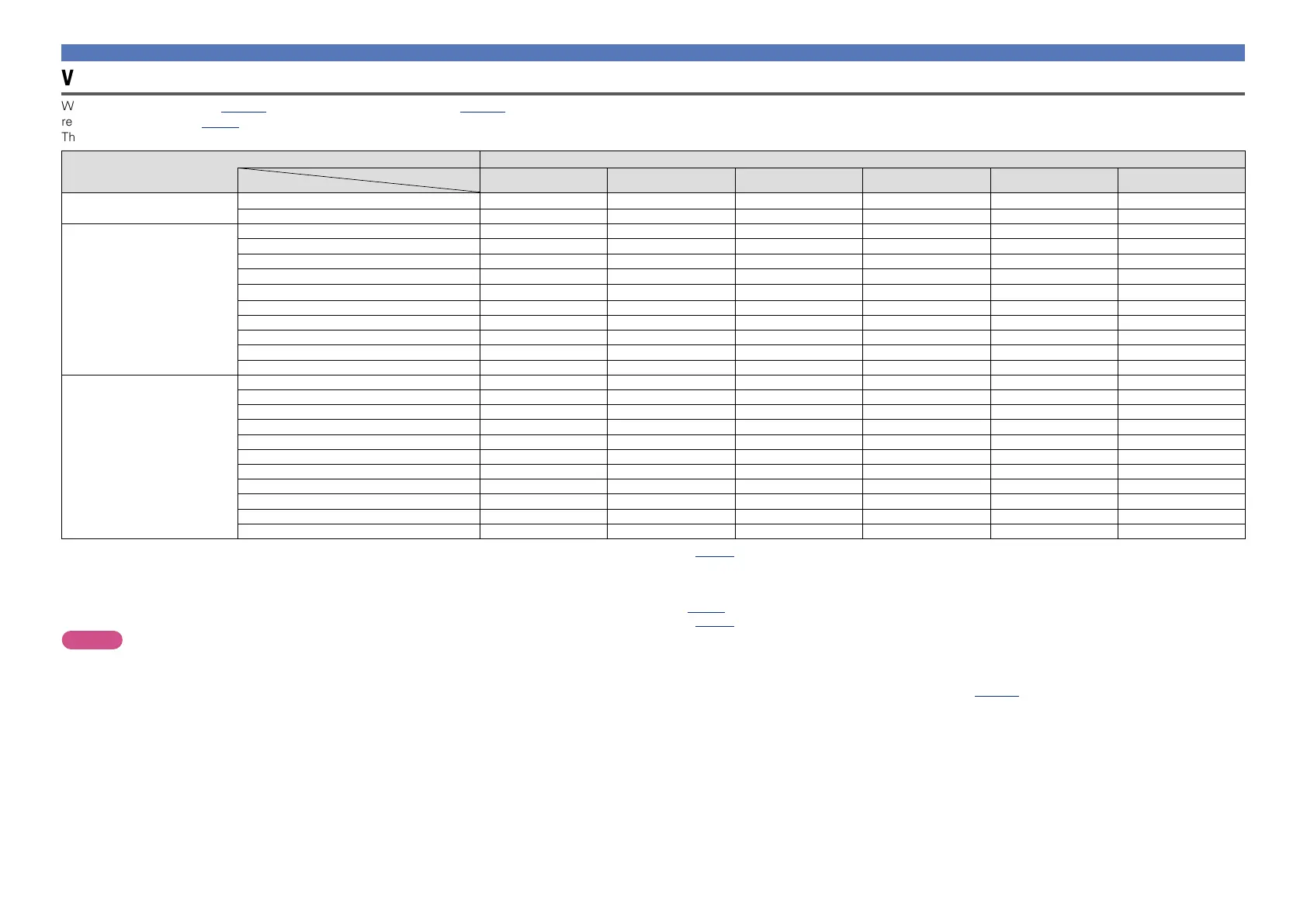
Video signal resolution conversion table
When “Video Convert” (vpage90) is set to “ON”, “i/p Scaler” (vpage90) is set to “Analog”, “Analog & HDMI” or “HDMI” are set, the resolution of the input video signal can be converted to a different
resolution for output (vpage5 “Converting input video signals for output (Video conversion function)”).
The relationship between the resolution of the convertible video signal and HDMI output resolution is shown in the table below.
HDMI Output
Output resolution
Input resolution
480i/576i
z1
480p/576p 1080i 720p 1080p 1080p 24Hz
Video Input
NTSC/NTSC4.43/PAL-M/PAL-60
S (480i) S (480p) S S S S
PAL/PAL-N/SECAM
S (576i) S (576p) S S S
–
Component video input
480i
S (480i) S (480p) S S S S
576i
S (576i) S (576p) S S S
–
480p –
S (480p) S S S S
576p –
S (576p) S S S
–
1080i 60Hz – –
S S S S
1080i 50Hz – –
S S S
–
720p 60Hz – –
S S S S
720p 50Hz – –
S S S
–
1080p 60Hz – – – –
S S
1080p 50Hz – – – –
S
–
HDMI Input
480i
S (480i) S (480p) S S S S
576i
S (576i) S (576p) S S S
–
480p –
S (480p) S S S S
576p –
S (576p) S S S
–
1080i 60Hz – –
S S S S
1080i 50Hz – –
S S S
–
720p 60Hz – –
S S S S
720p 50Hz – –
S S S
–
1080p 24Hz – – – –
S
z2
S
z3
1080p 60Hz – – – –
S S
1080p 50Hz – – – –
S
–
S The resolution set in “Resolution” (vpage90) in the menu is output.
( ) The resolution inside ( ) is output.
– Output at the same resolution as the input video signal resolution.
z1 Only output when “i/p Scaler” in the menu is set to “OFF”.
z2 The resolution set in “Resolution” (vpage90) in the menu is set to “Auto”, and a television that does not support 1080p 24Hz video signals is connected.
z3 The resolution set in “Resolution” (vpage90) in the menu is set to “Auto”, and a television that supports 1080p 24Hz video signals is connected.
NOTE
•Video/component video output is output at the same resolution as the input video signal resolution.
•The 3D, Computer resolution, “x.v.Color”, sYCC601 color, Adobe RGB color or Adobe YCC601 color input to HDMI is output at the same resolution as the input video signal.
•If 1080p 24Hz signals input from the HDMI terminal are converted into 1080p 60Hz/1080p 50Hz for output, they are output according to the specified “Format” (vpage112) setting in the menu:
“NTSC” – Output as 1080p 60Hz.
“PAL” – Output as 1080p 50Hz.
•You can not convert 60Hz into 50Hz or vice versa.
•When “Video Mode” in the menu is set to “Game” or “Auto” and game contents are played, the same resolution as the input video signal is output.
•When “Resolution” in the menu is set to “Auto”, the number of pixels in the television panel connected to the HDMI output connector is automatically detected, and the optimum resolution is output according to
the table above.
Relationship between video signals and monitor output



 To Next Page