EasyManua.ls Logo

Marantz SR6010 - Listening to Pandora

Marantz SR6010
322 pages
Print Icon
To Next Page IconTo Next Page
To Previous Page IconTo Previous Page
Loading...
Listening to Pandora
®
.
CBL/SAT
GAME
DVD
AUX1
MEDIA
PLAYER
Blu-ray
TV AUDIO
iPod/ USB
Bluetooth
TUNER
INTERNET
RADIO
AUX2
CD
SETUP
SOUND MODE
TUNE
+
-
TUNE
SMART SELECT
1234
PUREMOVIE GAMEMUSIC
INFO
VOLUME
MUTE
ECO
ZONE SELECT
SLEEP
MAIN ZONE 2
POWER
ONLINE
MUSIC
CH / PAGE
BACK
ENTER
OPTION
PHONO
1
/
3
9
uio
p
ENTER
OPTION
CH/PAGE
df
BACK
ONLINE MUSIC
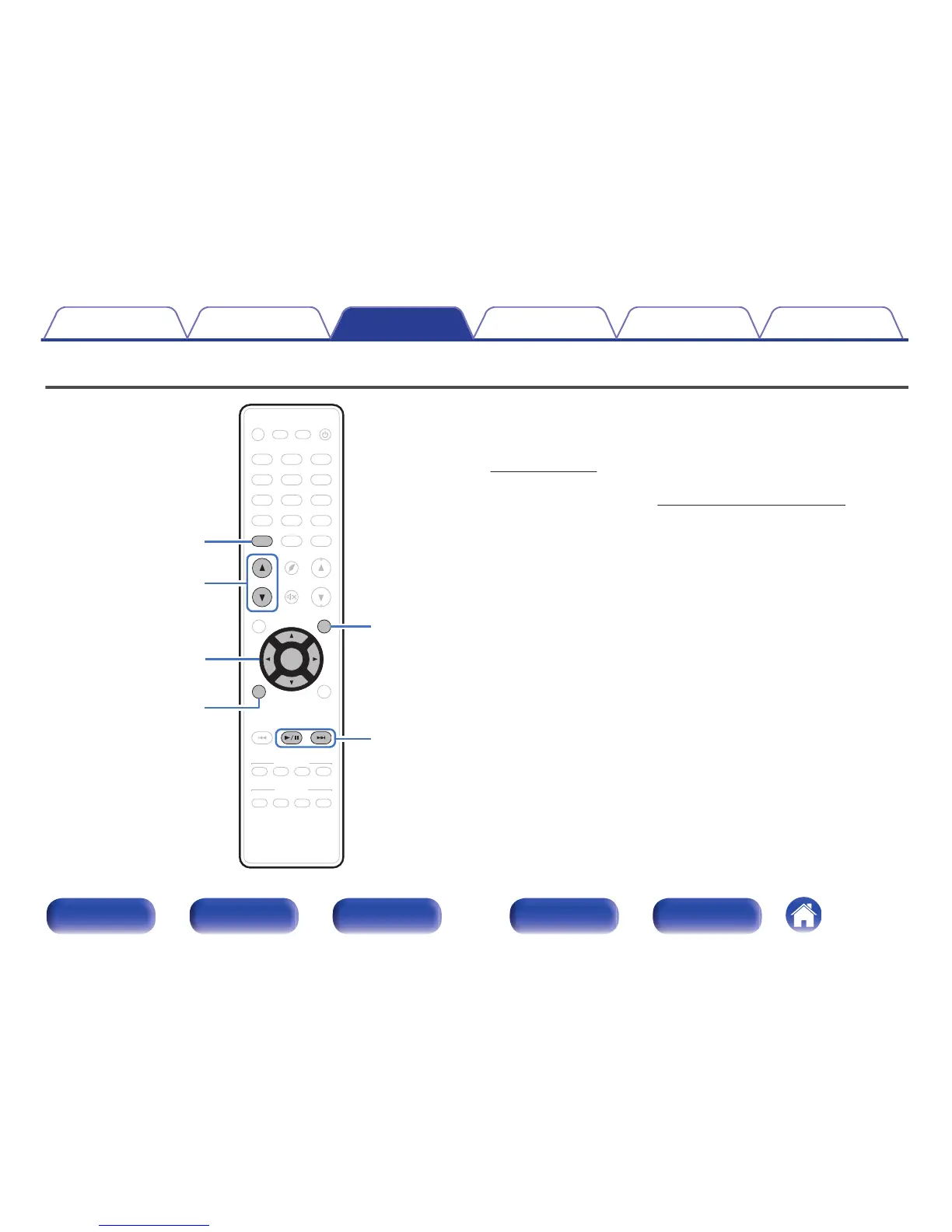
Pandora is an automated music recommendation and Internet Radio
service created by the Music Genome Project.
To listen to Pandora you will need a free Pandora account.
If you do not have a Pandora account, you can create one at
www.pandora.com or from the Pandora smartphone application.
Playback of Pandora in this unit requires the Pandora account to be linked
to the unit. Therefore, access
http://www.pandora.com/marantz from your
personal computer and perform the linkage.
Contents Connections Playback Settings Tips Appendix
112
Front panel Display Rear panel Remote Index


Table of Contents

Other manuals for Marantz SR6010

Related product manuals