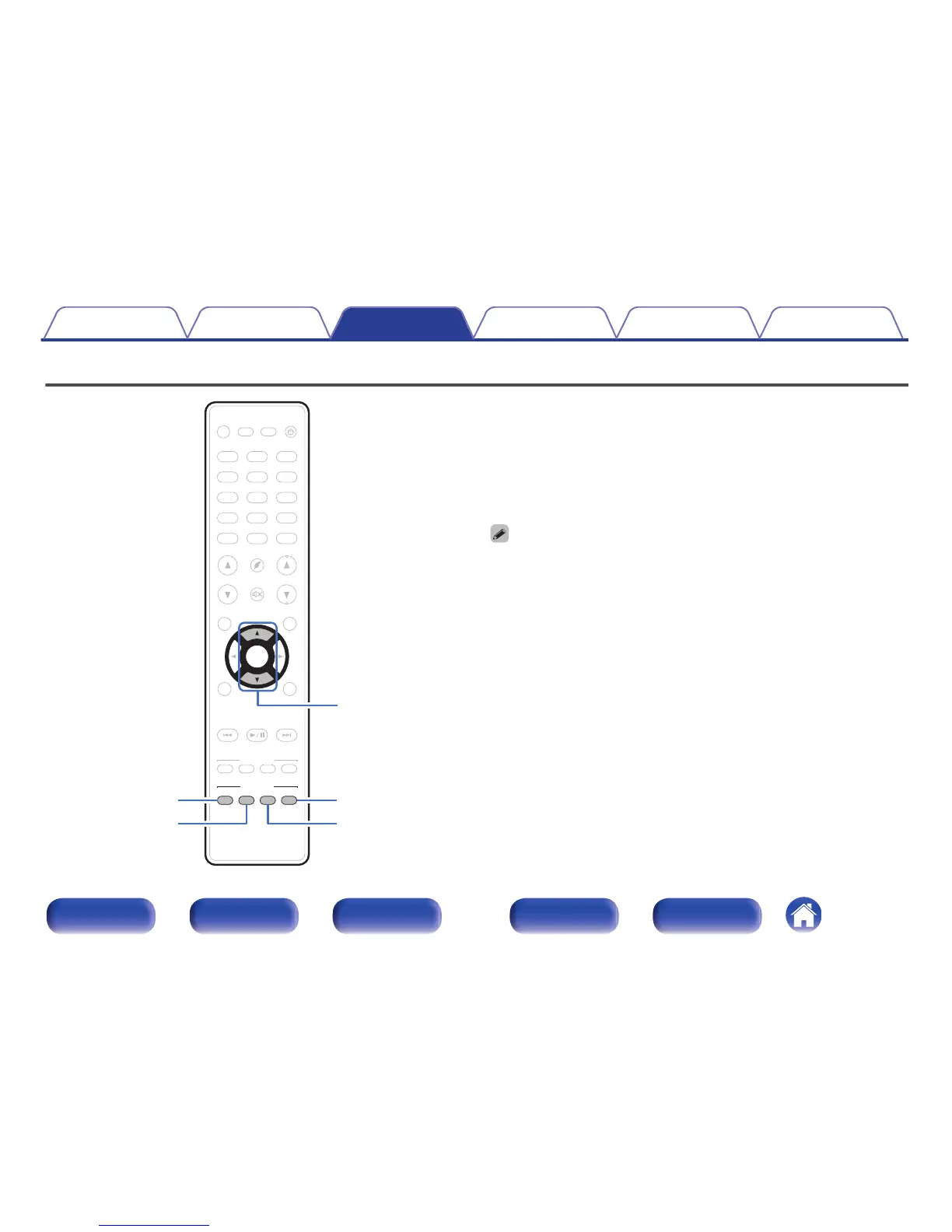
This unit allows you to enjoy various kinds of surround and stereo
playback modes.
Disc formats such as Blu-ray Disc and DVD, as well as being supported by
digital broadcasting, and even by streaming movies and music from
internet-based subscription services.
This unit supports playback of almost all of these multi-channel audio
formats. It also supports surround playback of audio formats other than
multi-channel audio such as 2-channel stereo audio.
0
For audio formats recorded on a disc, see the disc jacket or label.
Contents Connections Playback Settings Tips Appendix
137
Front panel Display Rear panel Remote Index



 To Next Page