EasyManua.ls Logo

Marantz SR6010 - Listening to Siriusxm Internet Radio

Marantz SR6010
322 pages
Print Icon
To Next Page IconTo Next Page
To Previous Page IconTo Previous Page
Loading...
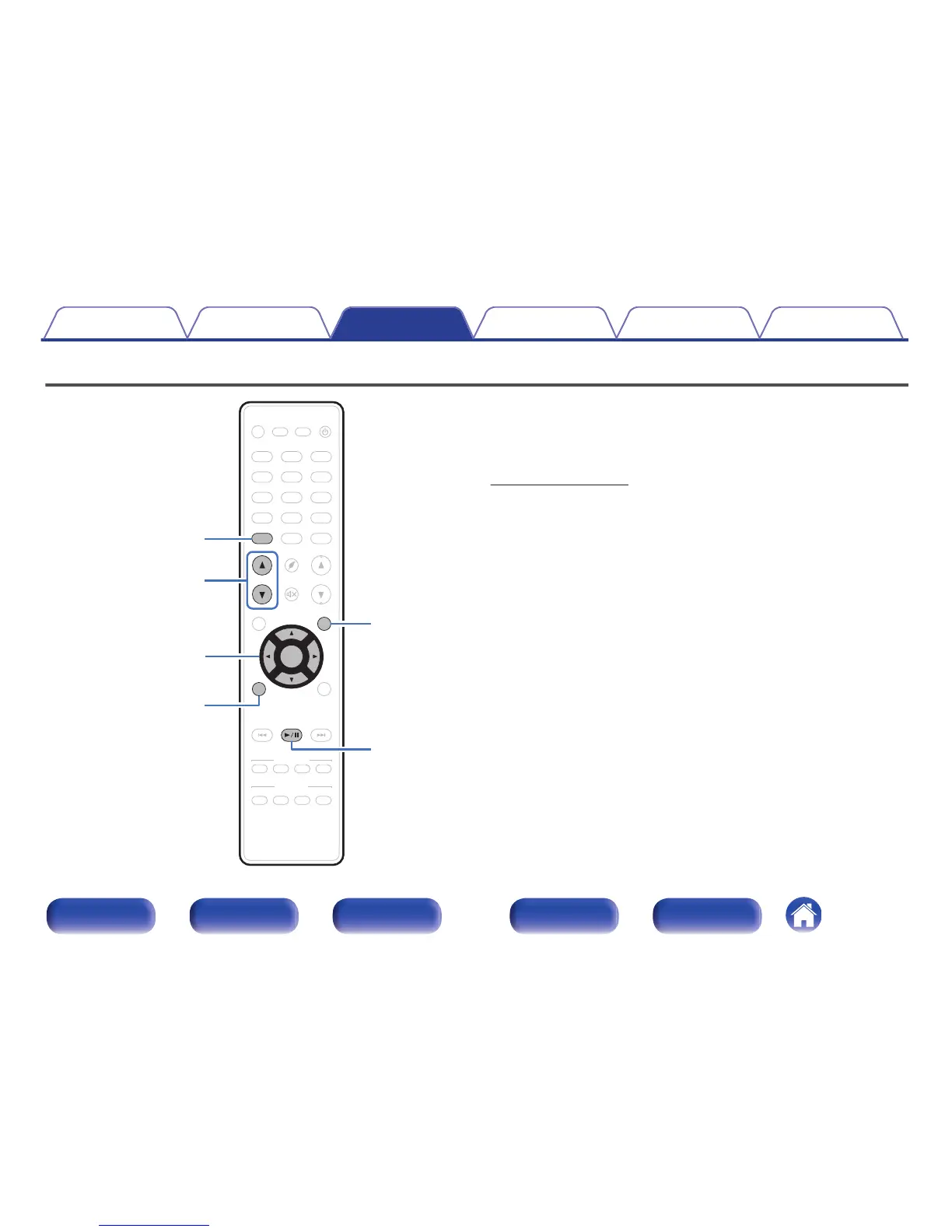
Listening to SiriusXM Internet Radio
.
CBL/SAT
GAME
DVD
AUX1
MEDIA
PLAYER
Blu-ray
TV AUDIO
iPod/ USB
Bluetooth
TUNER
INTERNET
RADIO
AUX2
CD
SETUP
SOUND MODE
TUNE
+
-
TUNE
SMART SELECT
1234
PUREMOVIE GAMEMUSIC
INFO
VOLUME
MUTE
ECO
ZONE SELECT
SLEEP
MAIN ZONE 2
POWER
BACK
ENTER
OPTION
ONLINE
MUSIC
CH / PAGE
CBL/SAT
GAME
DVD
AUX1
MEDIA
PLAYER
Blu-ray
TV AUDIO
iPod/ USB
Bluetooth
TUNER
INTERNET
RADIO
AUX2
CD
SETUP
SOUND MODE
TUNE
+
-
TUNE
SMART SELECT
1234
PUREMOVIE GAMEMUSIC
INFO
VOLUME
MUTE
ECO
ZONE SELECT
SLEEP
MAIN ZONE 2
POWER
BACK
ENTER
OPTION
ONLINE
MUSIC
CH / PAGE
PHONO
uio
p
ENTER
OPTION
CH/PAGE
df
BACK
1
/
3
ONLINE MUSIC
You can access SiriusXM to enjoy access to a wide range of unique
content.
An All Access package lets you listen to SiriusXM on your computer,
smartphone, tablet or Lynx Portable.
For details, see the SiriusXM homepage.
http://www.siriusxm.com
Contents Connections Playback Settings Tips Appendix
119
Front panel Display Rear panel Remote Index


Table of Contents

Other manuals for Marantz SR6010

Related product manuals