3-5. TUNER STEP mode (U / N only)
3-4.1. Actions
This is a special mode for enabling reception STEP of the ANALOG TUNER to be changed.
3-4.2. Starting up
While holding down buttons "
ZONE2 SOURCE
" and "
STATUS
" simultaneously, press the power button
to turn on the power.
Select the "
5. TUNER FRQ SET
" using the "
TUNER PRESET CH +/-
" button, then press the "
STATUS
"
button then to conrm.
3-4.3. Displays
Start up this unit in TUNER STEP mode, select the desired option using the "
TUNER PRESET CH +/-
"
button, then enter using the "
STATUS
" button.
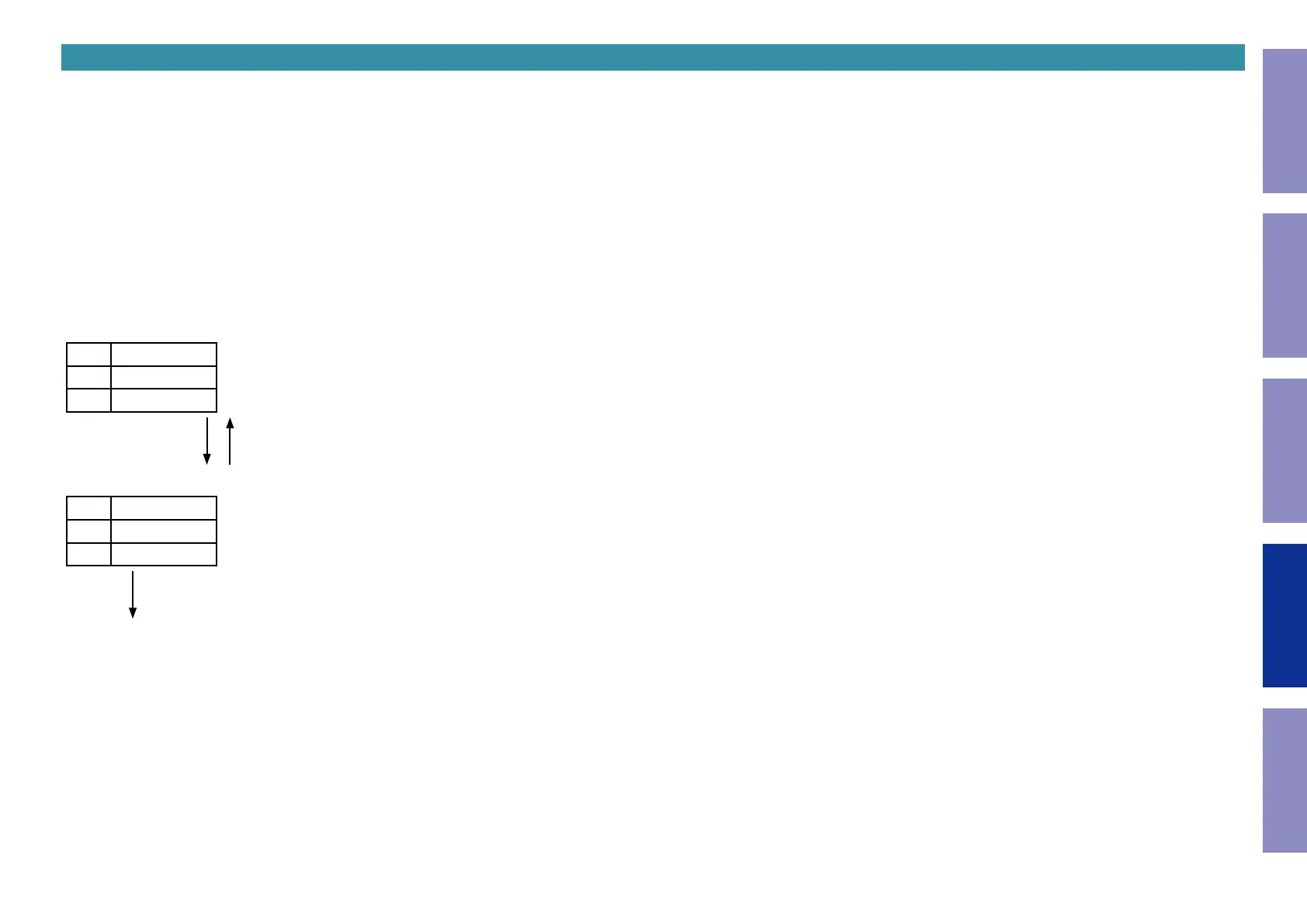
The following information is displayed in the following order.
(a) AM9 kHz / FM50 kHz is selected
L1
TunerFRQ
L2
AM9/
L3
FM50
"
TUNER PRESET CH +
" "
TUNER PRESET CH -
"
(b) AM10 kHz / FM200 kHz is selected
L1
TunerFRQ
L2
AM10/
L3
FM200
"
STATUS
"
(c) Press the power button to turn off the power.
(d) Press the power button to turn on the power.
142
Caution in
servicing
Electrical Mechanical Repair Information Updating



 To Next Page