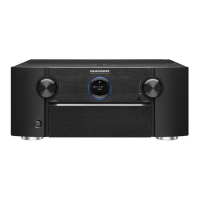
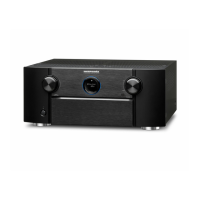
2-1. DIAGNOSTIC MODE (Service Path Check Mode)
2-1.1. Actions
This function is convenient for conrming problem paths in the product and checking the paths after repairing.
The Video and Audio paths can be checked.
The backup data is not rewritten.
2-1.2. Starting up
While holding down buttons "
ZONE SELECT
" and "
BACK
" simultaneously, press the power button to turn on the power.
Select "
1.SERVICE CHECK
", then press the "
ENTER
" button to activate the diagnostic mode.
The "
TUNED
", "
STEREO
" and "
RDS
" segments are lit in this mode.
2-1.3. Canceling diagnostic mode
Press the power button to turn off the power.
2-1.4. Selecting items to check
Press the
q
button to switch between video items and audio items.
Press the
w
or
e
button to select the previous or next item.
The unit Remote control unit
Actions
q w e q w e
Audio ⇔ Video PREVIOUS NEXT Audio ⇔ Video PREVIOUS NEXT
Button DIMMER CURSOR
0
CURSOR
1
SLEEP CURSOR
0
CURSOR
1
2-1.5. Audio system conrmation items
See the block diagram g.XXth.
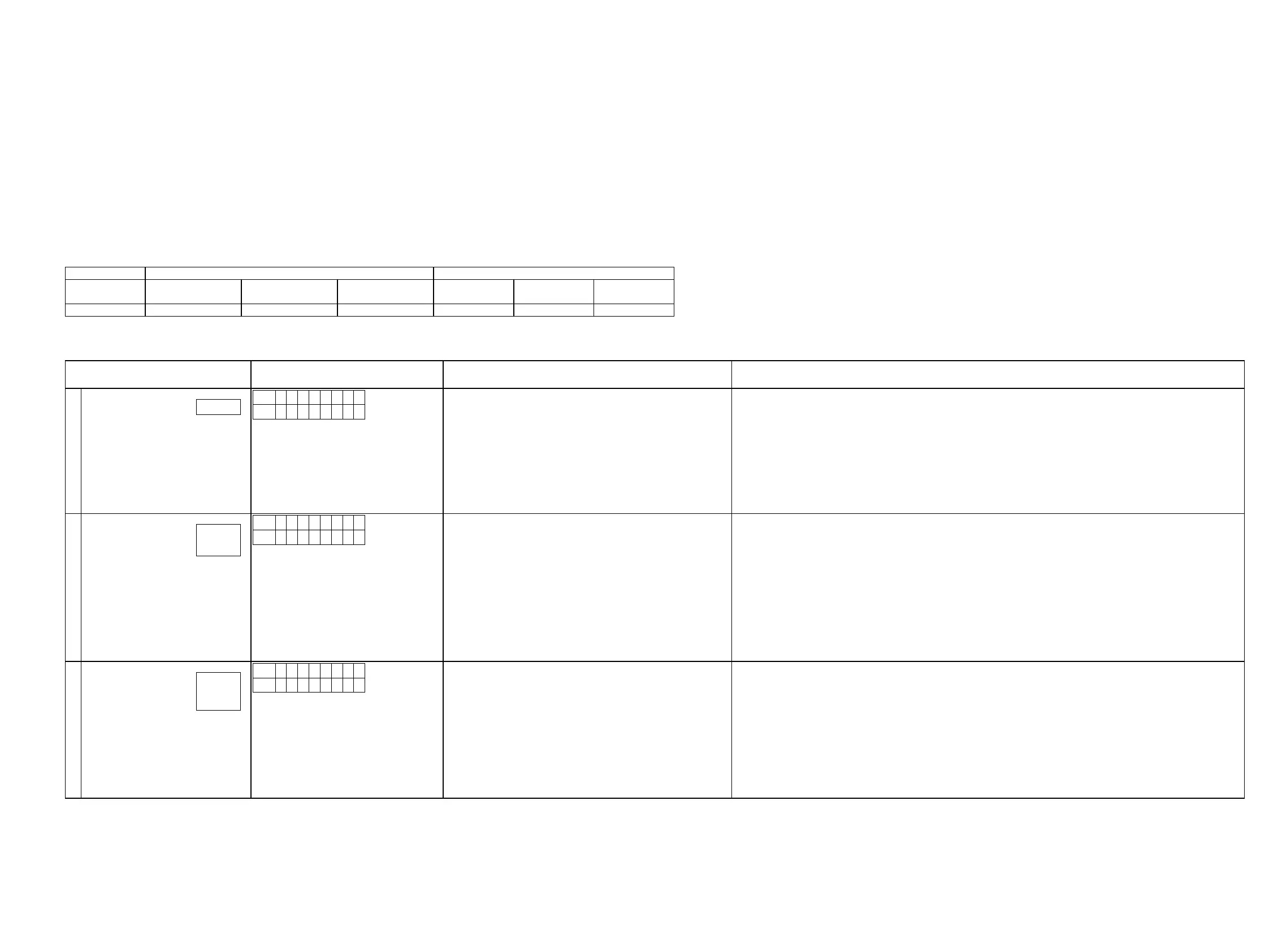
Paths to be conrmed Display Settings What to conrm
1
Analog (signal) through Path
L1
A 0 1 A N L G
L2
* * * . * d B
Input Source : CBL/SAT
Input Mode : ANALOG (xed)
Sound mode: DIRECT
Amp assign : 9.1ch
Floor Layout : 5.1&SB
Height Sp : 2ch
Dolby Sp : None
Height Layout : Front Height
MAIN ZONE ON
ZONE2 OFF
ZONE3 OFF
・Analog input ⇒ Speaker output (Front L/R)
・Analog input ⇒ Preout output (Front L/R)
(
b
The input source can be switched to any source except CBL/SAT.)
2
Digital (signal) Path
(MAIN)
L1
A 0 2 D I G .
L2
* * * . * d B
Input Source : CBL/SAT
Input Mode : DIGITAL (xed)
Sound mode : MULTI CH STEREO
Amp assign : 9.1ch
Floor Layout : 5ch&SB
Height Sp : 2ch
Dolby Sp : None
Height Layout : Front Height
Speaker Select : Floor
Speaker Cong ALL Speaker = Small / SW = Yes(2ch)
MAIN ZONE : ON
ZONE2 : OFF
ZONE3 OFF
・Digital input ⇒ Speaker output (Front L/R, Center, Surround L/R, Surround Back L/R)
・Digital input ⇒ Pre output (Front L/R, Center, Surround L/R, Surround Back L/R, Subwoofer)
(
b
The input source can be switched to any source except CBL/SAT.)
3
Digital (signal) Path
(ZONE2)
L1
A 0 3 Z 2 D I G
L2
* * * . * d B
Input Source : Online Music
Input Mode : Auto
Sound mode: STEREO
Amp assign : 7.1ch + ZONE2
Speaker for ZONE2 : S.Back
Floor Layout : 5ch
Height Sp : 2ch
Dolby Sp : None
Height Layout : Front Height
MAIN ZONE ON
ZONE2 ON
ZONE3 OFF
・Digital(PCM) input ⇒ Amp Assign Speaker (Surround Back (ZONE2) L/R )
・Digital(PCM) input ⇒ Preout output (ZONE2 L/R)
(
b
The input source can be switched to any source except Online Music.)
g.01
g.02a
g.02b
g.03a
g.03b
g.03c
25


 To Next Page