SURROUND MODES AND PARAMETERS
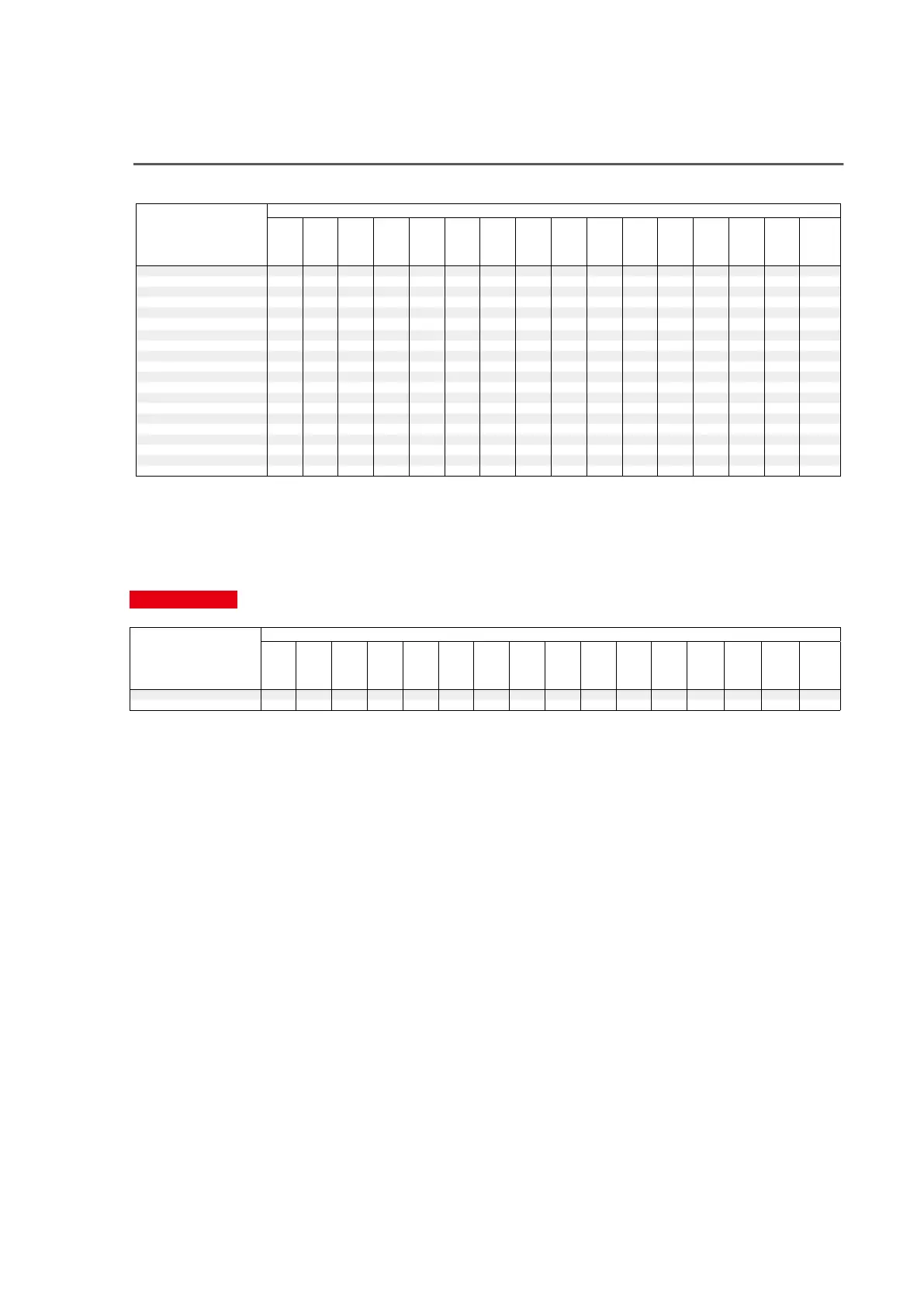
Sound modes and channel output
S This indicates the audio output channels or surround parameters that can be set.
D This indicates the audio output channels. The output channels depend on the settings of “Speaker Config.”.
Sound mode
Channel output
Front
L/R
Center
Surround
L/R
Surround
Back
L/R
Front
Wide
L/R
Front
Height
L/R
Top Front
L/R
Top
Middle
L/R
Top Rear
L/R
Rear
Height
L/R
Surround
Height
L/R
Top
Surround
Front
Dolby
Atmos
Enabled
L/R
Surround
Dolby
Atmos
Enabled
L/R
Back
Dolby
Atmos
Enabled
L/R
Subwoofer
Direct/Pure Direct (2-channel)
S Dz7
Direct/Pure Direct (Multi-channel)
SDD Dz3 Dz3 Dz3 Dz3 Dz3 Dz3 Dz3 Dz3 Dz3 Dz3 D
DSD Direct (2-channel)
S Dz7
DSD Direct (Multi-channel)
SDD D
Stereo
S D
Multi Ch In
SDD Dz3 D
Dolby Surround z1 SDD Dz4 DDDDDDDDD
DTS Neural:X z2 DDDDDDDDDDDDDS
Audyssey DSX®
SDD Dz6 Dz6 D
Dolby Digital
SDD D
Dolby Digital Plus
SDD Dz3 Dz3 Dz3 D
Dolby TrueHD
SDD Dz3 Dz3 Dz3 D
Dolby Atmos
DDDDDDDDDDDDDS
DTS Surround
SDDD D
DTS 96/24
SDDD D
DTS-HD
SDD Dz3 Dz3 Dz3 D
DTS Express
SDDD D
DTS:X
DDDDDDDDDDDDDS
Multi Ch Stereo
SDD Dz5 Dz5 Dz5 Dz5 Dz5 Dz5 Dz5 Dz5 Dz5 Dz5 D
Virtual
S D
z1
The applicable sound mode includes “Dolby Surround” and sound modes that have “+Dolby Surround” in the sound mode name.
z2
The applicable sound mode includes “DTS Neural:X” and sound modes that have “+Neural:X” in the sound mode name.
z3
A signal for each channel contained in an input signal is output as audio.
z4 Audio is not output when “Speaker Config.” - “Surr. Back” in the menu is set to “1 spkr”.
z5 Audio is output from the speakers specified in the “Surround Parameter” – “Speaker Select” settings.
z6
Audio is output from the speakers specified in the “Audyssey DSX
®
” settings.
z7 Audio is output when “Subwoofer Mode” in the menu is set to “LFE+Main”.
Upgrade (Auro-3D)
Sound mode
Front
L/R
Center
Surround
L/R
Surround
Back
L/R
Front
Wide
L/R
Front
Height
L/R
Top Front
L/R
Top
Middle
L/R
Top Rear
L/R
Rear
Height
L/R
Surround
Height
L/R
Top
Surround
Front
Dolby
Atmos
Enabled
L/R
Surround
Dolby
Atmos
Enabled
L/R
Back
Dolby
Atmos
Enabled
L/R
Subwoofer
Auro-3D
zDDDDS 8 D Dz9 D
Auro-2D Surround
SDDD D
z8
You can use the Rear Height speakers instead of Surround Height speakers for Auro-3D playback. For best Auro-3D experience, using Surround Height speakers is
recommended.
z9
This is output if an Auro-3D signal is input and the input signal contains Top Surround.
97



 To Next Page