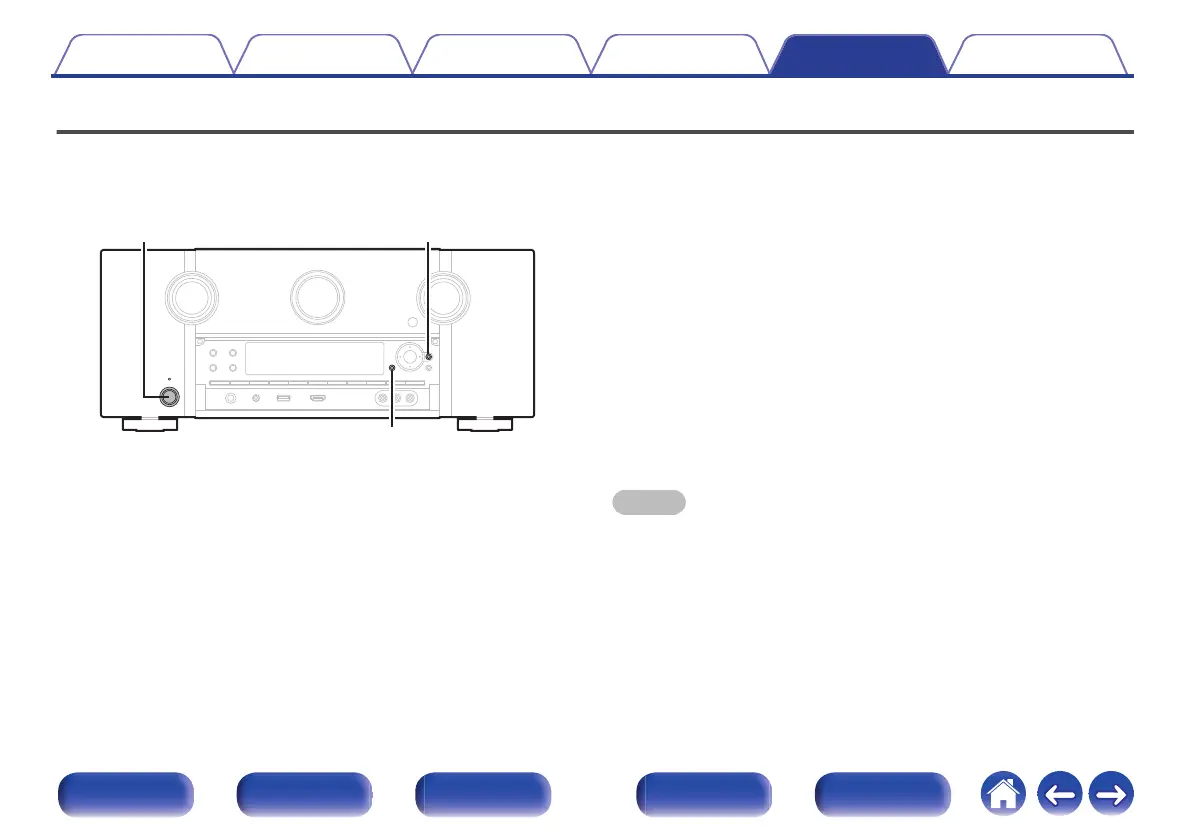
Resetting network settings
Perform this procedure if network contents do not playback correctly or the network cannot be connected correctly.
Network settings are reset to the factory default values. Make settings again.
However, the menu “Amp Assign”, “Speaker Config.” and “Video” settings are not reset.
.
1
Press X to turn on power to the unit.
2
Press ONLINE MUSIC on the remote control unit.
3
Press and hold the main unit's BACK and ENTER at the
same time for at least 3 seconds.
4
Remove your fingers from the two buttons when
“Network Reset...” appears on the display.
5
“Completed” is shown in the display when reset is
complete.
NOTE
0
Do not turn the power off until reset is complete.
Contents Connections Playback Settings Tips Appendix
303
Front panel Display Rear panel Remote Index



 To Next Page