49
ENGLISH
GENERAL MALFUNCTION
If the equipment malfunctions, this may be because an electrostatic
discharge or AC line interference has corrupted the information in the
equipment memory circuits. Therefore:
- disconnect the plug from the AC line supply
- after waiting at least three minutes, reconnect the plug to the AC
line supply
- re-attempt to operate the equipment
HOW TO RESET THE UNIT
Should the operation or display seem to be abnormal, reset the unit
with the following procedure.
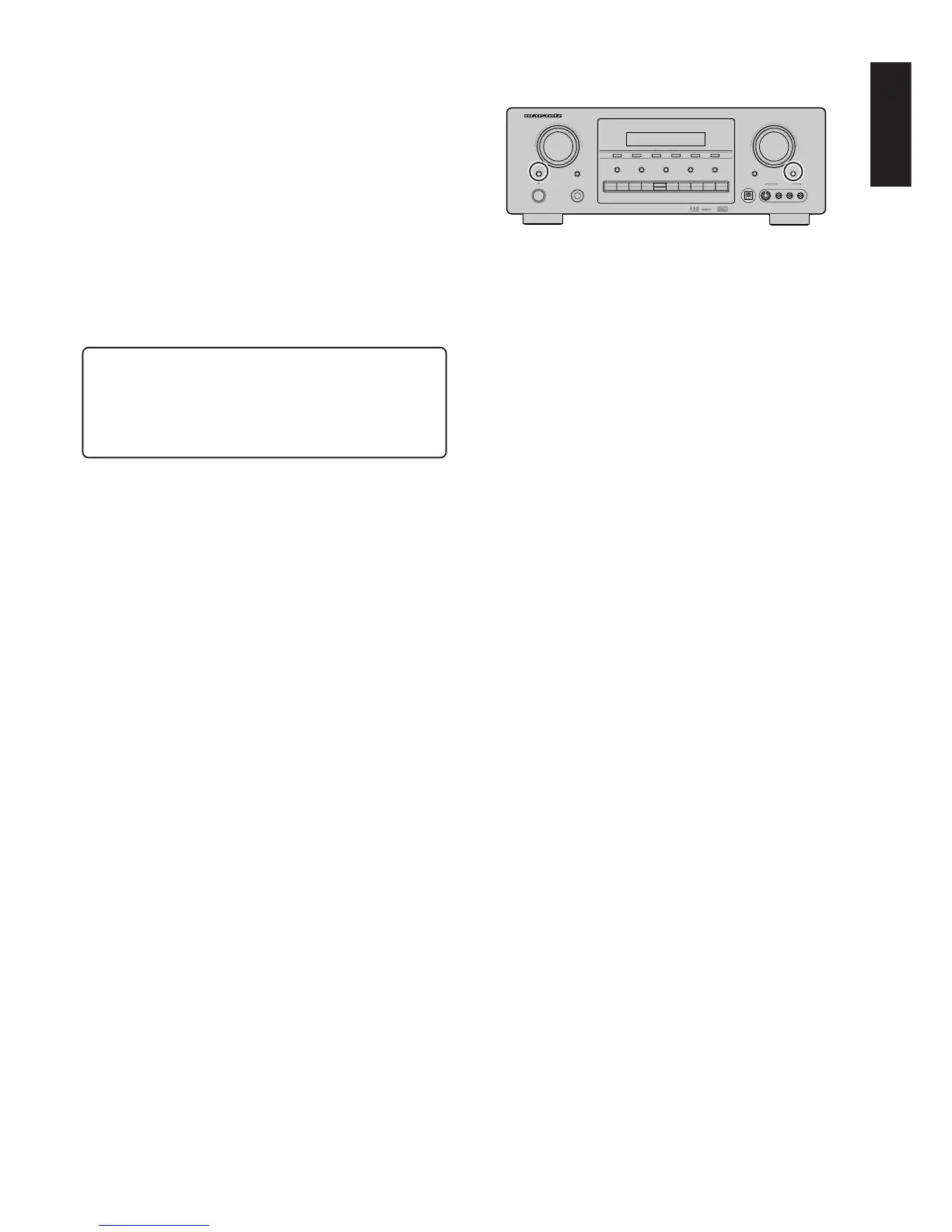
The SR7300 is turned on, press and hold the SELECT and ATT
buttons simultaneously for 3 seconds or more.
Remember that the procedure will reset the settings of the function
selector, Surround mode, delay time, TUNER PRESET etc., to their
initial settings.
Memory backup
• In case a power outage occurs or the power cord is accidentally
unplugged, the SR7300 is equipped with a backup function to
prevent memory data such as the preset memory from being
erased.
AV SURROUND RECEIVER SR7300
UP
SURROUND
VOLUME
DOWN
MEMORY
TUNING
MODE
F/P
CLEAR
S-DIRECT MULTIROOM
MUTE
A/D7.1CH INPUTSPEAKRS A/B
POWER ON/STANDBY
PHONES
ENTER
STANDBY
AUX1 INPUT
S-VIDEODIGITAL VIDEO L AUDIO R
DSS/VCR2
AUX1 AUX2
VCR1
DVD
TV
CD
CD-R
TAPE
TUNER
ATT
SELECTSELECTSELECT



 To Next Page