56
12. SYSTEM ERROR
The CPU inside the unit monitors peripheral interfaces and if a trouble is detected the following information is displayed on
the FLD.
1. Trouble in DSP
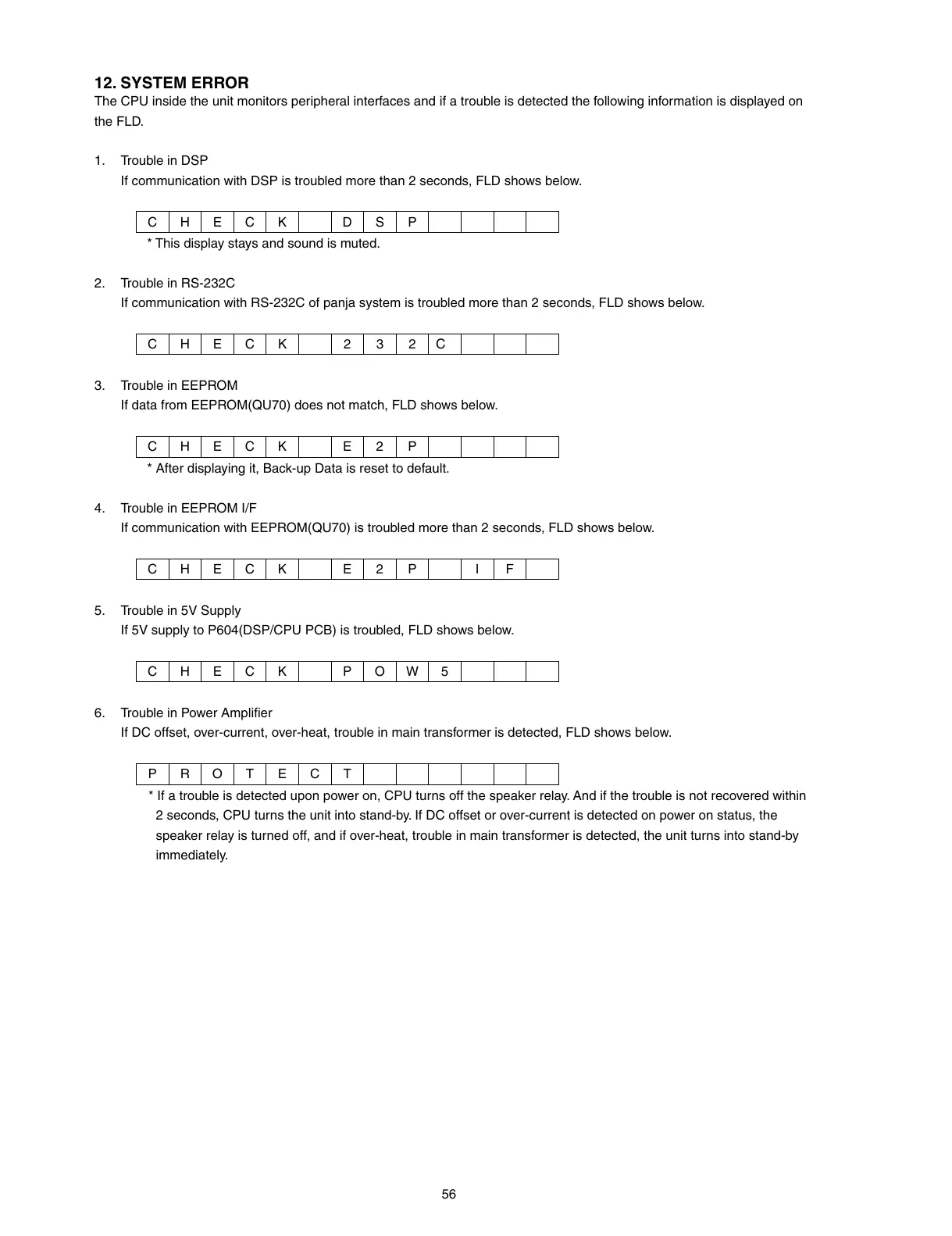
If communication with DSP is troubled more than 2 seconds, FLD shows below.
CHECK DSP
* This display stays and sound is muted.
2. Trouble in RS-232C
If communication with RS-232C of panja system is troubled more than 2 seconds, FLD shows below.
CHECK 232
C
3. Trouble in EEPROM
If data from EEPROM(QU70) does not match, FLD shows below.
CHECK E2 P
* After displaying it, Back-up Data is reset to default.
4. Trouble in EEPROM I/F
If communication with EEPROM(QU70) is troubled more than 2 seconds, FLD shows below.
CHECK E2 P I F
5. Trouble in 5V Supply
If 5V supply to P604(DSP/CPU PCB) is troubled, FLD shows below.
CHECK POW5
6. Trouble in Power Amplifi er
If DC offset, over-current, over-heat, trouble in main transformer is detected, FLD shows below.
PROTECT
* If a trouble is detected upon power on, CPU turns off the speaker relay. And if the trouble is not recovered within
2 seconds, CPU turns the unit into stand-by. If DC offset or over-current is detected on power on status, the
speaker relay is turned off, and if over-heat, trouble in main transformer is detected, the unit turns into stand-by
immediately.



 To Next Page