3
ENGLISHFRANÇAISDEUTSCH
NEDERLANDS
ESPAÑOLITALIANO
PORTUGUÊS
SVENSKADANSK
HOW TO PRESET A FREQUENCY IN THE MEMORY
1. Select FM or AM with the BAND button.
2. Select the desired station with the GYRO CONTROL ring.
3. Press the MEMO button.
“MEMORY” will flash on the display.
4. While the “MEMORY” indicator is flashing (approx. 5 sec.), turn the
GYRO CONTROL ring to the left or right to select the desired
preset number.
5. Press the MEMO button again.
The “MEMORY” indicator will go out, and memorization will be
finished.
CALLING UP STORED STATIONS
1. Confirm that the “PRESET” indicator is lit on the display. If not lit,
press the PRESET button to turn it on.
2. Turn the GYRO CONTROL ring to select the desired preset station.
DELETING THE CONTENTS OF THE PRESET MEMORY
1. Select the preset station you wish to delete.
2. Press the MEMO button.
The “MEMORY” indicator will flash on the display.
3. While the “MEMORY” indicator is flashing (approx. 5 sec.), turn the
GYRO CONTROL ring to set the preset number to “00”.
4. Press the MEMO button again.
The preset number and the “CLEAR” indicator will flash for approx.
2 seconds on the display and the memory will be deleted.
Station names memorized for the preset station will also be deleted
at the same time.
<GYRO RING operation method>
When the GYRO ring is turned to the right, the frequency or preset
number will increase, and when turned to the left, they will decrease.
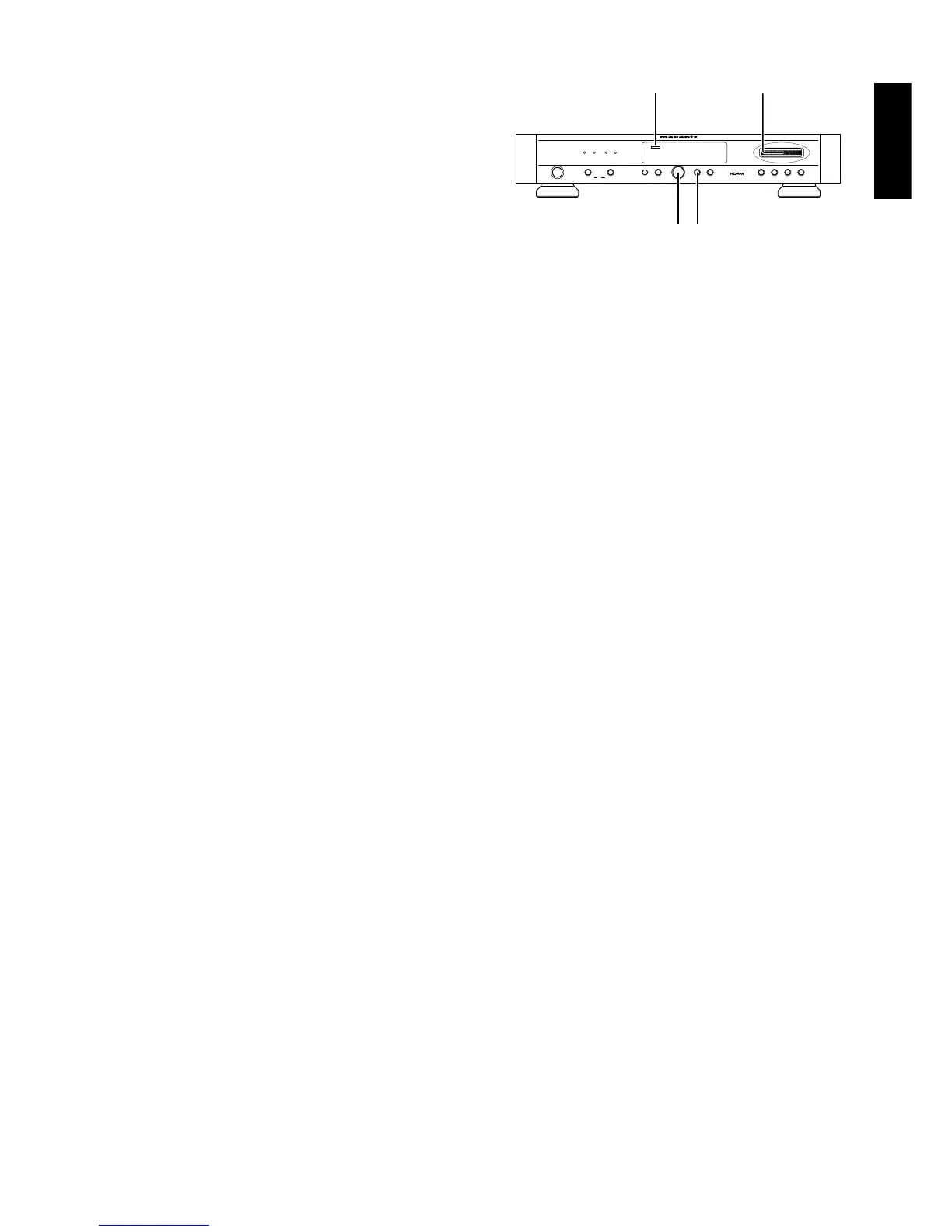
OPERATION ON THE MAIN UNIT
SWITCHING ON AND OFF
When you want to switch you tuner on, press the POWER button.
When you wish to switch the unit off, simply press the POWER
button again.
SELECTING THE WAVE BAND
Select the desired wave band (FM, MW or LW) by pressing the
BAND button. Pressing this button switches to the next wave band
in the following order: FM - MW - LW - FM.
The display shows the selected band.
AUTO TUNING
This method can be used in areas where the signal strengths of the
broadcast atations are normal.
1. Confirm that the “AUTO” and “TUNING” indicators are lit on the
display. If not lit, turn the indicators on by pressing the TUNING
button and AUTO button.
2. Gently move the GYRO CONTROL ring.
The received frequency will automatically change and tuning will
stop when a station is received.
3. Repeat moving the GYRO CONTROL ring gently until the desired
station is received.
NOTE:
While the GYRO CONTROL ring is being turned, even if a station is
tuned in, it will not be stopped at.
MANUAL TUNING
This method can be used in areas where the signal strengths of the
broadcast atations are normal.
1. Confirm that the “TUNING” indicator is lit on the display. If not lit,
turn the indicator on by pressing the TUNING button.
2. If “AUTO” is lit on the display, press the AUTO button to turn it off.
3. Turn the GYRO CONTROL ring until the frequency you want is
received. The speed of received frequency display corresponds to
the speed that you turn the ring. Also, received frequencies will
change at 100kHz steps for FM and 9kHz steps for AM.
PRESET TUNING
Use the following procedure to recall a preset station directory from
the preset memory.
1. Ensure that the PRESET indicator is lit in the display. If nor, press
the PRESET button to light it..
2.Rotate the GYRO CONTROL ring to select the desired preset
station.
PRESET MEMORY ON THE MAIN UNIT
This unit is equipped with the one-touch preset tuning system which
is particularly convenient when there is a large number of receivable
stations. The preset tuning system allows up to 60 stations on FM and
AM (MW, LW) to be preset in a random order.



 To Next Page
 Loading...











