4
ENGLISH FRANÇAIS DEUTSCH
NEDERLANDS
ESPAÑOL ITALIANO
PORTUGUÊS
SVENSKA DANSK
1. Select and display the preset channel you wish to register.
2. Press the ST NAME button.
The display’s frequency indicator will go out, “MEMORY” will flash
and “_ _ _ _ _ _ _ _” will appear.
INPUT OF STATION NAMES ON THE
MAIN UNIT
The display automatically shows the name of an RDS station when it
is being received.
It is also possible to have the station name of a non-RDS station
displayed by entering the station name manually.
HOW TO INPUT A STATION NAMES
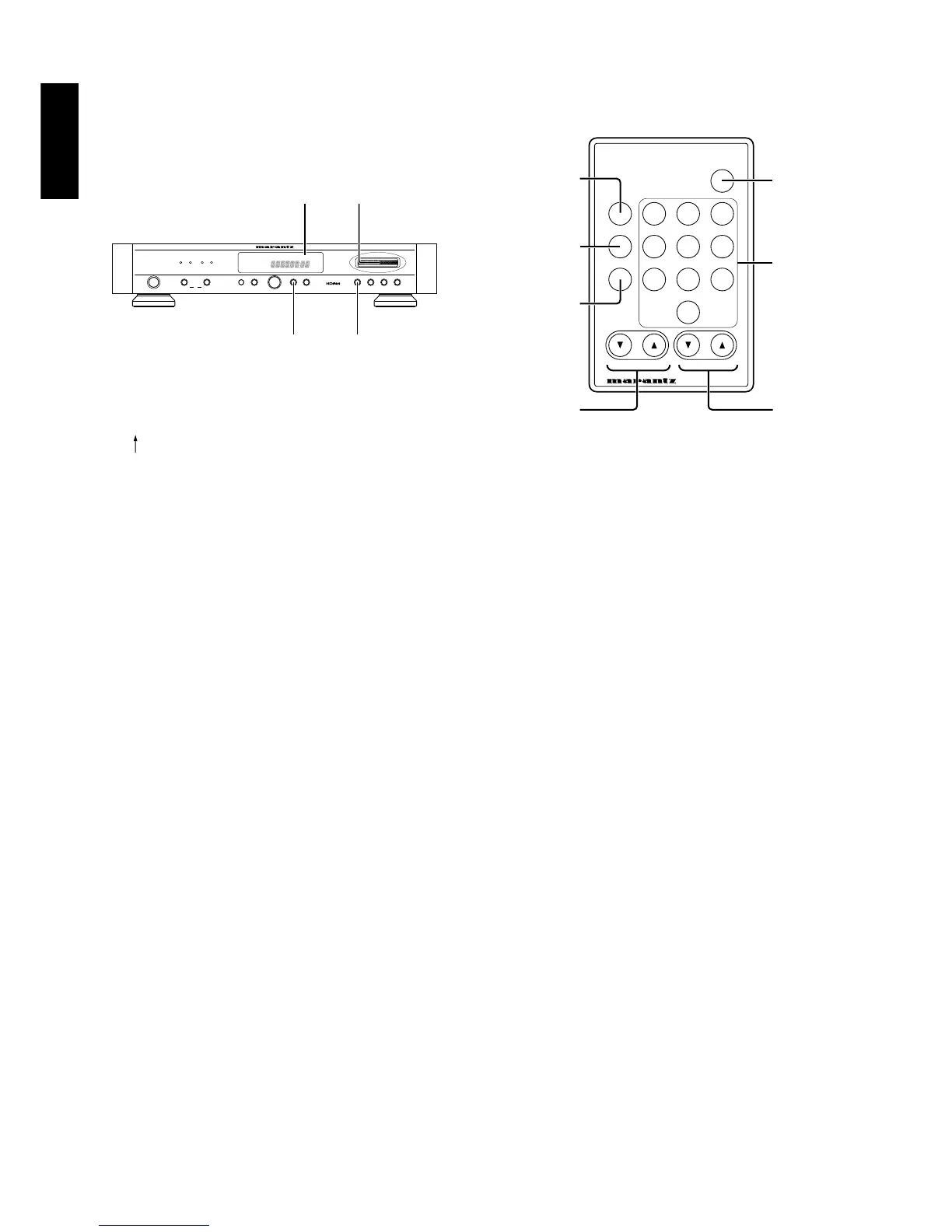
TUNING UP () / DOWN () BUTTON
Every time the UP or DOWN side of the TUNING button is pressed,
the receiving frequency varies in the upward or downward direction,
in the steps of 50 kHz in FM band or 9 kHz in AM band.
When the button is held depressed for more than 0.5 seconds, the
receiving frequency varies continuously in the above-mentioned
steps until a station is received. Press or hold the button until the
desired frequency is displayed on the digital frequency indicator.
PRESET UP () / DOWN () BUTTON
Every time the UP or DOWN side of the PRESET button is pressed,
the preset number will advanced one step in the upward or
downward direction. The unused preset numbers without memory
contents are skipped.
This button is also used as the CURSOR button in the station name
input mode.
PRESET MEMORY ON THE REMOTE CONTROL UNIT
This unit is equipped with the one-touch preset tuning system which
is particularly convenient when there is a large number of receivable
stations. The preset tuning system allows up to 60 stations on FM and
AM to be preset in a random order.
* When a station other than a preset station is selected, and the
CHAR. button is pressed, the frequency indicator will remain lit, the
“PRESET” indicator will flash and the station name can not be
registered.
3. Use the GYRO CONTROL ring to input the desired number or letter
at the first flashing digit on the left side.
When the GYRO CONTROL ring is turned to the right, input will
change in the following order: A – Z _
. .
0 – 9 A –.
When turned to the left, input will change in the following order: 9 –
0
. .
_ Z – A 9 –. (“_” indicates a space.)
4. Press the ST NAME button when the first digit on the left has been
input.
Flashing will move to the second digit. Input the desired number or
letter using the same procedure as in step 3, and press the CHAR.
button.
Repeat this procedure to input up to 8 characters.
(The flashing position will move each time the ST NAME button is
pressed.)
5. When the desired station name has been input, press the MEMO
button.
Flashing will stop and registration will be finished.
* Although station names of up to 8 characters can be input, even if
a station name that is under 8 characters is input, pressing the
MEM0 button will finish registration at that point.
CHANGING STATION NAME
To change registered station names, carry out steps 2 to 5 of the
registration procedure. The old station name will be replaced with the
new one.
TO ERASE STATION NAMES
1. Display the station name to be erased.
2. Input spaces ( _ ) at all 8 digits.
3. Press the MEMO button. The station name will be erased, and the
frequency display will be returned to.



 To Next Page
 Loading...











