5
Select “Source” as the input source for ZONE2.
If “Source” is selected as the input source of ZONE2, the input
source is changed to mirror that of the MAIN ZONE.
0
The factory default setting for the ZONE2 input source is
“Source”.
0
If you have changed the input source for ZONE2 to a different
setting, use the “Marantz AVR Remote” App to change it to
“Source”.
A
Tap zone control (K) to select ZONE2.
B
Select “Source” as the input source.
0
The ZONE2 input source cannot be set to “Source” from the main unit or remote
control unit.
0
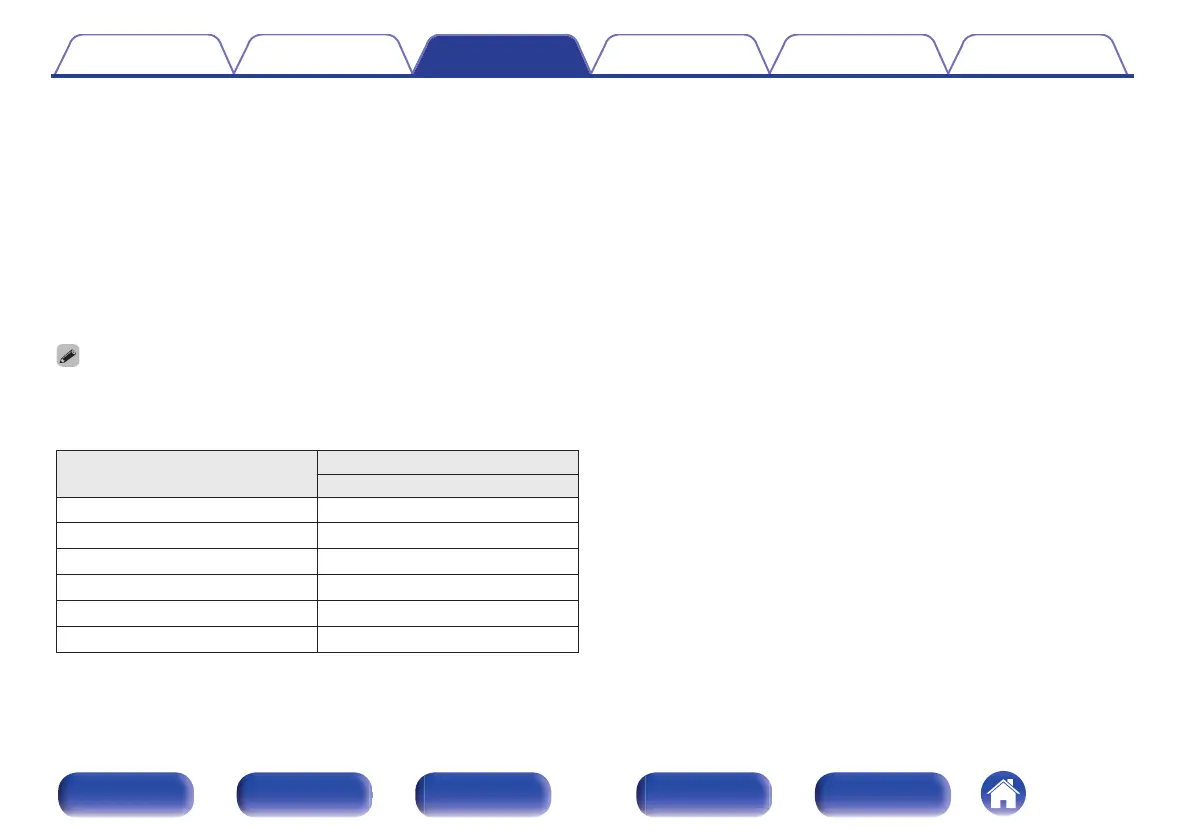
The following audio signals can be played in ZONE2.
Input
Output
ZONE2
Digital Audio (HDMI)
S
Digital Audio (Coaxial/Optical)
S
Analog Audio
S
USB
S
HEOS Music
S
TUNER
S
Contents Connections Playback Settings Tips Appendix
126
Front panel Display Rear panel Remote Index


 To Next Page