26
Media icons
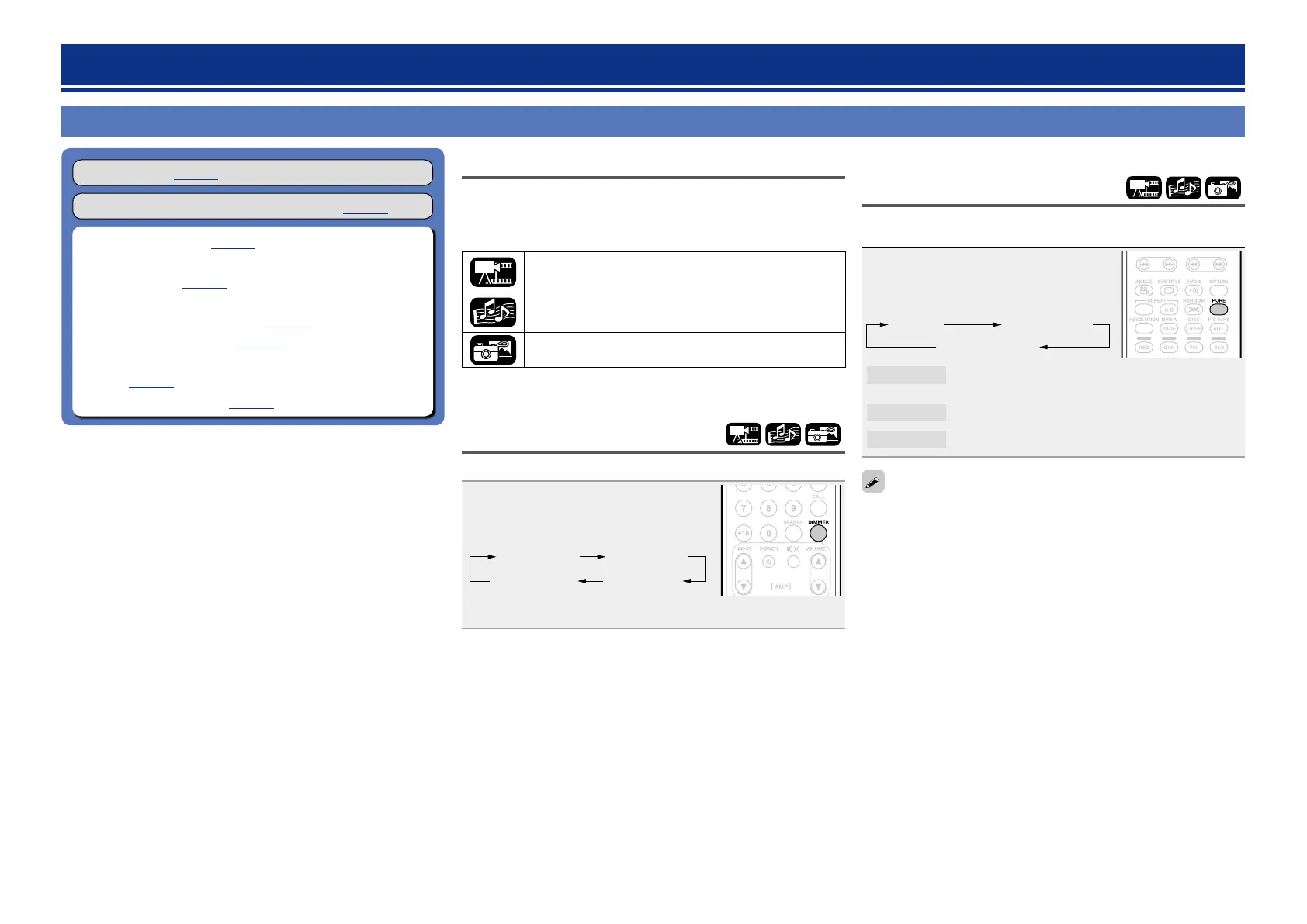
This unit can play back various kinds of media including video, audio,
and photos. In this owner’s manual, corresponding media icons are
indicated next to titles for each operation description. The following
table shows what content can be played back for each media.
Video : Blu-ray Disc, DVD-Video, DivX plus HD,
MPEG, AVI, WMV, AVCHD
Audio : Super Audio CD, CD, DVD-Audio, MP3,
WMA, AAC, LPCM, FLAC
Photo : JPEG, PNG
Changing the brightness of
the display (Dimmer control)
The brightness of the display can be changed.
Press DIMMER.
•The brightness changes each time the
button is pressed.
Off
Bright
Dark
Dim
•When the dimmer is set to off, the FL OFF indicator lights red.
Playing high-quality audio
(Pure direct function)
This enables you to play high quality audio by stopping the video and
outputting the analog audio signal only.
Press PURE.
•The Pure Direct mode changes each time
the button is pressed.
Off Pure Direct 1
Pure Direct 2
Pure Direct 1
This turns off the HDMI output and display.
And the FL OFF indicator lights red.
Pure Direct 2
This turns off the HDMI output.
Off
This turns off the pure direct function.
You cannot use PURE while the SETUP menu is displayed.
Settings enabled during playback
Playback (vpage11)
Operations enabled during playback (vpage21)
n Media icons (vpage26)
n Changing the brightness of the display (Dimmer
control) (vpage26)
n Playing high-quality audio
(Pure direct function) (vpage26)
n Video resolution (vpage27)
n Adjusting the picture quality (Picture control)
(vpage28)
n OPTION setting (vpage29)
Settings





 To Next Page