56
FIRMWARE UPDATE
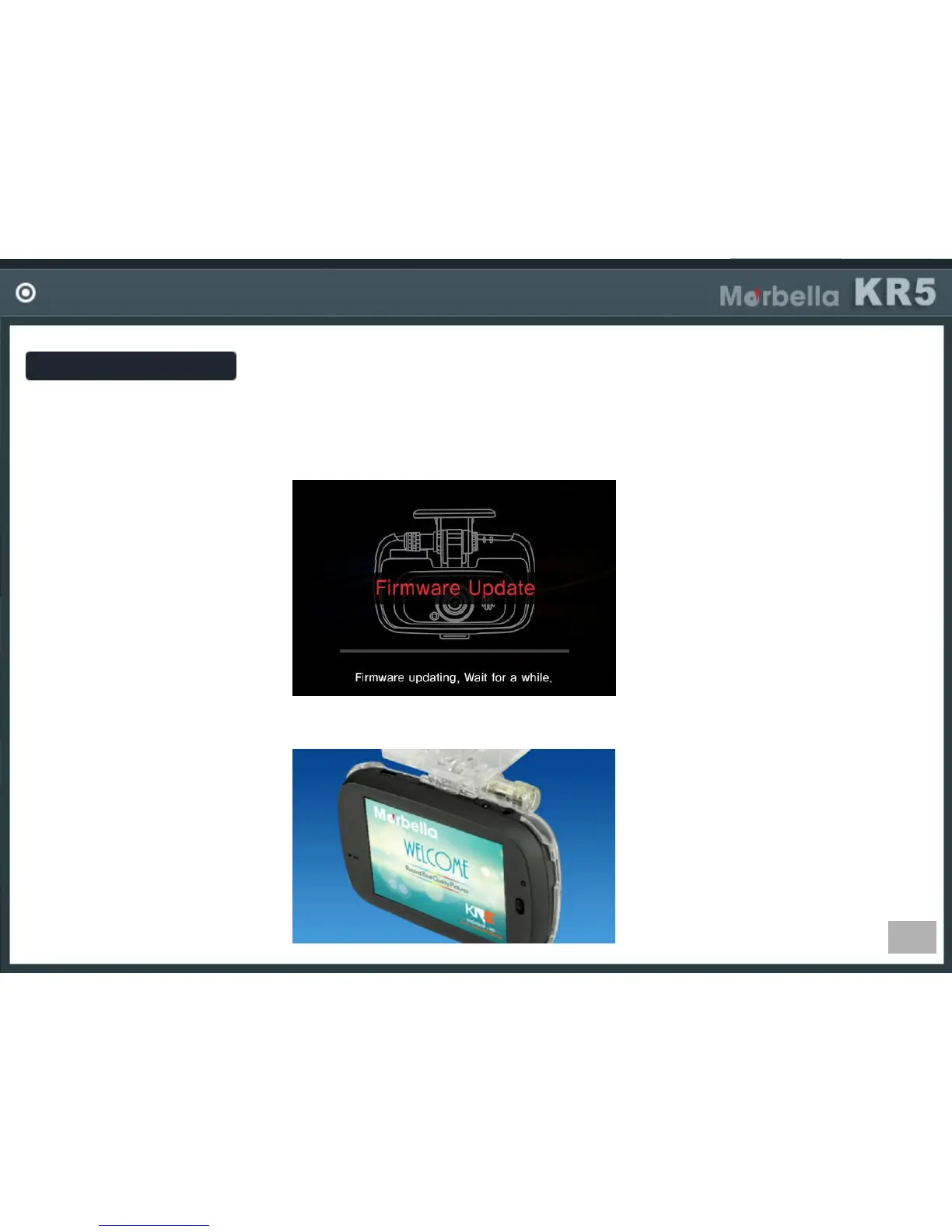
Firmware Update
-Get the latest firmware from your local service center or local distributor home page.
-Unzip and store the firmware files in SD card.
-If you power on the device, firmware will be upgraded automatically.
-After firmware update, the device will reboot.
(Firmware in SD card will be deleted automatically)


 To Next Page