15
© 2017
Ma
k
a
T
e
c
hnologie
s
G
roup
. A
ll Righ
ts
Re
s
er
v
ed
.
Getting
Started
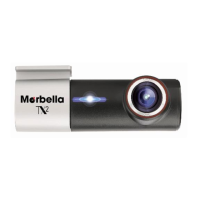
Overview of your
TX2
FHD
Digital
Roadcorder
TM
Device
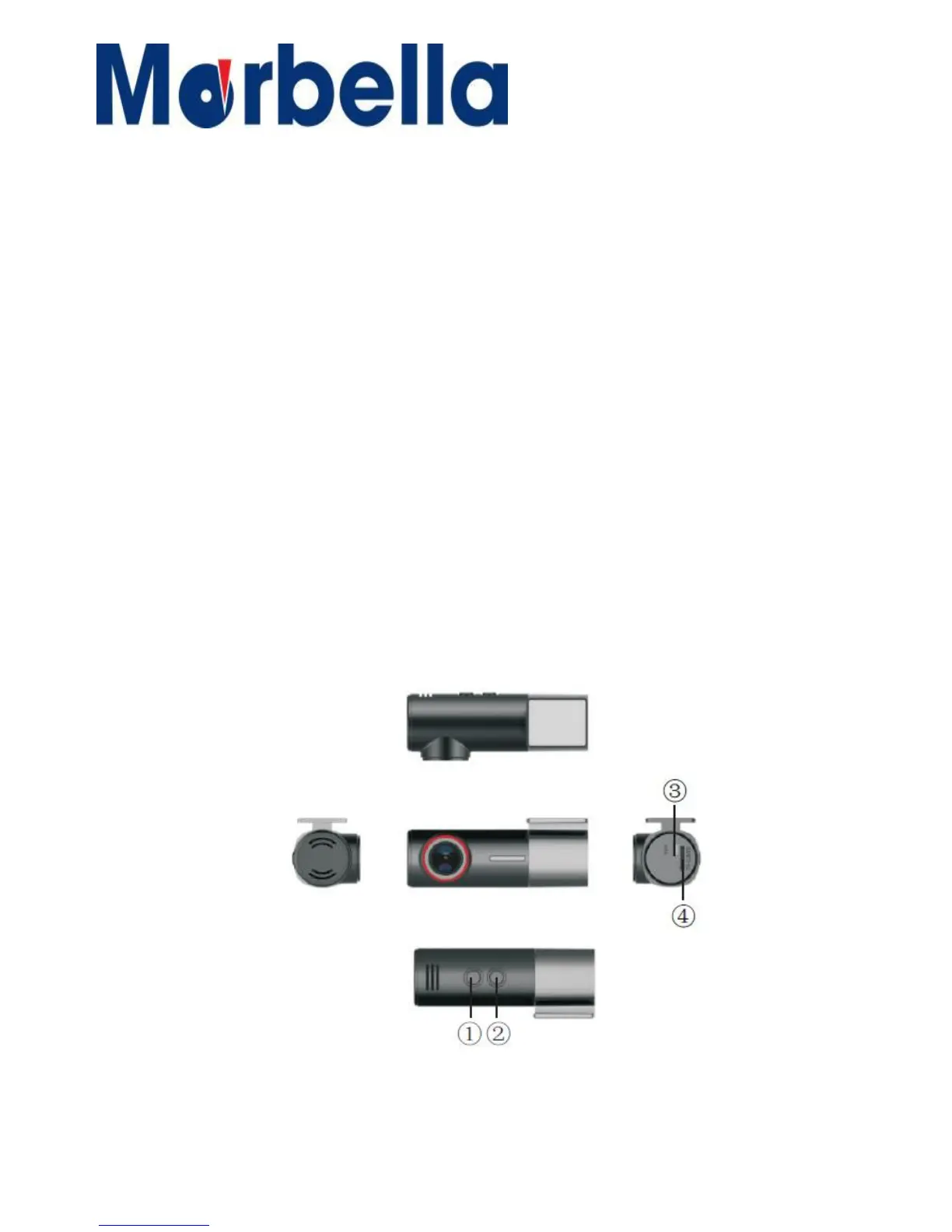
Layout / Button Function
1. On/Off Button / Recording Start/Stop Button
-
Press and hold to turn the device on or off
-
Blue light (Recording not start). Press once to start
-
Blue Blinking light (Recording start). Press once to Stop
2. Wifi Connection Button
- Red Blinking light (Wifi Connection not Establish)
- Red light (Wifi Connection Establish)
3. DC Connection
- For 12V Car Charger output only.
4. Micro SD Card Slot
- Slot for MicroSd Card minimum of 8GB Class 10 and above.


 To Next Page