29
© 2017
Ma
k
a
T
e
c
hnologie
s
G
roup
. A
ll Righ
ts
Re
s
er
v
ed
.
Getting
Started
Operation
of your TX2
F
HD
Digital
Roadcorder
TM
10.Volume
This function control volume of the voice recording during video downloaded
and playback. If video is in mute during recording, volume control will not
change any effect.
1. Tap on once during the video playback after file download. A pop up above
the icon will show.
2. Adjust the volume accordingly to the volume you wish to here.
11.Folder
This folder will show all the downloaded video/photo. Before this appear, go
to step 12 (Download) to download and save/playback.
12.Download
This folder will show list of the video file recorded in the Micro SD card.
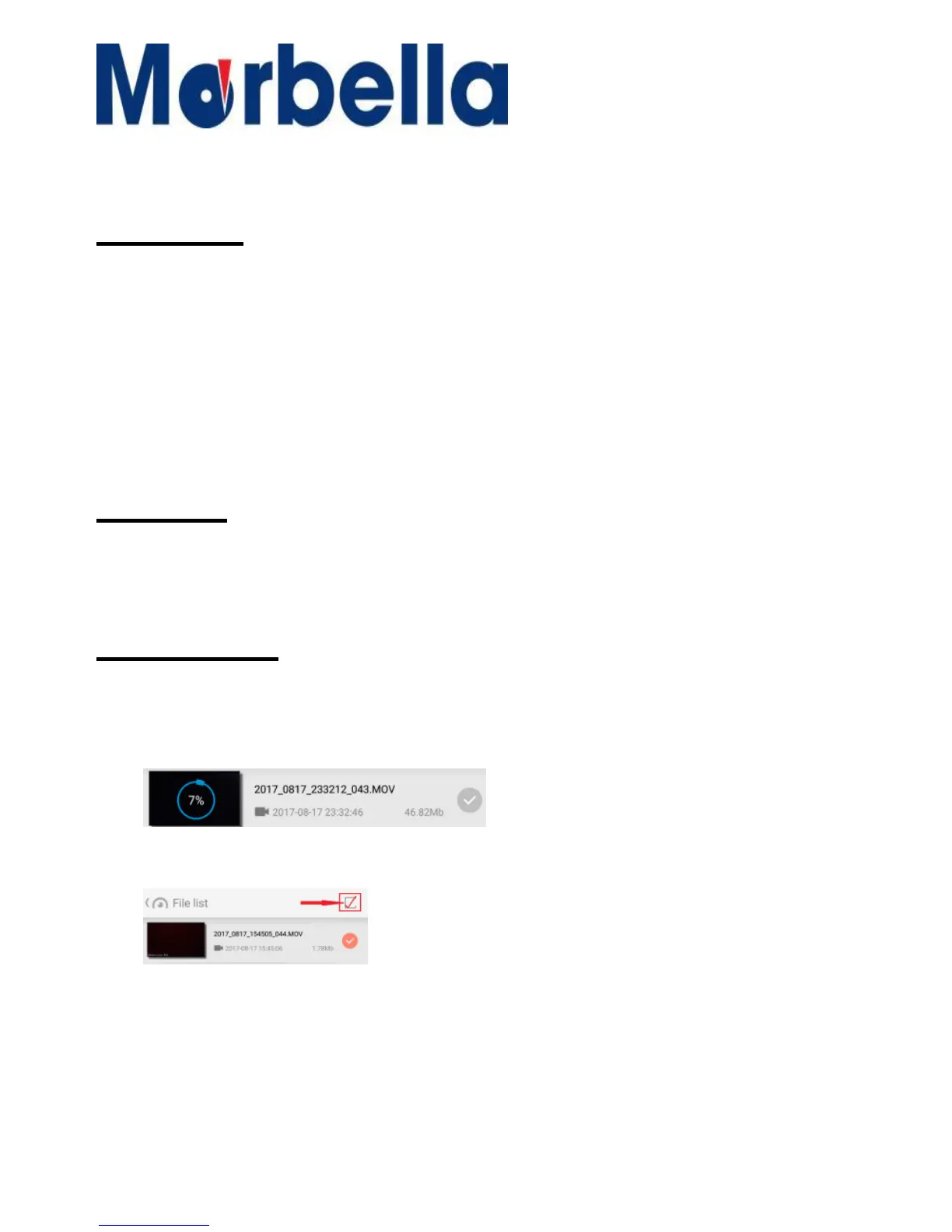
1. Tap on the file which you wish to download. You will see file
downloading is in process as mention:-
2. You could also download the file by clicking on the top right
corner to select all.
3. Download of the file vary to the speed of the phone which
will take around 3-5min for each file download
4.
Alternative you could download or playback via PC unless any unforeseen
circumstances require immediate download.



 To Next Page