24
© 2017
Ma
k
a
T
e
c
hnologie
s
G
roup
. A
ll Righ
ts
Re
s
er
v
ed
.
Getting
Started
Installation
of APPS for your TX2
F
HD Digital
Roadcorder
TM
2.
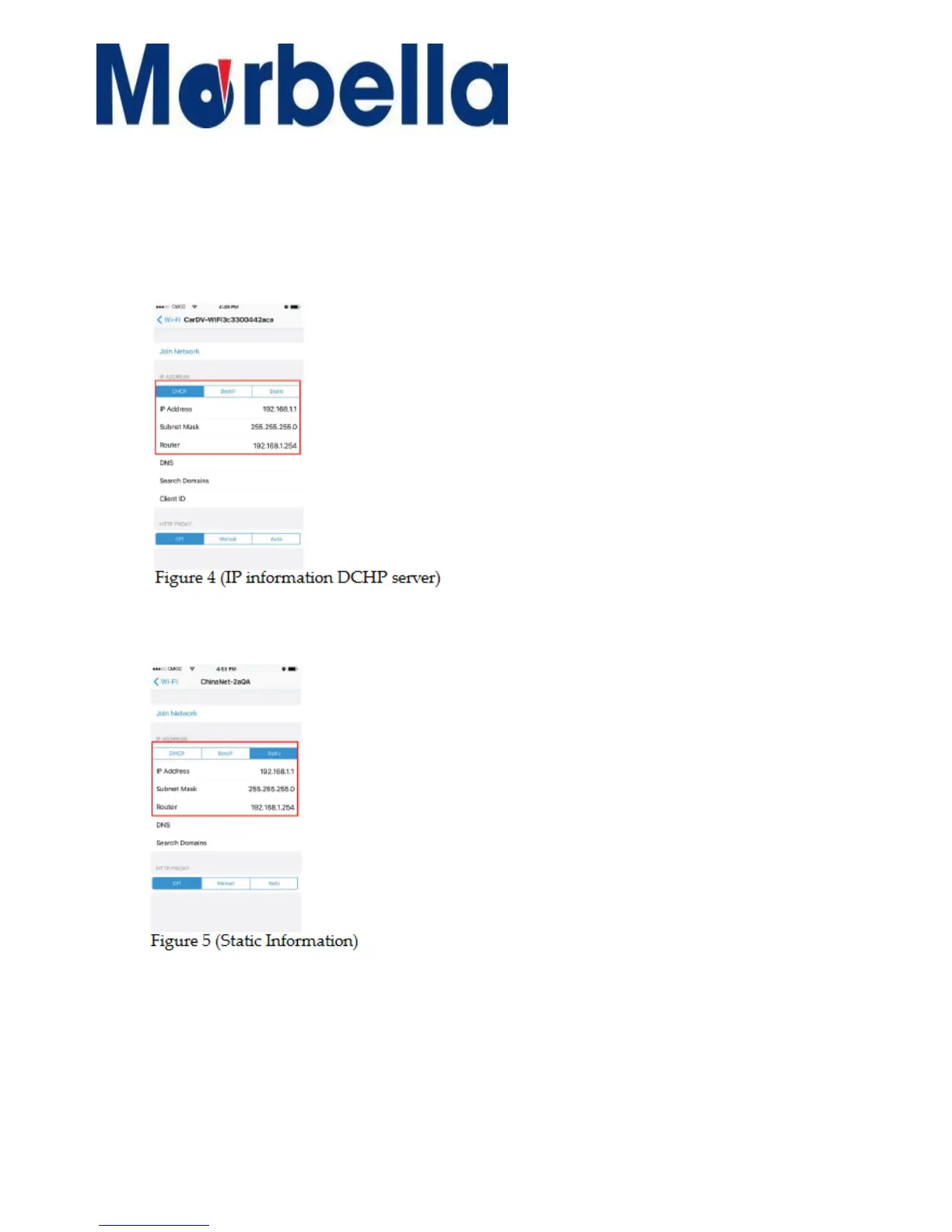
Here we can see the mobile phone has got the IP information from the
wireless DCHP server. Please take a note of the IP information shown as
on Figure 4.
3.
Click on the “Static”. It’s empty in initial state. Fill in the blanks with the
recorded IP information as shown in Figure 5.
4.
After setting up, click “Cancel” and proceed to use.



 To Next Page