A-20
Appendix Mark Levinson
Saving the N
o
502 Configuration
The Nº502 Media Console has the ability to save your custom
configurations to a computer via the Ethernet port. The Nº502 uses an
Internal Web page to interface with the computer. Use these instructions
to download a copy of the Nº502 configuration to a computer, or to
reload a previously-saved configuration.
Materials Required:
• Nº502 Media Console
• Two twisted-pair network cables or a network crossover cable
• PC-compatible computer with 100baseT network card
• 100baseT router (must be DHCP active)
Computer Requirements:
•Windows
®
2000 Pro or Windows
®
XP
• Web browser (Microsoft
®
Internet Explorer 6.0 or higher preferred)
Cabling
The Nº502 can be connected to the computer in two ways: through a
router and directly to the computer. This section describes both methods.
While connecting the cables, ensure that both the computer and the
Nº502 are powered down.
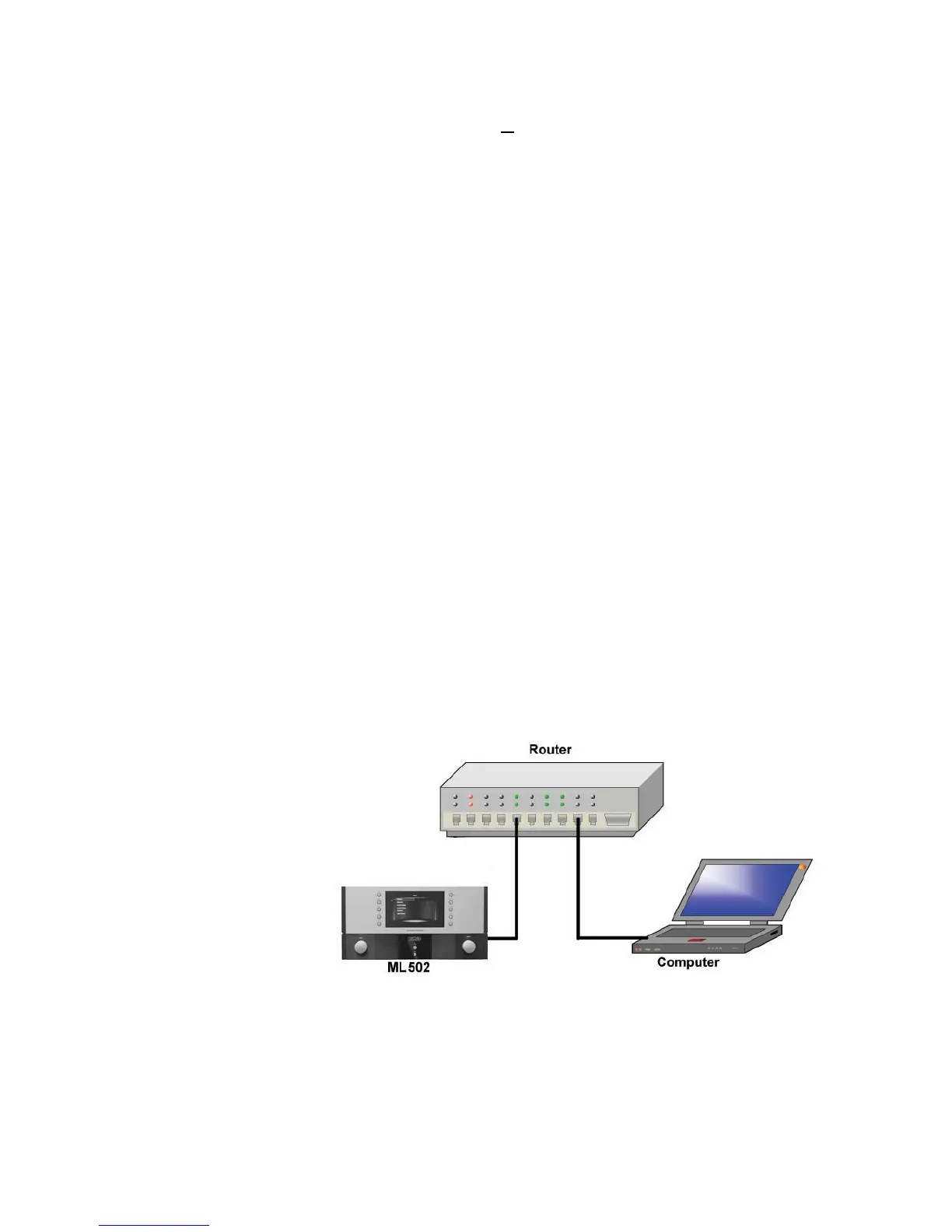
To Connect Using a Router:
1. Connect a network cable between the Ethernet port (RJ45 connector)
on the rear panel of the Nº502 and the router.
2. Attach the second network cable between the router and the Ethernet
port of the computer.



 To Next Page