3-59
Nº502 Media Console Customizing the Nº502
Name Selector
Any Display Setup, Speaker Configuration, Audio Profile, Video Profile, or
Activity can have a customized name associated with it. The same
interactive display screen, the Name Selector, is used for all custom
naming actions. The Name Selector opens whenever the menu options
Name or Add New are selected. For any custom name, a maximum limit
of 13 characters is allowed.
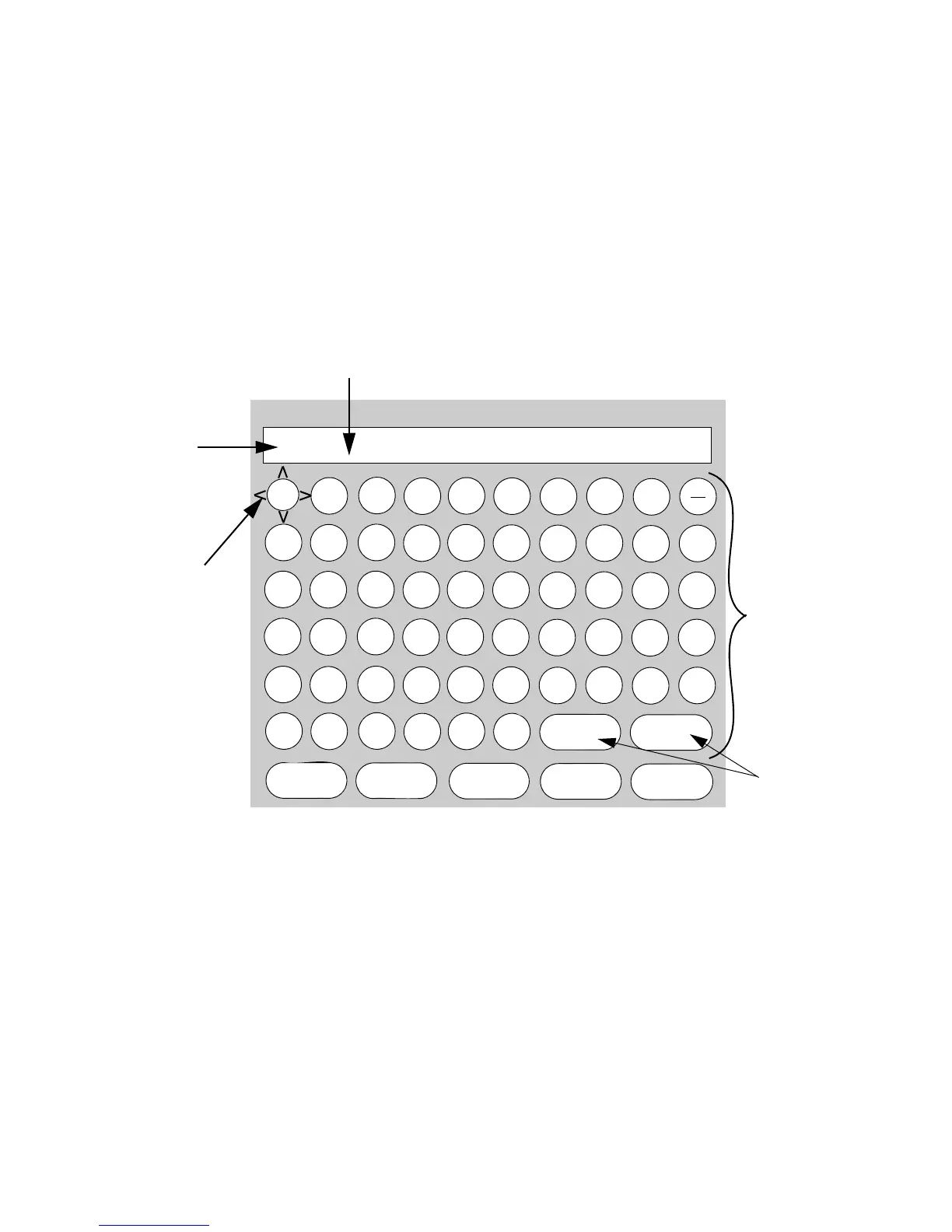
The Name Selector has several components:
• Name Line – displays the name of the Activity, Profile, or Setup
being modified. All edits made in the Name Selector are reflected on
this line.
• Cursor – marks the current character position on the Name Line. The
blinking Cursor can be moved to any position on the Name Line by
using the Cursor buttons.
• Cursor buttons – Cursor moves to any position on the Name Line.
• Keyboard – contains selectable alphabet, number, and symbol
characters. The new name is made by selecting and entering letters
from the Keyboard.
• Highlighter – encircles and highlights any command or character
on the Keyboard.
• Small (Cap) – toggles the Keyboard between upper-case and
lower-case characters. When Small is visible, the Keyboard displays
@
-
#
$
%
/
+
*
1
2
9
3
4
5
8
7
6
0
A
B
I
C
D
E
H
G
F
J
K
L
S
M
N
O
R
Q
P
T
U
V
‘
W
X
Y
)
(
Z
“
,
.
!
?
:
Plasma_
Setup: Displays - Plasma - Name
&
Highlighter
Name
Cursor
Keyboard
Line
<
>
Save
Cancel
Clear
DeleteSmall
Cursor
buttons



 To Next Page