11
N
0
5302 POWER AMPLIFIER / OWNER’S MANUAL
CONTROL
The N
0
5302 is highly flexible and allows a variety of means
of setup and control including IP, IR (input), RS232, trigger
and 3rd party control systems. For most applications
simply switching between
Standby
and
On
would be the
extent of the control needed. Additionally, an internal
webpage allows technicians and advanced users access
to power operation parameters, diagnostic information,
and firmware updates using a PC or tablet and a standard
web browser.
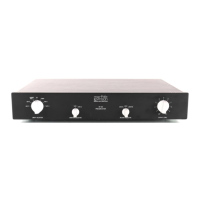
FRONT-PANEL OVERVIEW
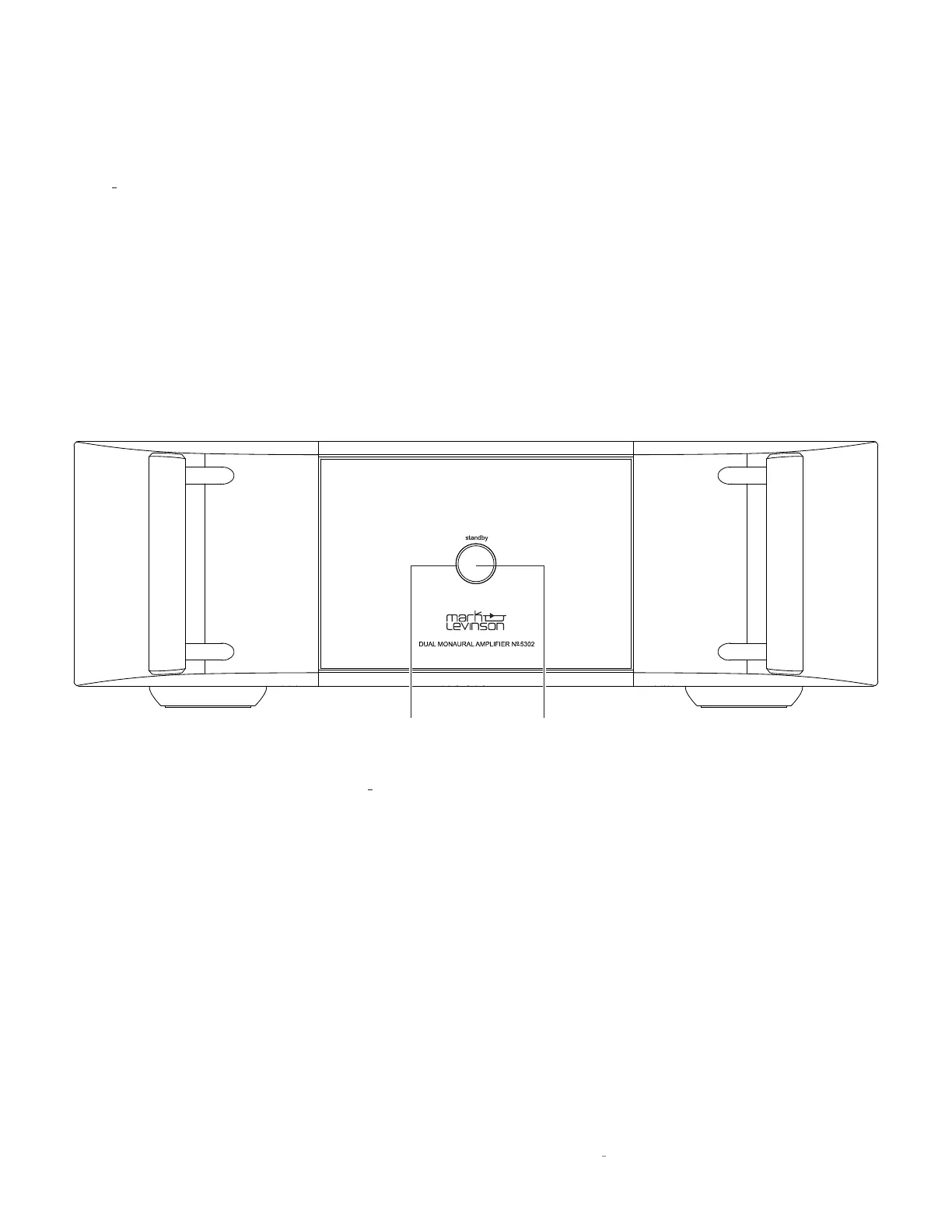
Standby button:
Press this button to put the N
0
5302 into and
out of the
Standby
mode.
LED:
Illuminates red when the unit is
On
, flashes slowly
when the unit is in
Standby
mode, and illuminates blue
when loading software. During fault conditions the LED
will illuminate white.
CONTROL
Standby
Button
LED










 To Next Page