12
Setup and Connections
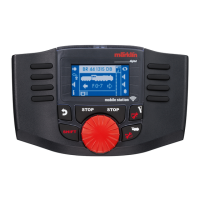
The Mobile Station WLAN is a wireless controller that
is connected to a model railroad using WLAN. To do
this either of the following can be used as a receiver:
– the 60117 WLAN Box (in conjunction with a
60114/60116 Track Box)
– a Central Station 2/3, which is operated in a suitable
network (with available WLAN)
Preparation
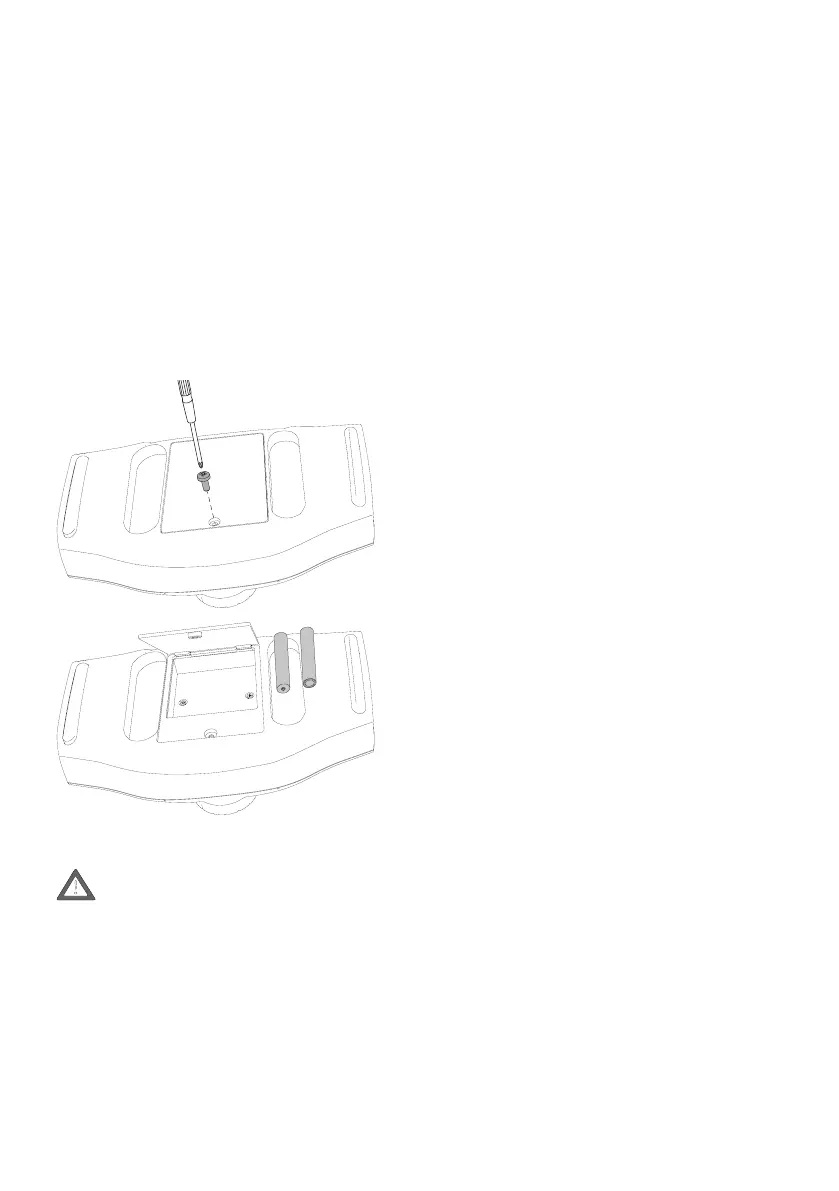
Installation of 4 micro alkaline batteries (AAA, LR03)
for the voltage supply to the Mobile Station WLAN.
Alternatively, nickel metal hydride rechargeable bat-
teries can also be used. The type of battery used must
be set under „MSW Settings, Type of Battery“.
Never swap individual batteries. Always re-
place all 4 batteries together. When doing this,
pay attention to the polarity and installation
direction.
Notes about Working with Batteries
• Batteries not designed for recharging may not be
recharged.
• Remove rechargeable batteries from the device
before charging them.
• Different types of batteries or new and used batte-
ries may not be used together.
• Remove run down batteries from the device.
• Remove the batteries, if you are not going to use the
device for a longer period of time.
• Wear protective gloves when removing run down
batteries. Then clean the battery pack and the
contacts with a dry cloth.
• Batteries should not be handled by children.
Children could put the batteries in their mouths and
swallow them. If a battery should be swallowed,
seek medical help immediately.
• See „Before Using for the First Time“ and „Dispo-
sal“ about disposal of batteries.
Operation with the 60117
WLAN Receiver Box
Requirements:
• A 60114/60116 Track Box must be connected to the
model railroad and must be ready to operate.
• The 60117 WLAN Receiver Box must be connected
to the Track Box and must be ready to operate.
• A maximum of 4 Mobile Station WLAN units can be
coupled to a 60117 Receiver Box.
Operating for the First Time
1 Turn the Mobile Station WLAN on by pressing on
the STOP button (> 1 second).
-> The Mobile Station WLAN will display all found
WLAN sites. Among them also the WLAN Box.
2 Select the WLAN in the WLAN Box
3 Enter the password for the WLAN.
-> select the desired letter with <shift> + the control
knob
-> conrm the letter by pressing on the control knob
-> search for the next letter.
Password: maerklin160
Operation with a Central Station 2/3
Requirements
• The Central Station must be connected to a router
by using a network cable. The router must make a
WLAN available, which can be received in the area
of the model railroad with sufcient quality.
• The software on the Central Station must be the
current version.
• Both the router (WLAN) and the Central Station
must be turned on and ready to operate.
Operating for the First Time
1 Turn the Mobile Station WLAN on by pressing on
the STOP button (> 1 second).
-> The Mobile Station WLAN will display all found
WLAN sites.
2 Select the desired WLAN
AAA Micro
AAA Micro


 To Next Page