Page 82 / 86 Technical Notice CSO/CPO V1.1 / 10.14
10 Troubleshooting
HP contact open
- Ambient temperature too high
✔ Cut off the power supply
Cool down the local environment
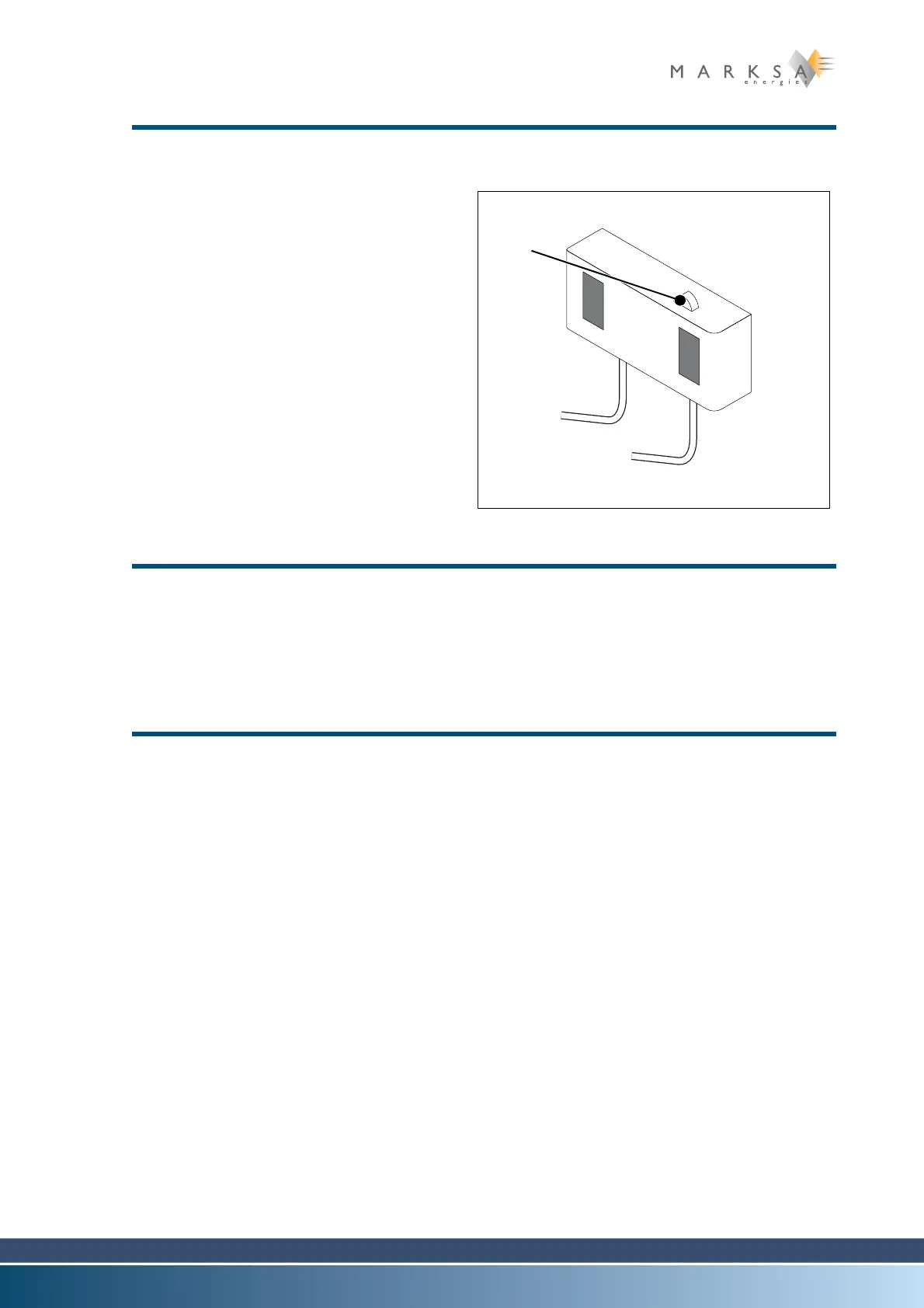
Restart the unit by pressing the
pressure controller RESET
button (1)
Restart the power supply
- Filters (Option) fouled
✔ Clean or replace the filters
- Exhaust fan defective
✔ Clean the exhaust fan or change
it.
- Condenser fouled
✔ Clean the condenser.
The thermostat no longer controls the compressor
- Faulty probe (the alarm message Er... on the thermostat display)
✔ Replace the probe
- Faulty thermostat
✔ Replace the thermostat
The unit will not restart after a RESET (if option Y programmable problem recovery
controller is not installed)
- Problem in the LP section
✔ Call a refrigeration engineer
- If the refrigeration unit won't perform after a careful check following our procedures,
please call a local refrigeration engineer.
Fig. 10-2 : Pressure controller



 To Next Page