12
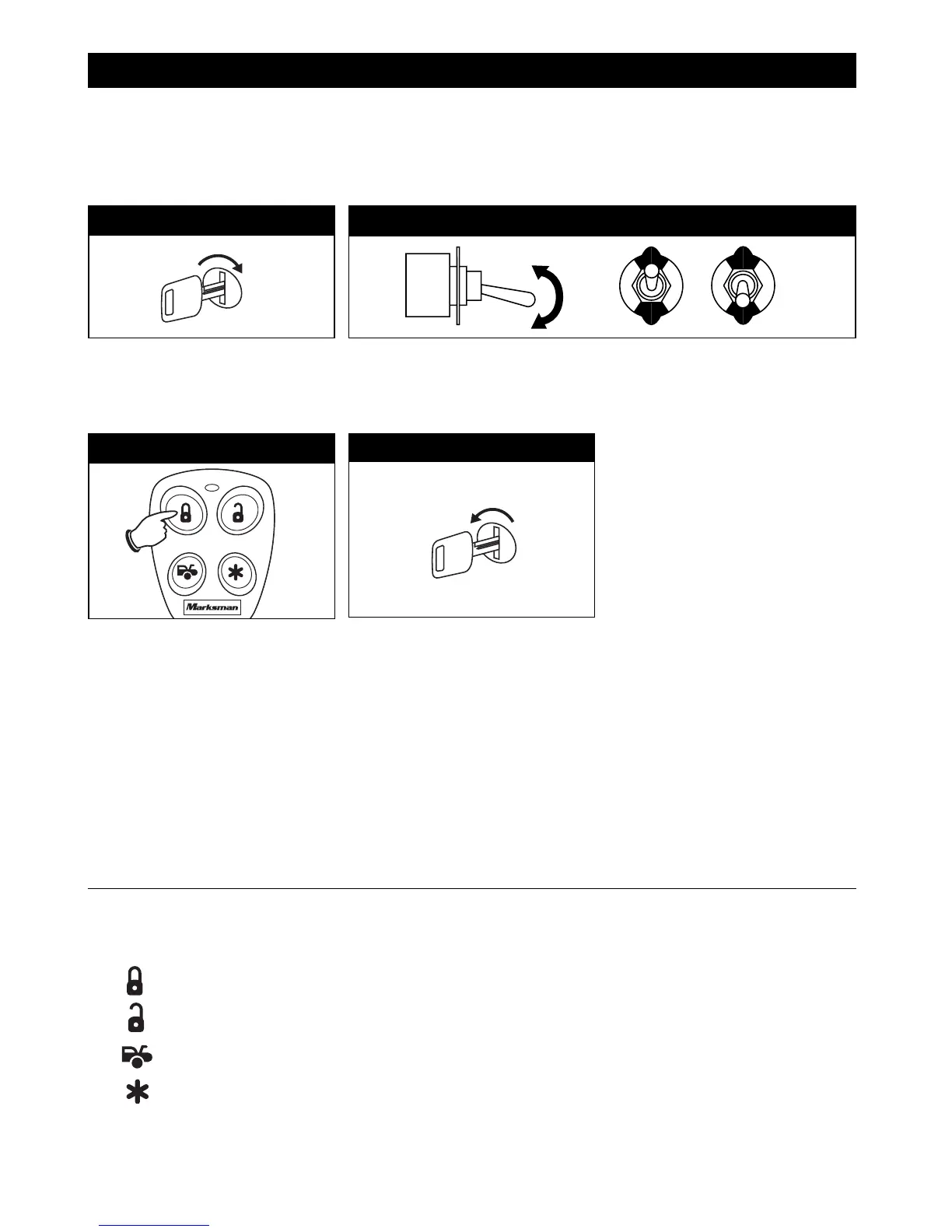
Step 5: Transmitter Coding
ON
Remote Transmitter Coding and Operation: Dedicated Buttons
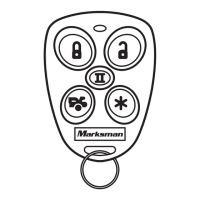
The supplied transmitters are pre-programmed to the security system alarm module using
Dedicated Buttons Mode. Follow the procedures below to add replacement transmitters or to
change from Dedicated Buttons Mode to Separate Channel Mode.
Step 2
Step 1
Turn On the Ignition Key
Flip Valet Switch On/Off 3 Times
The horn/siren will chirp 1 time and the LED indicator will be on solid. This
indicates the module is ready for programming Dedicated Button Mode.
Step 3
Depress Lock Button
The horn/siren will chirp 1 time and
the LED will flash 1 time. The
transmitter is now programmed. To
program additional transmitters at
this time, depress the LOCK button
on each additional transmitter. You
will get 1 chirp and 1 flash from the
LED when the transmitter is learned.
OFF
Turn Off Ignition Key
The horn/siren will sound 1 short +
1 long beep. Transmitter
programming is now completed.
Step 4
OFF
ON
OFF
ON
Separate Channel Mode:
When programmed for Separate Channel Mode the transmitter buttons operate as follows:
Button: Lock/Unlock
Button: Channel 2
Button: Channel 3
Button: Panic
To program the modu
le for Separate Channel Mode, follow the instructions on the next page.
X3
M5A-IM 9/10/04 9:27 AM Page 12



 To Next Page